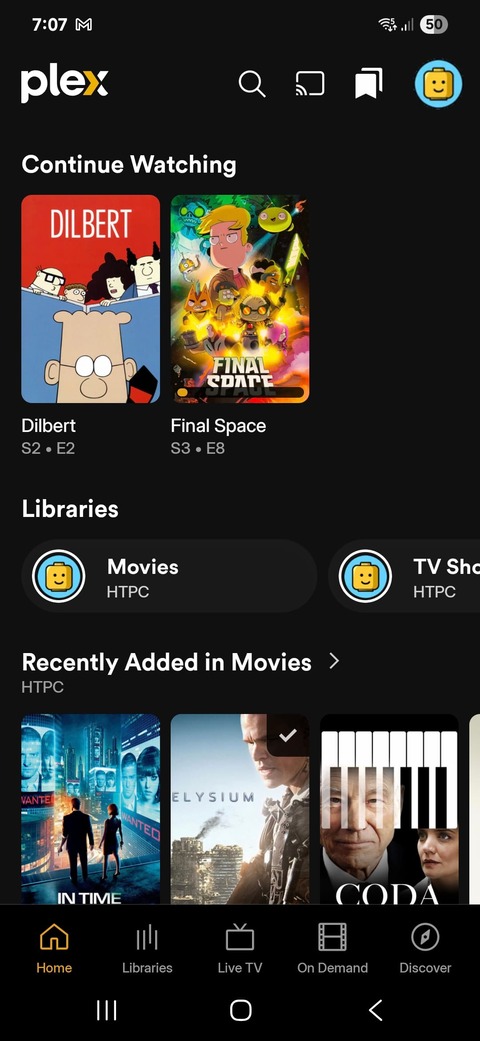
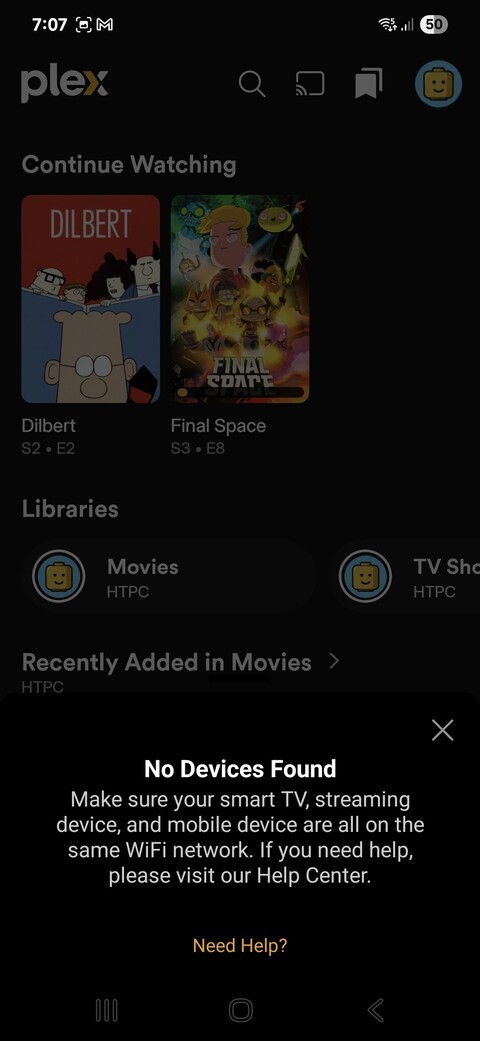
I have just installed the new Plex app and it is unable to see the server, i.e. if I tap the cast button the Plex App tells me “No Devices Found”. The Plex app can see some of the media on my Plex Server but it is unable to cast to Plex HTPC.
This is terribly frustrating because the Plex App is one of the main ways I interact with Plex on my HTPC, along with the remote in Unified remote. While the old Plex App wasn’t perfect it did work fairly well and I never had any major issues with it.
Deleted/uninstalled the Plex App, rebooted my phone, and reinstalled the Plex App on two different phones an LG V30+ (running Android v9) and a Samsung S24 (running Android 15). Both phones are on the same network as the server.
Rebooted my Plex server. (note Plex HTPC and the Plex Server are installed on the same machine)
Tried pausing add blocking on my Pi Hole.
None of the above troubleshooting steps worked.
This is what the Plex App sees when I launch it on my Samsung S24:
You were on the right track here. You would have needed to restart the app completely after that.
You can add a domain to the allow list config.claspws.tv and restart the app completely.
A fix is being worked on to address this so that this won’t be required, but for now if you’re using some ad blockers like PiHole you’ll need to add this exception.
Thank you for your suggestion. I implemented the fix but unfortunately it hasn’t resolved the issue, i.e. it doesn’t appear that Pi Hole blocking is the cause of the issue.
Steps taken:
Added config.claspws.tv as an allowed domain:
Rebooted my phone (S24)
Launched the Plex app on my phone
Tapping the cast button still throws a “No Devices Found” message/error
Further troubleshooting tried, in order:
Updated Pi Hole
Rebooted Pi Hole after the update
Disabled Pi Hole blocking
Rebooted HTPC - i.e. the system hosting Plex Server and Plex HTPC
Rebooted my phone (S24)
Launched Plex app on my phone and tapped the cast icon, same result - tapping the cast button still throws a “No Devices Found” message/error
Deleted Plex app cache and data, tried steps 3 thru 6 again. Same result, still getting a “No Devices Found” message/error
Uninstalled Plex app
Rebooted phone
Reinstalled Plex app - issue still persists.
Is there an ETA for the fix? I will wait for the fix and see if it resolves my issue unless there are any other ideas/suggestions you may have that I can try?
I have implemented Jinglz solution and am able to see all the Chromecast, Nvidia Shield, Roku, and LG devices now show up. I still don’t see the Plex HTPC app for windows however. I have tried turning off all ad blocking and firewalls.