I had plex running on FreeBSD 11 for a few years. Recently decided to move up to FBSD 12 and switch to ZFS.
Got the latest plex installed, the IP of the server was kept the same so port forwarding remained unchanged.
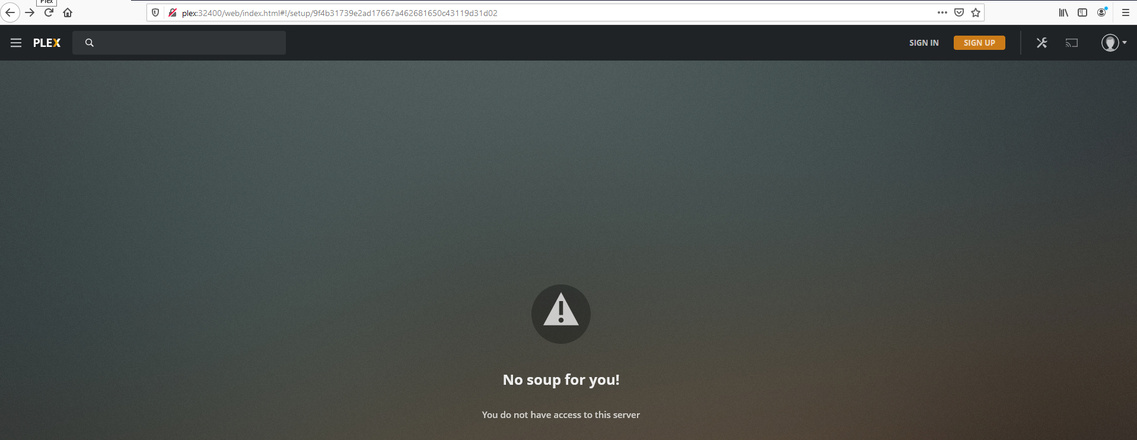
When I log in to my account it’s saying my plex server isn’t found
“The server “plex” is unreachable. Make sure it’s running, double check your network, and try again.”
I don’t see an option to remove and add a new server.
Server Version#: plexmediaserver-1.20.4.3517
Player Version#:
FreeBSD 12.2-RELEASE r366954 GENERIC
pkg install plexmediaserver
Updating FreeBSD repository catalogue…
FreeBSD repository is up to date.
All repositories are up to date.
Checking integrity… done (0 conflicting)
The most recent versions of packages are already installed
service plexmediaserver status
plexmediaserver is running as pid 794.
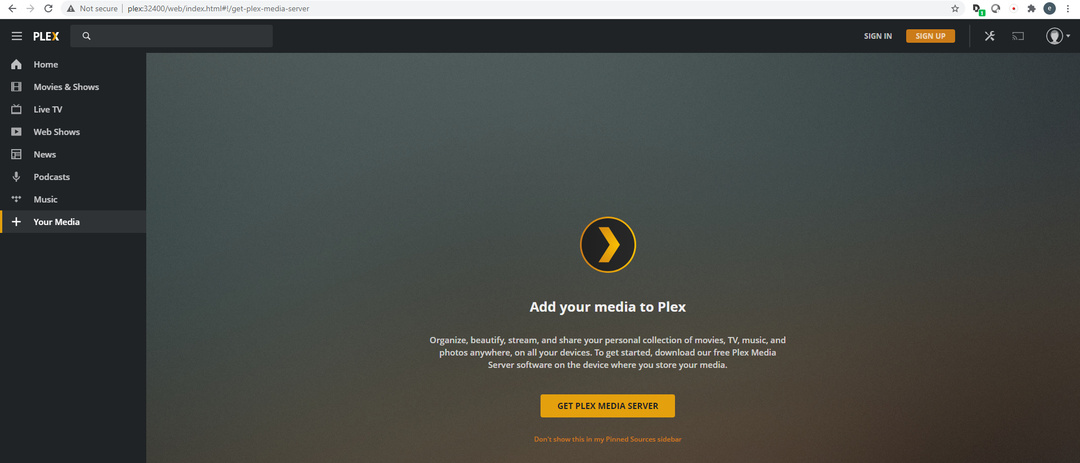
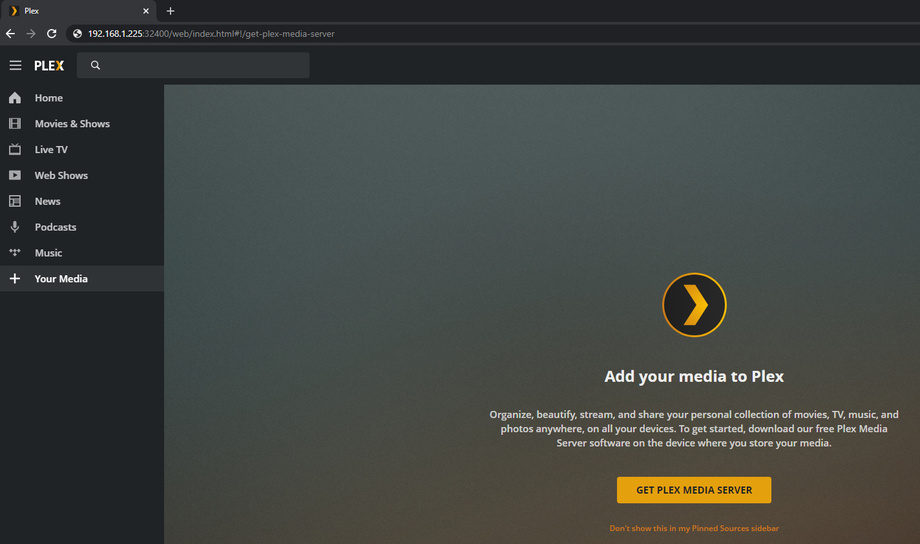
If you installed a new server, make sure to complete the setup by first opening Plex through the bundled version of Plex Web; e.g. via http://127.0.0.1:32400/web if you’re accessing Plex from that FBSD12 machine, http://[local PMS IP address]:32400/web otherwise.
This will allow you to name your new server and to link it to your account.
Also see the last chapter in the related support article.
If the old server keeps appearing you can remove it from the list of allowed devices:
i was able to get back up and running by installing Xfce and firefox on FBSD. Once installed, I was able to log in to http://[local PMS IP address]:32400/web on the server itself and claim the server to my account. For some reason I don’t recall doing it this way in the past, I was simply able to configure plex server and add it to the account by accessing http://[local PMS IP address]:32400/web from a computer on the same network.