Server Version#:4.141.0
Player Version#:2015.13.0 (iOS/iPadOS)
<If providing server logs please do NOT turn on verbose logging, only debug logging should be enabled>
Hi everyone.
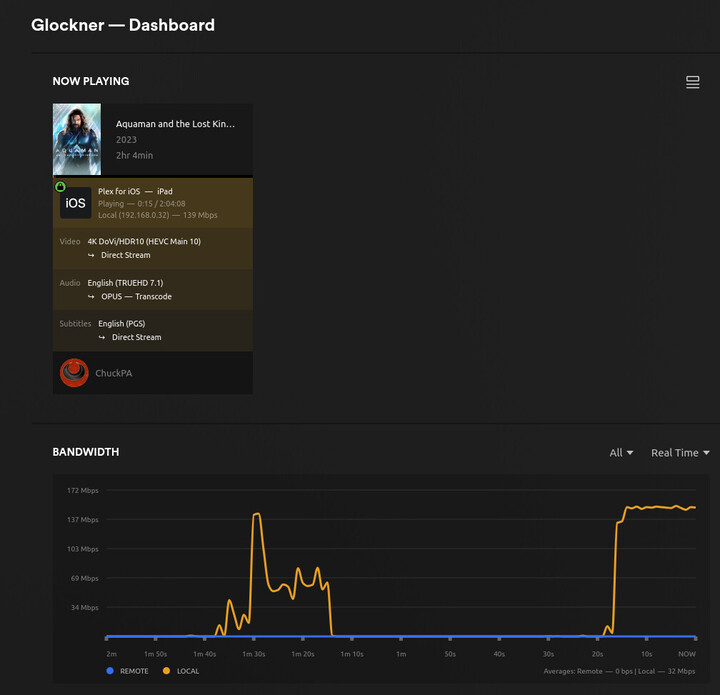
I’d update to las version last night. Today I try to reproduce my media (mostly in h265), and now, I can not do it, saying no CPU power enough. From years, I always play directly (no transcode), but with new version need to transcode to h264 for reproduce..
Can you fix that with news version please?
Thanks in advanceh
I have the same issue. The difference is that I have set “Enable HEVC video Encoding (experimental)” in server side. so, the player from my iPAD is transcoding in to 10Gbps (HEVC) automatically.


Same issue since yesterday, had no server update in between (jumped now to the most up to date version), but got an app update yesterday.
Everything is set to direct play and direct stream but it still complains about CPU power for h265 files.
in my ios appstore there is only 2025.13.0 available, hopefully an update to 2025.14.0 will solve this issue.
To be honest I have no idea to access the log files on my Seagate NAS as it is in a protected space.
Server Version is now: 1.41.6.9685-d301f511a


This is the log file.
Plex Media Server Logs_2025-04-18_15-24-50.zip (5.4 MB)
From what I have been told a fix for iOS and ATV HEVC transcoding is on Tuesday next week via Testflight
Thanks for replay.
There is not 14.0 on AppStore (spain)
All my settings are right, like I had before. A friend also updated and now, can not reproduce any h265 like Direct play.
Another idea, maybe downgrade if team add previous version?
Thanks again
EDIT: sorry, I didn’t say. Both devices are in 18.4.1

Thanks for keep trying.
Do you know when the v14 will be ready?
Greetings!!
EDIT**: I see in other post new version will be next week. For someone needs to reproduce because don not have other way, can use TestFlight, and install Plex Experience (beta). Will install v8.2 and works totally fine with h265
I don’t know when they will release 2025.14 but AFAIK they are on quasi-weekly releases.
I don’t know what impact the holiday will have on the schedule.
Just an update for all the interested shoppers 
QA testing HEVC HDR testing completed OK 
Should be in the home stretch
I know the impact this bug have on MY holidays… thanks Plex, always better and better
Realase v14 is ready and working again!!
Yes it is! Been testing it.
I’m currently testing 2025.15.0 (build 1039)
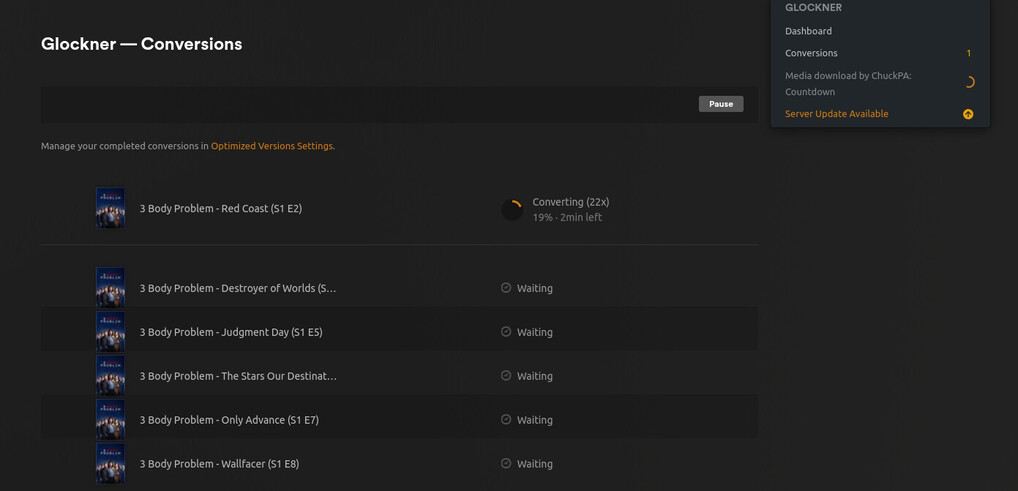
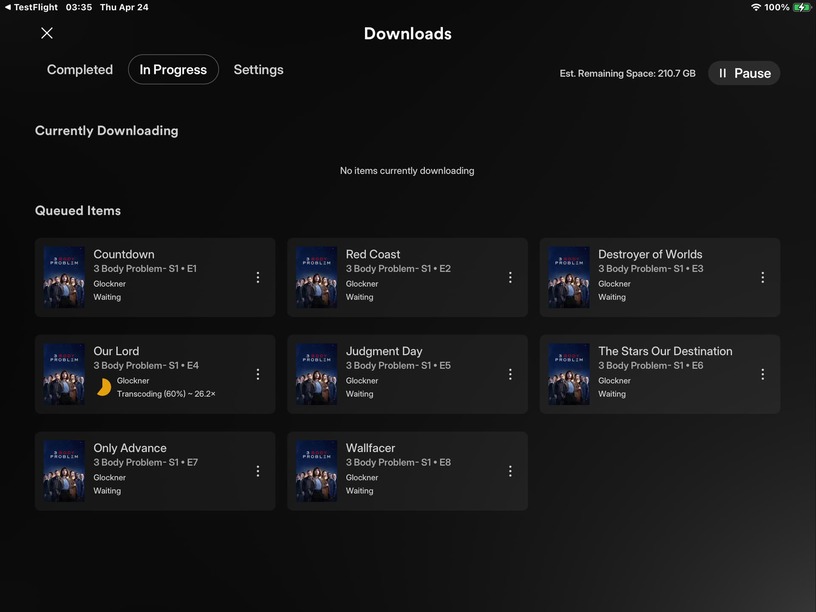
When will fix the grandparenting downloads? The download just don’t show. The new version you are testing it’s fixed? Can you give some feedback? And one more thing . When direct play subtitles display okay. But when transcoding they become huge. Can you confirm that? The subtitles are embebed in file.
Why my post was deleted?
Test mov_text embebed subtitles with transcoding. You will see the subtitles go huge.
