Just checked this weekend and the problem with the game titles seems to be with my Firestick 4K client. When I check on my LG TV client all the titles are correct, listing the teams for both NFL and College. The Firestick just has generic names like College Football for all games.
Can you tell me what the version number is of the android plex app on the fire stick. Sounds like using old cached data
All of my NFL games were named perfectly yesterday. I appreciate your attention to the matter!
My Firestick 4K version is 7.23.0.13018. I actually deleted it and reinstalled it just a few days ago, since that has solved problems in the past. If you think that should be working, let me know and I will do a little more experimentation as to not waste your time.
Are we sure that the screenshot is not of the older recordings - made before installing the version of Plex Media Server that fixed the problem.
When did you install 1.18.2.2029 or later versions? And is there a separate “NFL Football” show?
Whilst not explaining the screenshots posted here on the 21st November (my timezone) NFL Recordings, we did have a regression after guide refreshes made on 24 November which may resulted in Sports recordings not being recognized as sport. This has just been fixed and an EPG manual refresh now will pick the right sport tags and resolve the issue

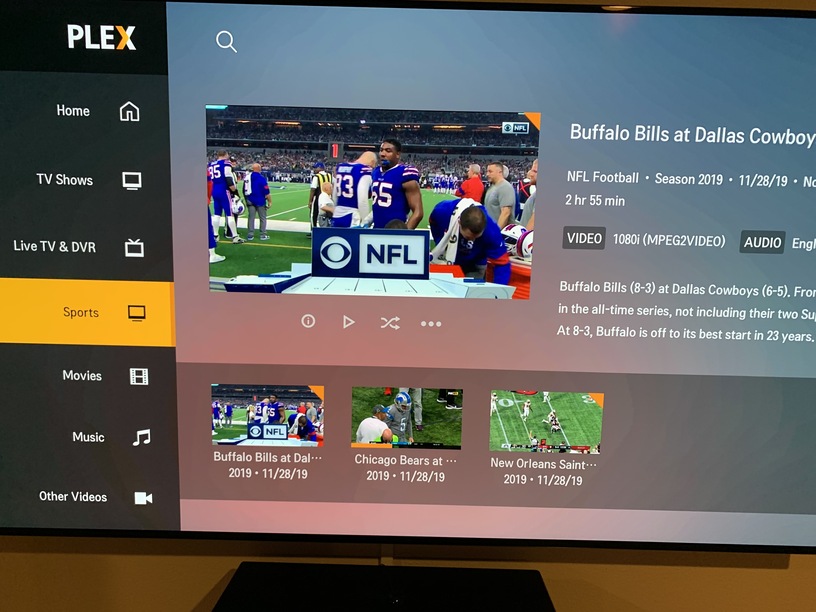
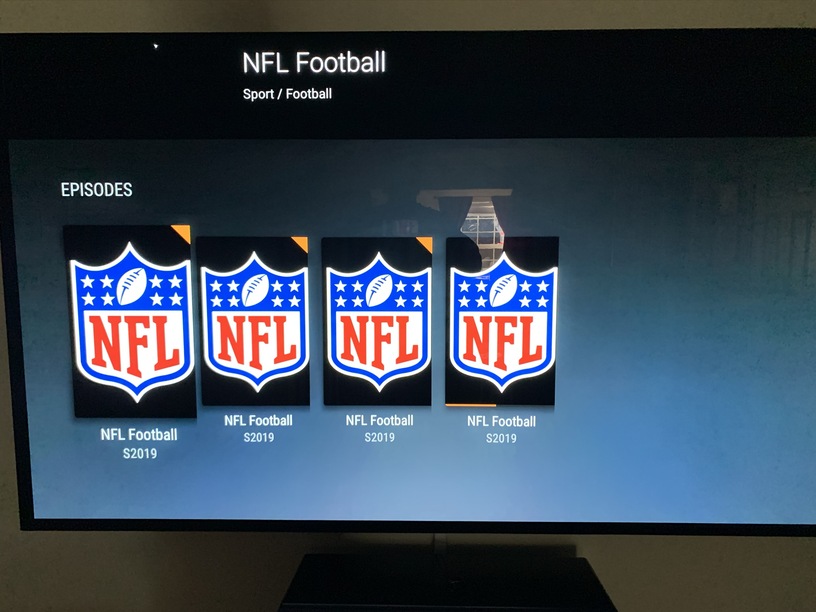
So there is something different with the fire stick 4K app. The first image shows how the football games are displayed on the fire stick 4K app. These games were recorded after deleting all previous games and reinstalling the app on the fire stick 4K.
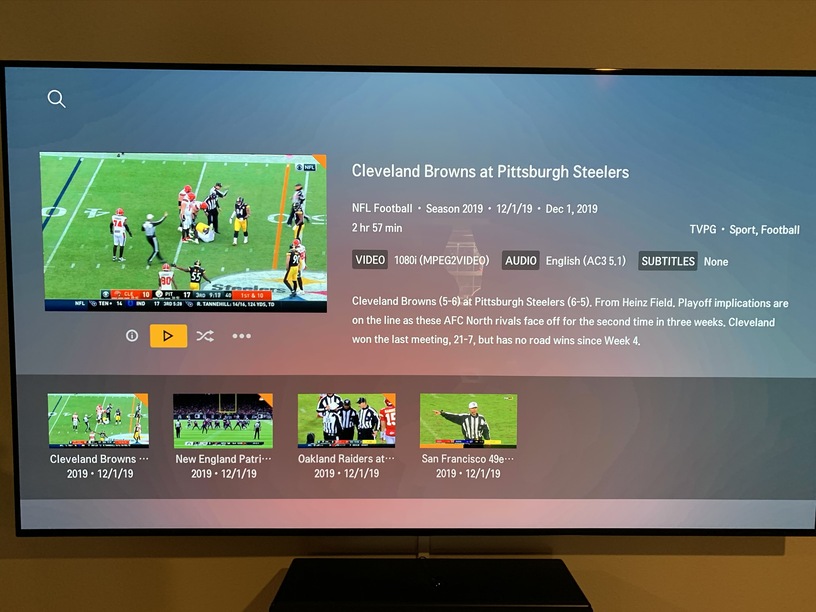
The second photo is from the WebOS Plex app on my LG TV. The games also show the correct names on my iOS devices.
BTW - I have 2 Firestick 4K installations and they are both the same.
This has been broken since the Guide switch with College Football with ESPN/ESPN2 all fall as well as HL Hockey, it is not just NFL games all sports are broken, the latest beta 1.18.2.2058 may actually be worse as the Enhanced Guide and renaming hack doesn’t work anymore.
Please Help soon as we really need a fix, a new work around or roll back to the old guide provider before the college bowl game season starts in earnest next weekend. Time is up.
I can confirm that the same is true for me with College games - naming works properly on all my clients EXCEPT Fire Stick 4K.
The 3 NFL icons showing on the Amazon Firestick 4K screen, are they broadcasting on different channels ? When happens when you click each of these icons ? Do you not get list of episodes?
No, those 3 icons ARE the episodes - the same 3 episodes that are showing in the other picture.
I tried to reproduce what you had in the screen photo but was unable to. I need the sequence of steps. What I did:
- Select Live TV & DVR
- Search: “NFL Football”
I got show found and then on opening it up, I got the show and further down list of episodes.
I did this on Amazon Fire TV Stick 4K with version 7.23.0.1301
This morning, Plex updated to 7.25.1.14216 and again I am unable to reproduce exactly what you had. The only consistency between what you see and what I got is the poster being that for NFL in each case
This morning’s test
Selecting Live TV and DVR and then Search

Search Result
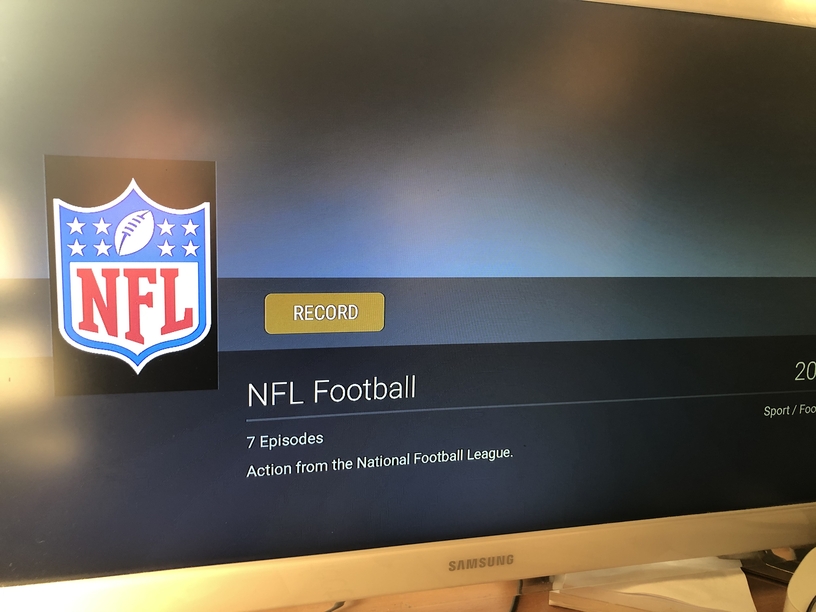
Scrolling down gives list of episodes

and on selecting one of the episodes
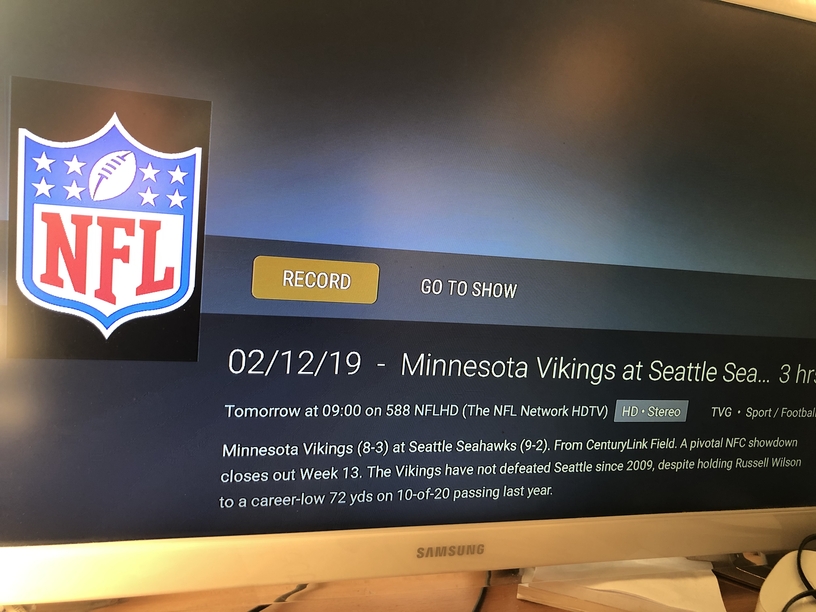
Thanks for your detailed response!
I am also running Amazon fire stick 4K Plex version 7.23.0.13018
When I go through your sequence of steps I get the exact same thing that you do. My problem is with the recorded NFL games, or college games for that matter. Here is my sequence:
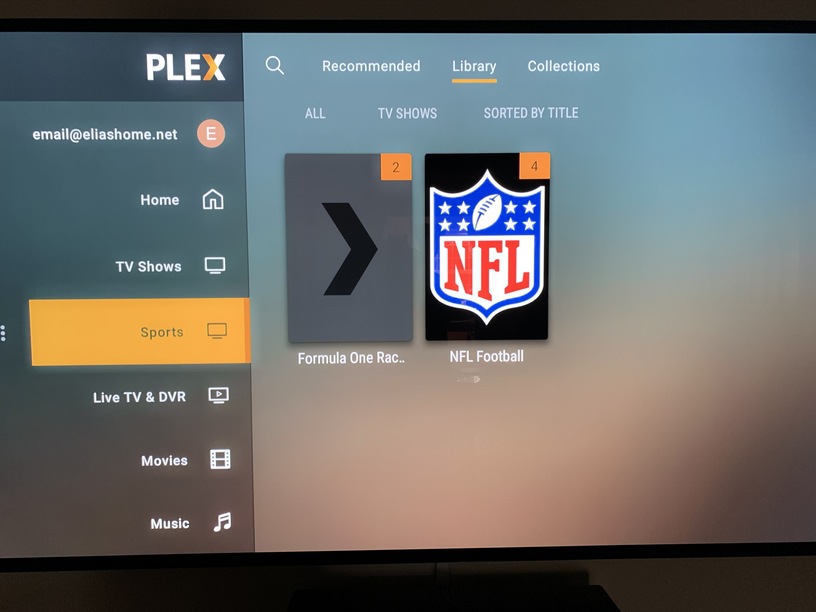
- go to the main menu and select the Sports group, where I have all my sports being recorded to.
- in the sports group select Library, and it shows the sports groups. NFL football being one of them. Mine shows that there are four games recorded.
- select the NFL football group of four games, and scroll down to see the episodes. All episodes have the exact same name. On all of my other clients the episodes are listed by correct title.

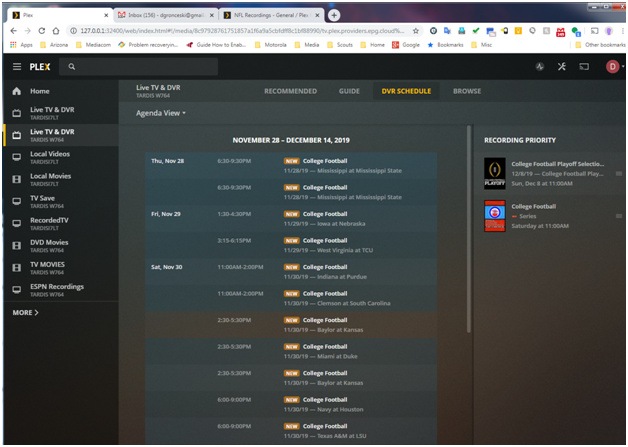
Exactly the same thing with College Football using the Chrome browser into web client on the local PC, this is not just a display issue on my 2 FireTV, Fire TV4k, Tivo and android either, although they too have been broken since the Guide/DVR changes a few months ago. Frankly I can demonstrate at will see attached examples from last weekend…
Using a Standard recording of College Football legacy digital cable tuner source which is not providing the correct episode icons during the DVR scheduling but does show the correct teams and times at least to start with but also shows all channel sources for each game which is weird.
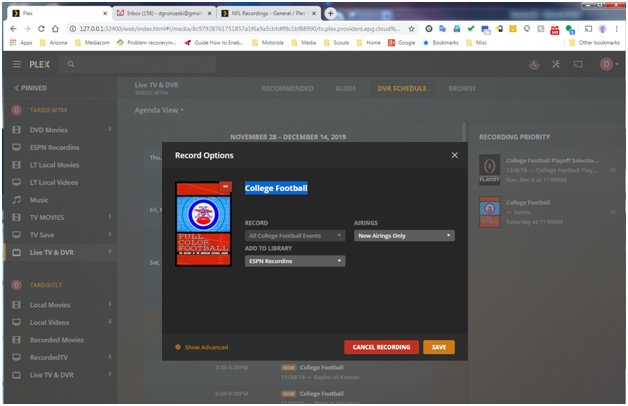
The folder views are broken with the (YYYY) in the name without correct times so the files are orphaned by Plex DVR matching.

Looking using the Plex media browser shows Plex DVR names are ignored by Media browser and metadata

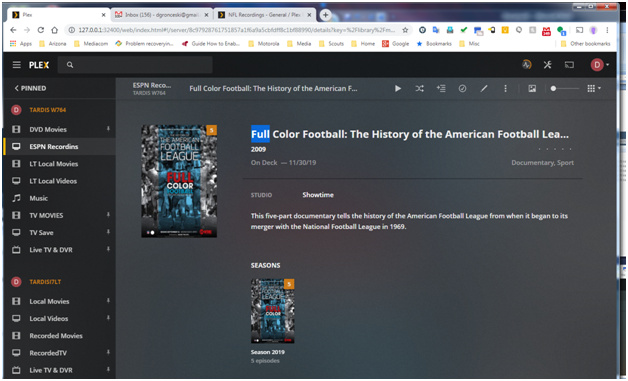

See no episode names and when played all advance at the same time, like Plex cannot tell teh episodes apart even though it recorded them directly.
Any further thoughts on the situation with the Firestick 4K?
Appears to be using wrong images - displaying the TV Show image instead of the episodes
It is ok on the mobile app
I have raised this with the android development team
From what I see, I think you have the Enhanced Guide option enabled - I suggest you disable it as with this option you do not benefit from the recent fix for Sports / News. Unfortunately it is mismatching some of the sports events leading to wrong info
why in the world is this only for DVR-Section ?! Whats with my Sports-Section from other sources ?! Why no official SportsScanner ?!
every single thing Plex does, they do it wrong.
I had to cancel my NFL recording. It is still recording new episodes constantly. The season is over.
