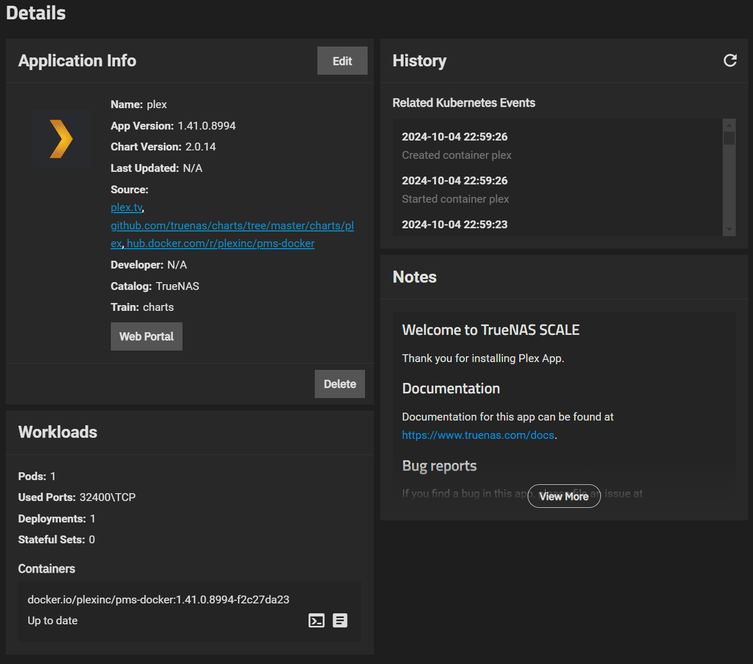
Server Version: 1.41.0.8994
Player Version: 10.22.0.1579 (6a8017c9) (Android App on Nvidia Shield Pro)
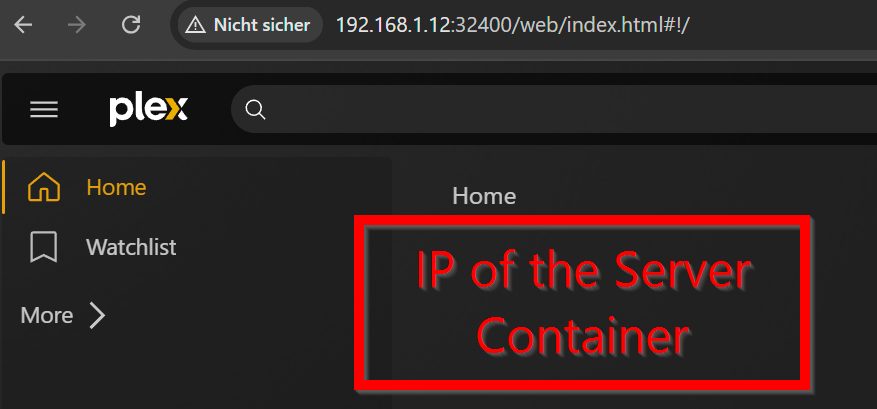
Server IP: 192.168.1.12:32400
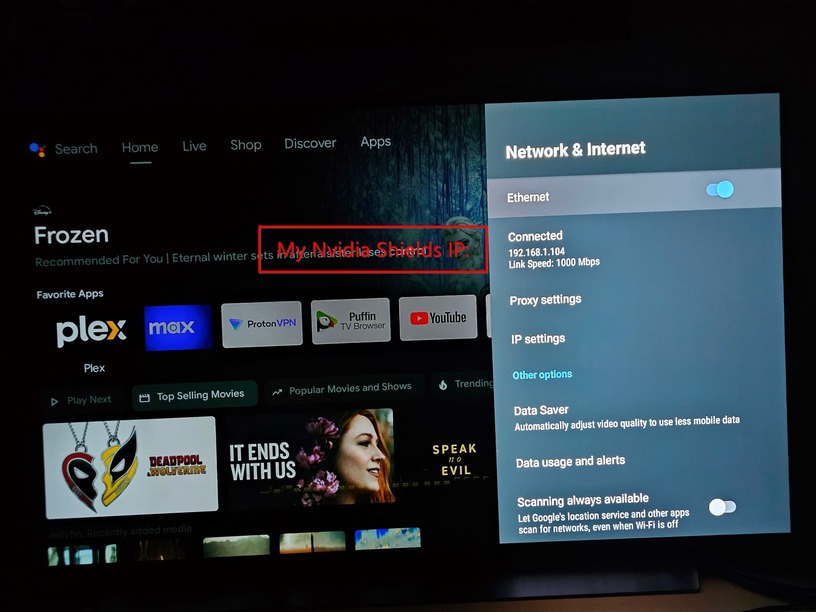
Player IP: 192.168.1.104
Server installation: TrueNAS SCALE with Plex Media Server Docker from official TrueNAS catalog
App Version: 1.41.0.8994
Chart Version: 2.0.14
Hello everyone
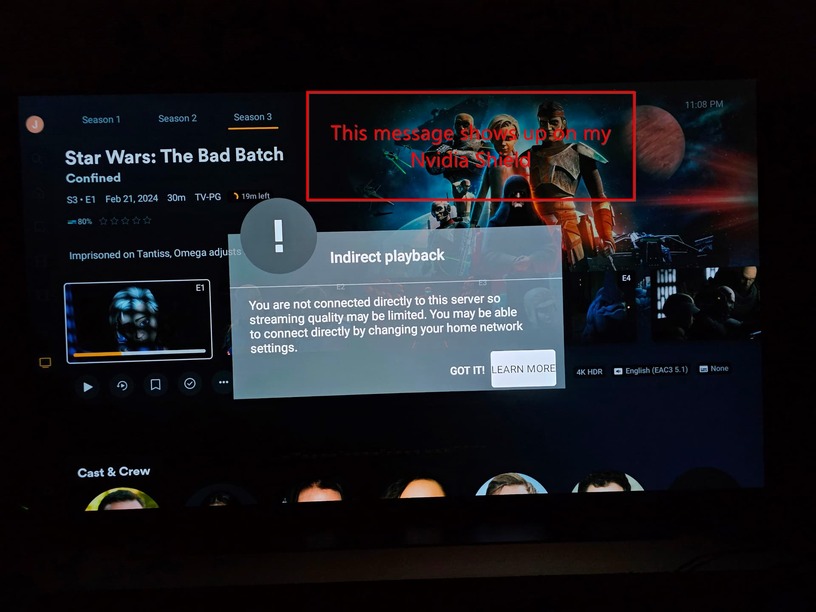
My Plex app on the Nvidia Shield TV Pro does not connect directly to my Plex server.
Both are on the same network, but the Shield streams remotely at 2mbps…
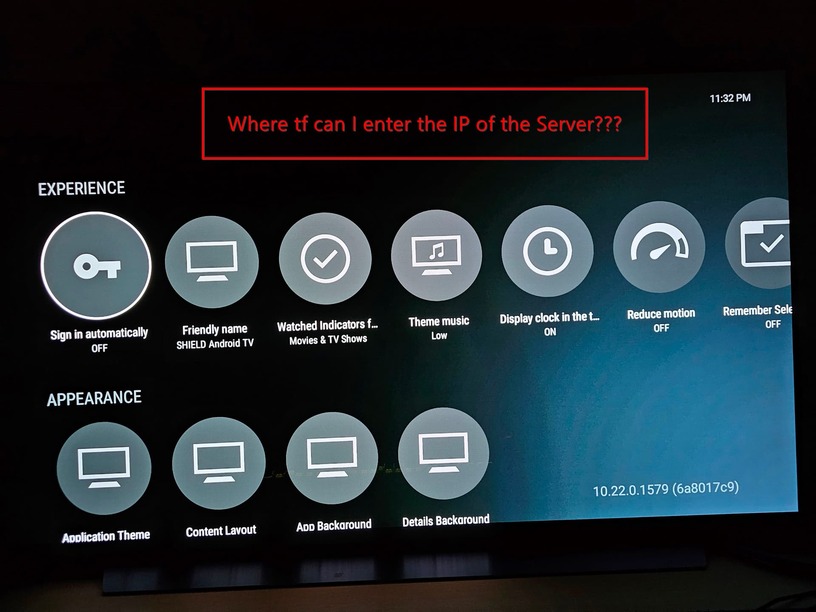
Where in the app on the Shield TV is the option to manually enter the IP and port of the server?
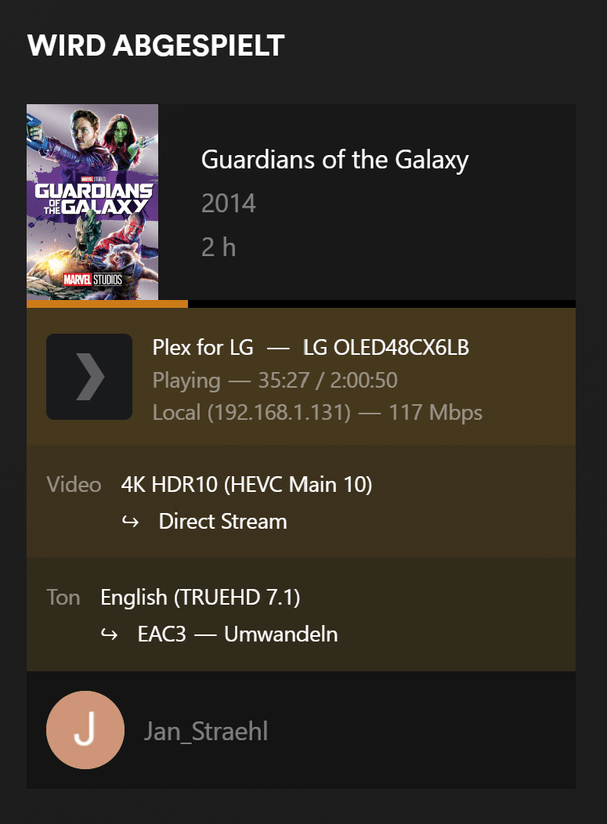
On my LG Oled CX TV (App from LG contentstore), I can set the IP and port without any problems. Then direct stream is possible without any problems.
The warning about an indirect connection has nothing to do with Plex not seeing your server.
It means the server and player are on different networks (could be different subnets based on intentional or accidental network segmentation). Hence Plex considers the stream to be remote – however there appears to be an issue with your remote access setup, requiring the connection to be routed through a Plex relay server (indirect).
Entering your server’s IP address manually won’t change that.
Fix #1: review your network setup – if you’ve configured your network into separate subnets, make sure Plex knows which subnets should be considered to be part of your local network (Settings > [Server Name] > Network > LAN Networks).
How are those 3 subnets setup in your network?
Are the devices connected to the same router or are there different active network components involved, when it comes to assigning/establishing those subnets?
As already mentioned several times: Client and server are on exactly the same network: 192.168.1.0/24.
The other two networks are for additional clients, once the basic setup would work. There are three LAN interfaces on my OpnSense firewall. Communication between the networks is guaranteed (Allow LAN to Any Rule).
Plex clients normally don’t use IP adresses. They always try and use the FQDN of your server, because only then they are able to encrypt the traffic.
And for this to work, your DNS resolver in that subnet needs to be able to properly resolve your server’s FQDN to its local IP. And that is something which many DNS resolvers don’t allow. It’s called “DNS rebinding protection”, and is generally a good thing because it can be used for nefarious purposes.
However, Plex is relying on it, so your DNS resolver needs to be instructed to make an exception for the domain plex.direct.
If your DNS resolver is an open souce product you are usually able to do that.
If your DNS resolver is still part of your proprietary router firmware, you might be not so lucky.
I have made the custom DNS rebinding exception in Unbound DNS of my Opensense. Unfortunately, I am still not able to resolve the fqdn of my plex media server:
The FQDN of your server is not plex.direct, but something like 192-168-0-12.625d406a00ac415b978ddb368c0d1289.plex.direct
i.e. a second level subdomain of it.
Which it is, you can find either in your server logs or by querying https://plex.tv/api/resources/?X-Plex-Token=TOKEN&includeHttps=1
You are still querying one level above of the actual server. In front of the long hexadecimal number, there should be the actual local IPv4 address, but with dashes separating the 4 octets from each other.
Unfortunately, my Plex App on the Nvidia Shield still streams only remote.
Also my LG TV is not able to find the Server, after I deleted the manual ip.