I have been reading articles, but I still do not have a library option and anytime I go to add “your media” it keeps prompting for “get placed media server”. I have tried the media server install on my c drive of windows and again on my external drive where the MP4 movies exist. Still no library option or ability to add media. Any pointers would be greatly appreciated.
Are you sure you’ve downloaded and installed the Plex Media Server program on your computer? Follow this guide. https://support.plex.tv/articles/windows-and-macos-intro-installation/. Then follow https://support.plex.tv/articles/200288666-opening-plex-web-app/ to open the “Local Plex Web”.
Yep. Here are the pics as well to show where those server and library features are missing. 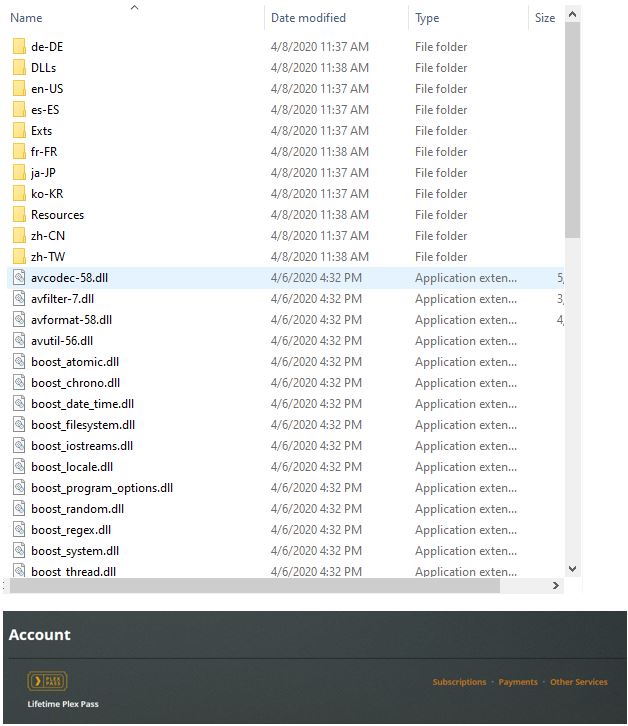
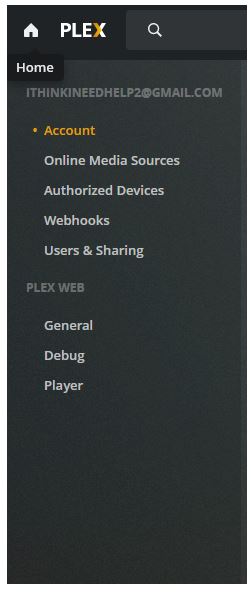
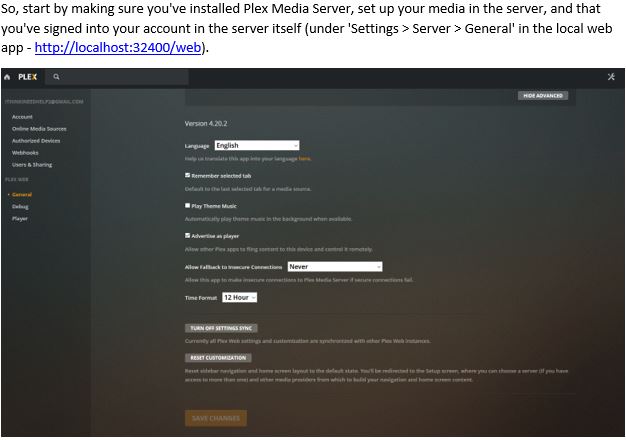

Something’s not right. You have 1.19.1.2630 installed but your Plex Web shows it as 4.20.2. That is not the right version of Web that comes with that version of PMS.
Have you used PMS in the past? If you had PMS installed previously, you might have done it under a different Plex account so it’s still using that account. See if the info in https://support.plex.tv/articles/204281528-why-am-i-locked-out-of-server-settings-and-how-do-i-get-in/ helps.
