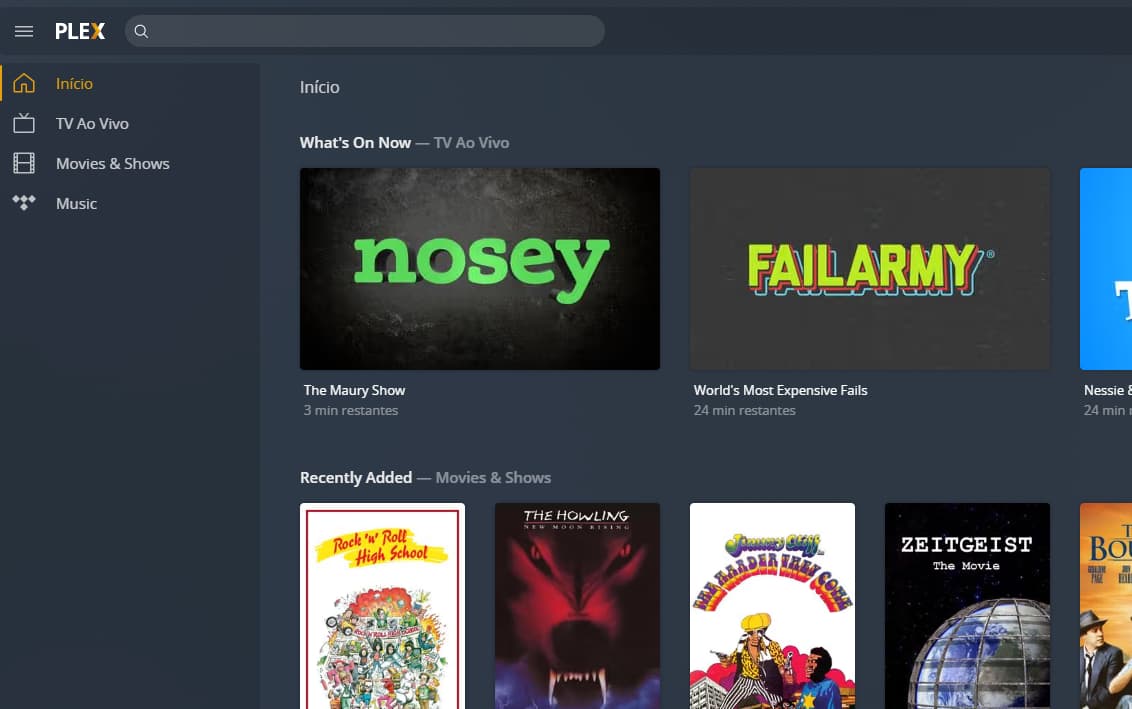
Hello there. I have installed the last version of Plex Media Server for Windows, logged in with my usual account, and then the Plex webpage simply doesn’t offer me a way to add my files.
I’m almost giving up from using the app. Anyone has idea of what am I doing wrong?
After installing the server, make sure to finish the setup!
To do so, open the Plex Media Server’s web app locally – if you’re on the same machine, open http://127.0.0.1:32400/web in your browser; if the server is on a different machine in the same subnet, use http://[PMS IP address]:32400/web instead.
This should bring up a setup dialog where you’re asked to name your server, link it to your account and optionally create your first libraries. Once the server is linked to your account it’ll show up in other apps that are linked to your account too.