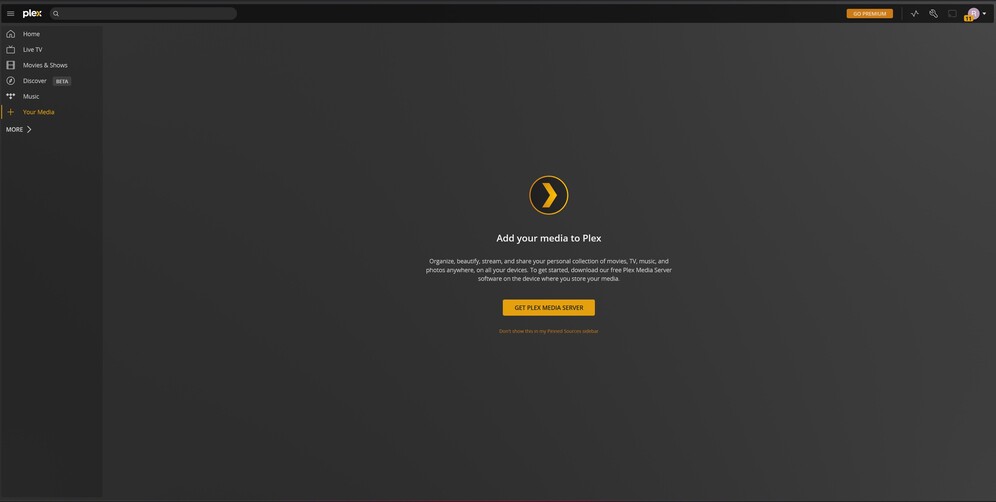
I have Plex Media Server installed(On local machine) and pulled up. When I go to “Your Media” I get the screen that I have below. Which just takes me to download the installer again. I have a hard drive plugged in that contains all my movies/tv shows.
I don’t see anywhere here or in the settings to manually add a library and the guide below seems to be on an outdated version.
I assume you only just installed that server?
If so, make sure to finish the setup by accessing the server locally – using its local IP address from within the same subnet/network
if you’re on a different machine in the same network… browse to http://[PMS IP address]:32400/web
This should bring up the server setup wizard where you can name your server, link it to your account and (optionally) create your first libraries. Once the server is linked to your account you can also manage it through other apps (e.g. the hosted web app)
Ah got it! So yes I had previously signed into another account. I had suspected that could be the problem and I tried to uninstall and reinstall, but it didn’t even occur to me to edit my registry. It all seems to be working now. Thank you.