Server Version#:
Player Version#: 7.31

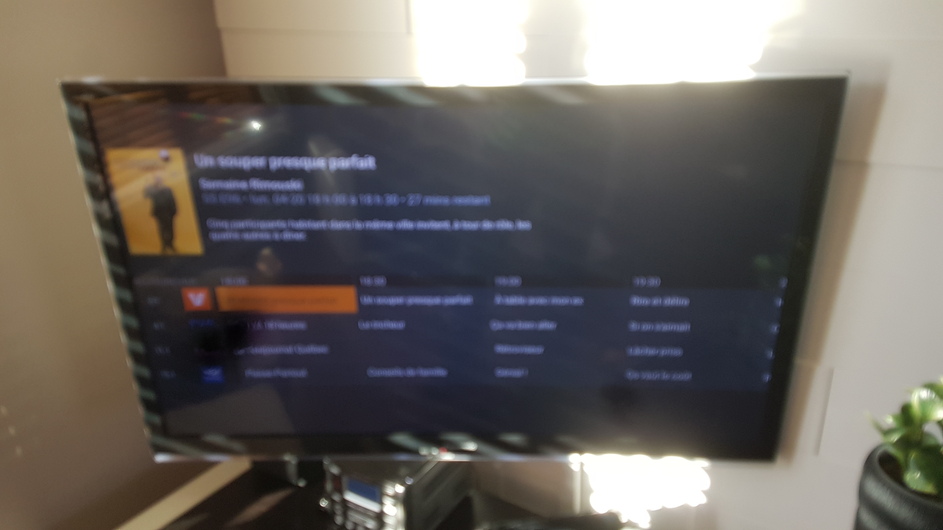
As mentioned in the screenshot, Am I supposed to see current channel in pip on the upper right when browsing the tv guide? I’m under 7.31 version and I don’t have it.
Server Version#:
Player Version#: 7.31
As mentioned in the screenshot, Am I supposed to see current channel in pip on the upper right when browsing the tv guide? I’m under 7.31 version and I don’t have it.
Have you select a channel for live viewing and then returned to the Guide?
Yes, of course!
I don’t think it matters but what PMS version do you have installed?
Version 1.19.1.2645,
Can you provide a screenshot of what you do see?
Check the app settings. Is the new video player enabled? That is required for this to work.
So you find the solution and the problem! I mean, if I enable the new video player, I can’t watch anything! I obtain an error. I have to disable them if I want watch something…
We would like to get the new player working for everyone, so if you can start a new thread and provide the logs when trying to use the new player I can take a look.
Here is the new thread:
This topic was automatically closed 90 days after the last reply. New replies are no longer allowed.