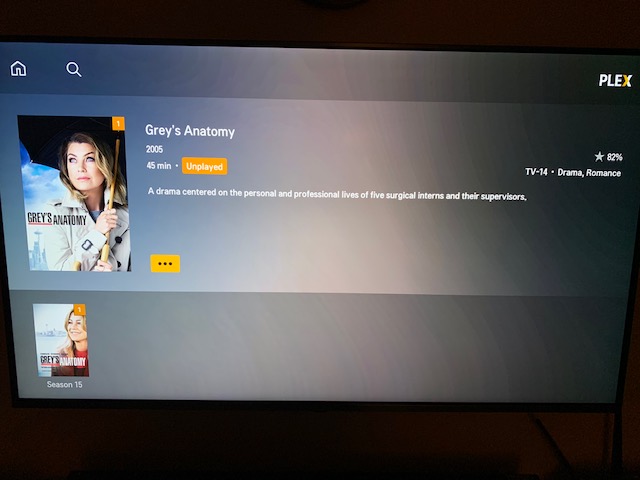
Server Version#:1.13.8.5395
Player Version#: Version 3.67.1
Hello I’ve just installed plex server on windows 10 pc and for some reason there is no play button when trying to play an episode… I’ve tried different browsers and PCs.
It will only work if I add an episode to a playlist and play it from there…
Any Ideas? Could only find a few threads about it but only one had a resolution and it was to update the plex server (which I’ve just installed the latest version of).
The little waste-bin icon in your first screenshot is our clue
Apparently Plex cannot access the episode file… could be the file has been moved, a network drive / external HDD is no longer connected or the Plex Media Server doesn’t have permission to access the file.
I guess I’ll have to play around a bit more… its odd because it will let me play if I hit play for the whole series. It just won’t let me play a single episode.