Server Version#: synology DS720+
Player Version#: Plex Media Server - ver:1.2425.573-7000
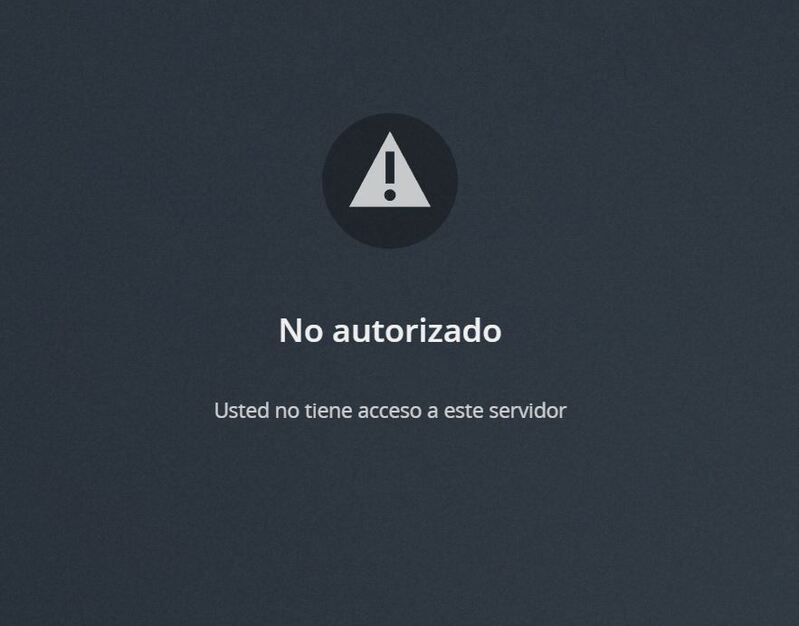
when opening plex media server, I get a message that you do not have access, and it is impossible to access the server,
When installing PLEX it has not created its user, there is no PLEX user, also, it created a Plex Media Server folder in file station, I had never seen a folder there before, I think that is the problem, folder instead wrong with data, but as I solve it?
The Quick-Connect button, since DSM 7, makes the initial setup of Plex almost impossible.
The server is claimed but their “quickconnect.to” domain is breaking Plex during the initial setup.
Once it’s fully setup, it won’t be a problem.
Nov 08, 2021 18:27:35.222 [0x7f922ce69b38] DEBUG - Completed: [127.0.0.1:43938] 200 GET /channels/all (6 live) GZIP 0ms 387 bytes
Nov 08, 2021 18:27:35.225 [0x7f922c89cb38] DEBUG - HTTP/1.1 (0.0s) 200 response from GET http://127.0.0.1:37887/system/notify/serverUpdated?host=127.0.0.1
Nov 08, 2021 18:27:35.225 [0x7f922c89cb38] DEBUG - [com.plexapp.system] HTTP reply status 200, with 0 bytes of content.
Nov 08, 2021 18:27:35.264 [0x7f922ce69b38] DEBUG - Request came in with unrecognized domain / IP '192-168-50-144.mxtmm.direct.quickconnect.to' in header Host; treating as non-local
Nov 08, 2021 18:27:35.264 [0x7f922ce46b38] DEBUG - Request came in with unrecognized domain / IP '192-168-50-144.mxtmm.direct.quickconnect.to' in header Host; treating as non-local
Nov 08, 2021 18:27:35.264 [0x7f922ce69b38] DEBUG - Request came in with unrecognized domain / IP '192-168-50-144.mxtmm.direct.quickconnect.to' in header Host; treating as non-local
Nov 08, 2021 18:27:35.264 [0x7f922c7bdb38] DEBUG - Request: [192.168.50.241:64572 (Subnet)] GET /web/js/chunk-809-654320b7e0d7a64033e4-plex-4.63.0.19107-428a297.js (5 live) GZIP
Nov 08, 2021 18:27:35.265 [0x7f922ce46b38] DEBUG - Request came in with unrecognized domain / IP '192-168-50-144.mxtmm.direct.quickconnect.to' in header Host; treating as non-local
Nov 08, 2021 18:27:35.265 [0x7f922c750b38] DEBUG - Request: [192.168.50.241:64568 (Subnet)] GET /web/js/chunk-81-b96e2e29194e68ac2b7d-plex-4.63.0.19107-428a297.js (5 live) GZIP
To get through this:
Open the NAS directly by IP address: http://ip.addr.of.syno:32400/web
You can make this a bookmark on your toolbar if you have space – it’s easier.
Once opened directly by IP, it will now allow you to finish.