What exactly does this mean: Not available outside your network?
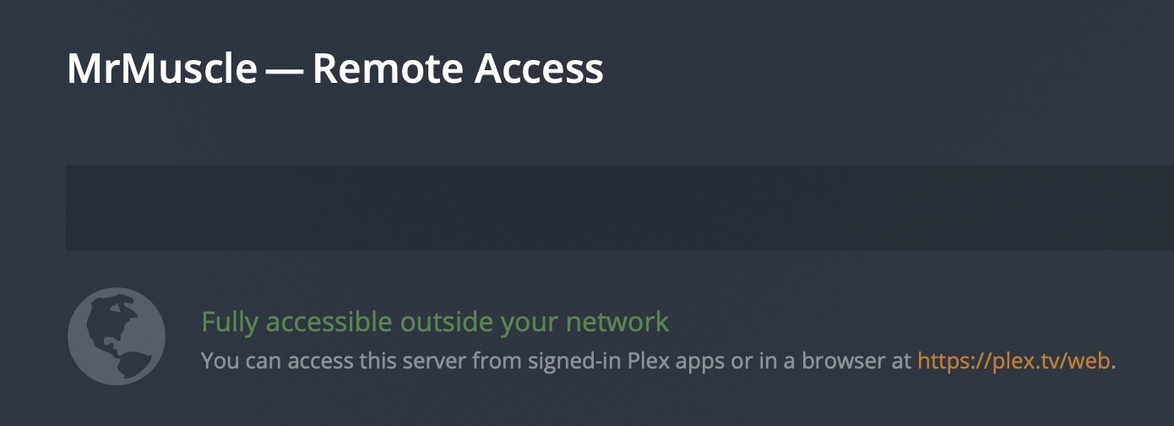
Here’s a screenshot showing the message saying the server is not available outside of my network:
And, yet, here is a screenshot of my iPhone with WiFi turned off (cellular data only) playing an episode of “Around the World in 80 Days” on the iOS Plex app while signed in to my server.
So, it it’s not available outside the network then how am I able to use the server while outside the network?
What am I missing here?
Thank you.
My IP address changes several times a day, so I’m not much worried about exposing it.
Are you referring to your WAN IP or the IP address of the device that Plex Server is installed on?
And do you have the port 32400 open on your router?
https://support.plex.tv/articles/200289506-remote-access/
https://support.plex.tv/articles/200430283-network/
The machine running the Plex Server has a static LAN IP address. My ISP gives me a dynamic WAN address. Sometimes it lasts a day or two. Sometimes it changes several times in a day.
I have port forwarding set up for port 32400. So, yes, it is open.
Quite often, but not always, I see this on the server:
Is there some way to tell if a Plex client is accessing the server directly or via Plex Relay?
I should note here that recently I’ve had enormous problems with Plex. I describe some of them and the ultimate solution here: https://forums.plex.tv/t/plex-woes-deleting-libraries-deleting-folders-in-libraries-naming-tv-shows/779993/2.