Not found We can't find the page you're looking for (HELP)

Just installed Plex on my server using the below link I am given, everything goes alright I think. Plex asks me to give access to my server IP and link to my plex account.

https://SERVER_IP/web/index.html#!/setup/76e13f7b85328f5d02aeee84cbf8f6e41fe06eca

My issue is that it doesn’t actually connect it correctly. I have noticed it asks me to add a media library, which should be from my server once I link my server to plex, under settings it shows the following

Email address here:
Account
Online Media Sources
Authorised Devices
Webhooks
Users and Sharing
------------
PlexWeb:
General 
Debug
Player

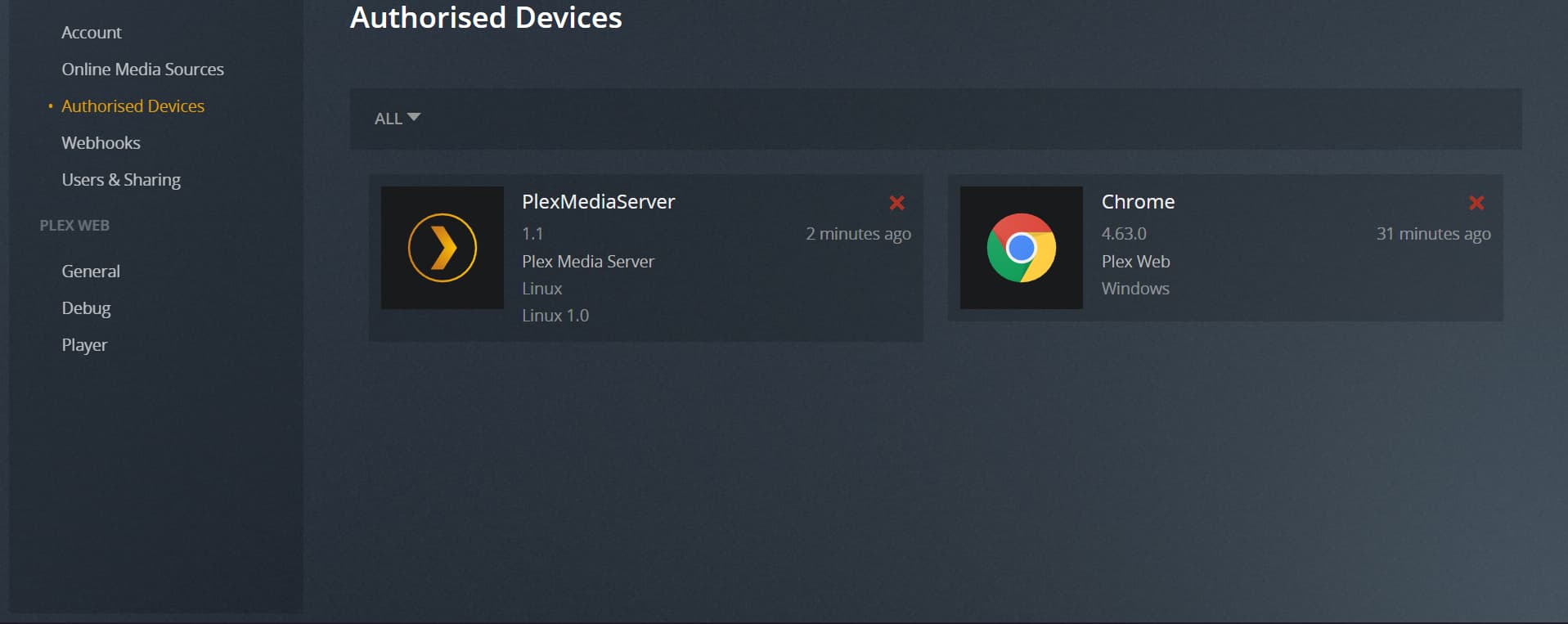
My linux server does show up under Auth Devices (sometimes after using the above link that I posted, however sometimes it does not show up under Auth Devices, and instead it only shows my browser), but for some reason it’s not actually connected. I did noticed during install I got the below error.

grep: /var/lib/plexmediaserver/Library/Application Support/Plex Media Server/Preferences.xml: No such file or directory

I did check after install and Preferences.xml exists within that path, however the Plex install does not think it does. I also think I might be missing some information from my Preferences.xml file, such as my username and claimcode (unsure how to fix this errors) it shows the following data only

<?xml version="1.0" encoding="utf-8"?>
<Preferences OldestPreviousVersion="removed" MachineIdentifier="removed" ProcessedMachineIdentifier="removed" AnonymousMachineIdentifier="removed" MetricsEpoch="1"/>

Does anyone have a fix on this? Thank you

@Pixel291

Is this a new installation you’re trying to setup for the first time?

Is the server on the same machine or subnet as you ?

Hi yes it’s a brand new install. Not the same subnet, or same machine @ChuckPa

I can now get it to Auth, but it does not let me configure any sort of setup for the server.

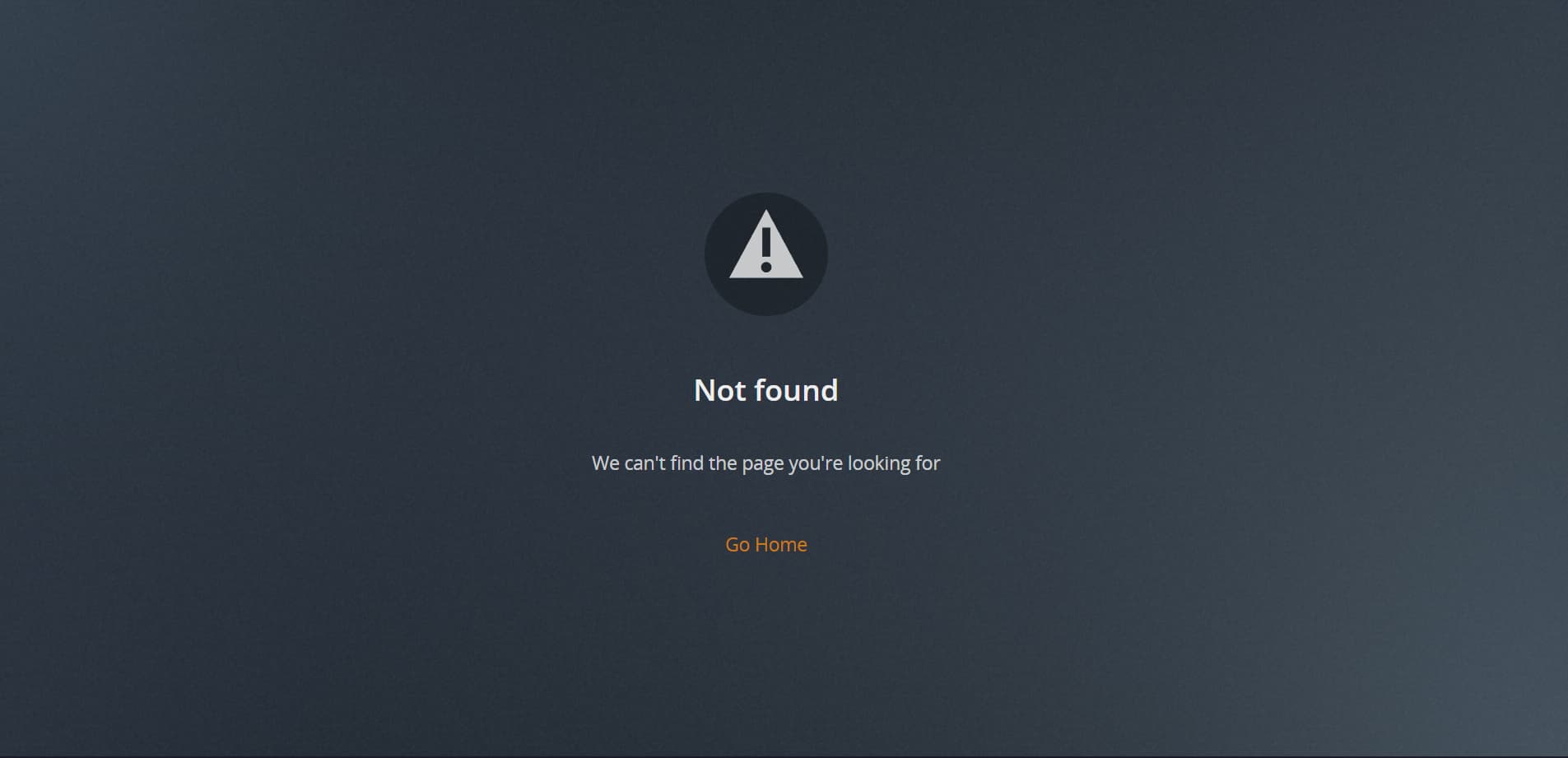
If I go to the link https://my_server_ip/web/ it gives me a error saying

Not found We can't find the page you're looking for

Screenshot

That link should load my account, so what could be the issue I have? I have tried everything on this forum, and then some and nothing seems to be the fix

@ChuckPa

@Pixel291

Since this is brand new:

  1. Stop PMS
  2. cd /var/lib/plexmediaserver
  3. sudo rm -rf ./Library
  4. Start Plex

Now open it in an incognito window to the LAN IP of the host or the loopback adapter

http://127.0.0.1:32400/web
-or-
http://private.lan.host.addr:32400/web

Hi, so I have just done the following (Cleared Browser Cache using ccleaner just to make sure) and use private window

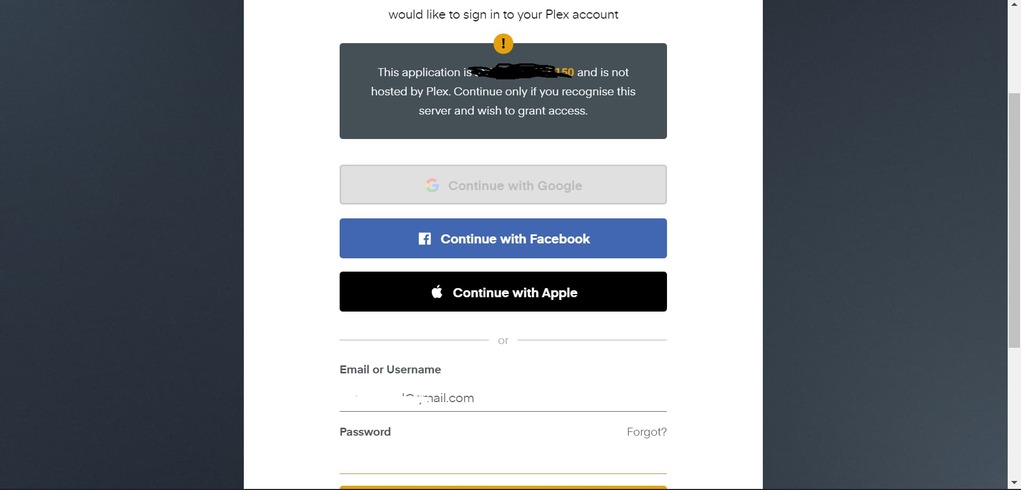
Ok so I went to ip/web/32400 and it loaded me to the below screenshot


The link for this was https://server_ipp/web/index.html#!/setup/1a69a257a592b80fc34ee18d8c345a802dafb36d

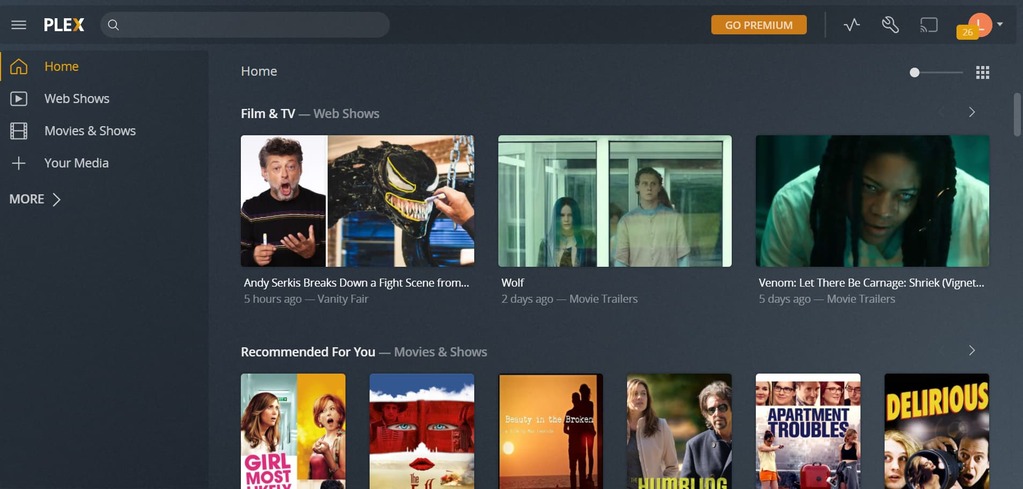
Once I click sign in, then it loads this page and does not present me with server setup (Link for this page https://_my_server_ip/web/index.html#!/

It does not allow server setup at all, it does show under Auth Devices that I just Authed a New Chrome Session, my original Linux Server above still remains.

Note: My Media takes me to a page to download Plex for PC which I don’t want.

Do you want me to provide logs for you at all? If so from Plex directly or from my VPS? There is certain things like like inside my logs and about 60000 other things

@Pixel291

what is the server IP address?

Is it on your LAN? If so, what is it?

If it’s remote, you remember you need SSH tunnel to claim /setup the server ?

My IP and what not are above inside the script. It has sort of partially claimed it for me, as you can see it seems more of another issue

I’m sorry.

If the server IP is not RFC-1918 compliant - which yours is not, It won’t let you claim it without SSH tunnel redirection to 127.0.0.1:32400 -OR- via a manual clain posted to that loopback adapter.

That is PMS default security.

If that 205.x.x.x is your LAN address, you really need to consider changing it to be RFC compliant
PS: I doubt your server is in Wyoming USA?

I will give the SSH tunnel a go and let you know thanks

I have fixed it now with creating a SSH tunnel thank you @ChuckPa

This topic was automatically closed 90 days after the last reply. New replies are no longer allowed.