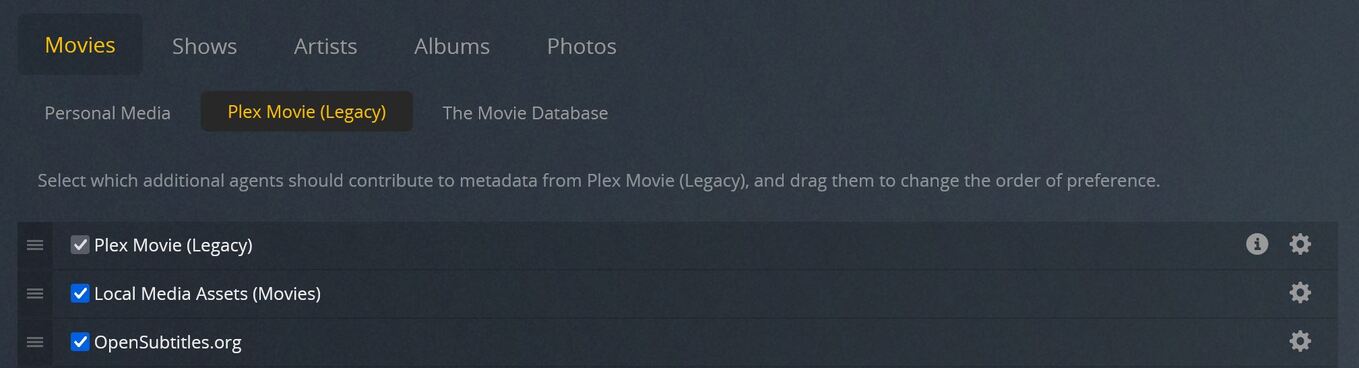
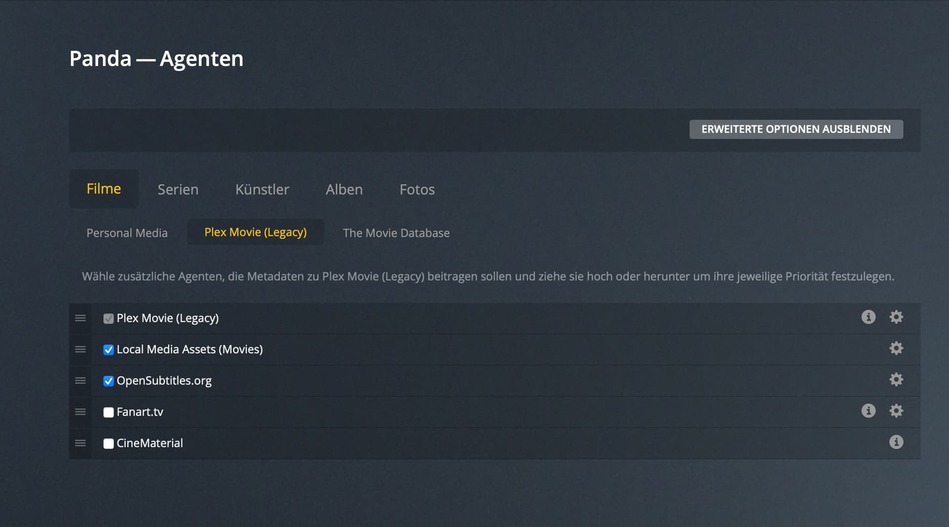
After I enabled Upgrade Matching, in the agents section, I can only see “Plex Movie (Legacy)” both in local and web. I upgraded to 1.24.1.4931 to see if that would resolve but no. Without the new “Plex Movie” agent showing I can’t enable subtitle downloads. Also not displaying new “Plex TV Series” agent. Same problem. New agents are enables in their respective libraries.
Can live if it’s a limitation. More concerned the new agent isn’t showing up. Makes me think there is a problem somewhere that I need to address. It should be listed, no?
It will never show under Settings - Server - Agents, beause this place is only for the old Python-based agents.
If your library has been set to use the new agent, all relevant agent configuration can be found in the library properties, on the “Advanced” tab.
Which means that you can now have different agent configurations for each library, whereas previously all libraries which used the same agent had to use the same configuration of said agent.
So just get it clear, I have also chosen “Plex Movie” when I have added the media library, but in my settings I can see only the old agent "Plex Movie (legacy).
Thats absolutely normal and won’t be changed?