Server Version#:1.31.1.6716
Player Version#:1.64.2
I am using FileBot to rename the NOVA series and running into season and episode mismatches.
My mind is kind of rattled on what is the simplest way to set up and maintain an accurate NOVA library by Season when faced with a file named like this: NOVA.S49E04.Ancient.Maya.Metropolis.720p.x265-ZMNT.mkv
FileBot uses TheTVDB for series by default and it appears that TheTVDB.com only uses Aired Order… but the starting episodes for each season don’t match with Wikipedia listings.

so I have chosen Airdate in FileBot to rename files…

but when in this situation shows don’t match.

It’s when these two differ, Wikipedia “season 48”, that issues arise.
I also notice that when using aired order the posters for NOVA aren’t the correct posters, they seem to be associated to the episode’s production order.
Before Plex finishes downloading metadata for the files the season looks like this:
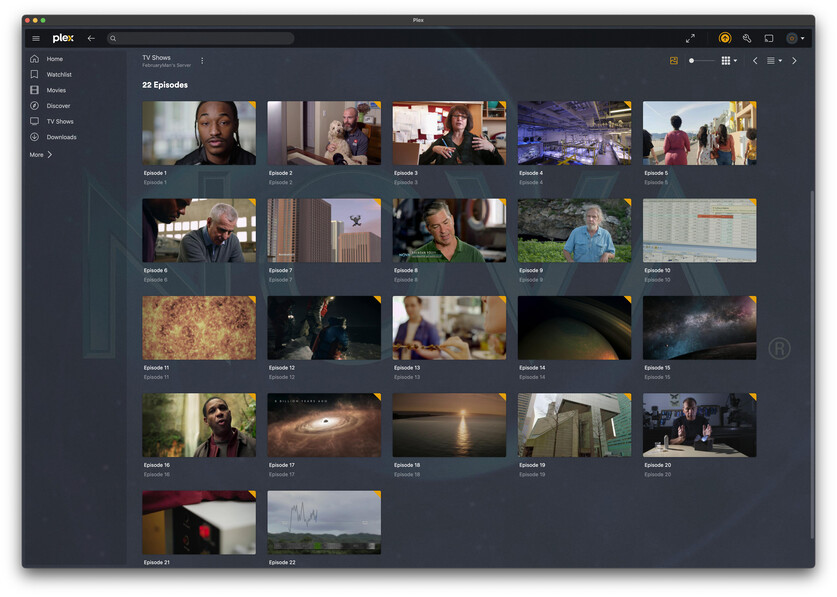
After Plex finishes downloading metadata the season looks like this:
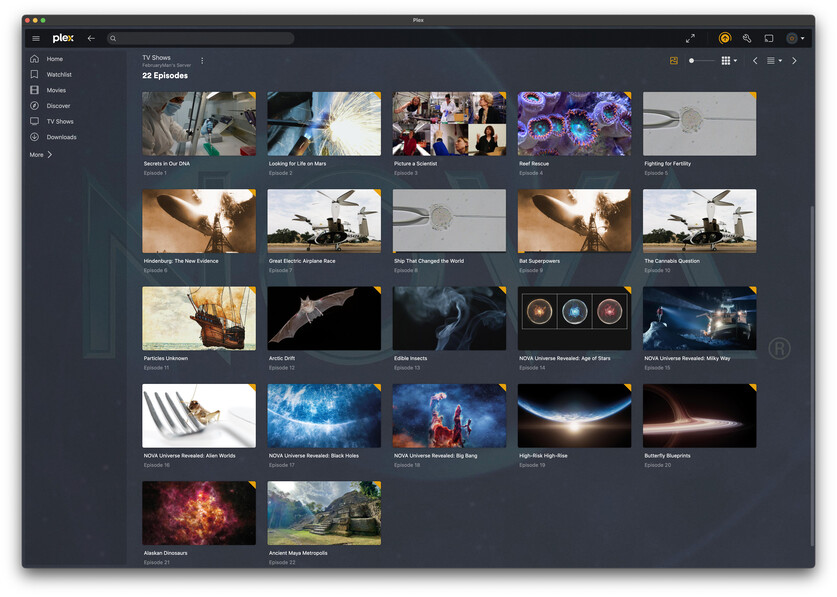
Look especially at Images for Episodes 2, 8, 9, 10, 11, 12, 13, 14, 15, 16, 17, 18, 19, 20, 21,
According to Wikipedia the last three Episodes are supposed to be in Season 49 not 48. If we can’t even get the shows into the correct season on TheTVDB.com then how are we supposed to maintain proper season ordering?
I am feeling like a simpleton.
I have transitioned back to Plex Series Scanner because of issues matching some of my series “American Experience”, “Women Make Film…” and others.
I am using TheTVDB as my Agent and Episode Ordering is set to “Library Default” but other options make no sense in this situation “Oldest first” “Newest first”.

