Server Version#: Synology DS423+
Player Version#: 1.41.2.9200
<If providing server logs please do NOT turn on verbose logging, only debug logging should be enabled>
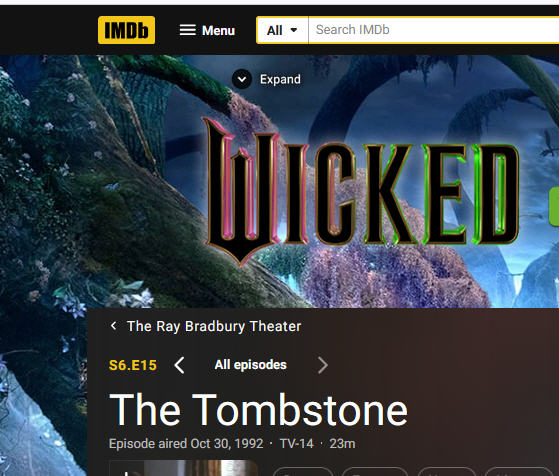
Plex is not matching the correct TVDB episodes for Ray Bradbury Theater TV series. I made certain that the episode file name is right for each of the 65 episodes by playing back each video and, when seeing the episode name, I then saved the file accordingly.
Here is an example of the video showing the file name for an episode during playback. Notice that Plex is putting the wrong episode name for the episode playing.
Here is the file in Plex - first shows the incorrect title (says it’s episode 15- The Dead Man (which is incorrect), and the correct episode file name in my library.
I also checked by using File Bot. In File Bot, the proper, correct file names for each season and episode are on the left from my Folders for this series and the TVDB episode are on the right. You can see they match up as they should be.
I didn’t realize I had the wrong setting for TV series. It was on the Movie Database. I went to the TV Shows folder in Plex left navigation pane and did the Edit and Advanced tab. Plex made adjustments as it updated things. I didn’t do it on the individual single show as doing it for the TV shows folder in left Nav pane got the desired results.
I then did Refresh Metadata as you suggested as well.
The only thing I had to do was fix the Season’s posters which were changed to some image I didn’t recognize as being anything to do with the show (though maybe it did), but that was quick to do to get the right posters back for the six seasons.
I then checked several episodes, including the one I used in the example when I posted, and they all seem correct now. I then went to a couple of other TV Series shows and checked several episodes and they all seem correct as well. I’ll check more as time allows.
What I can’t explain is why this TV series is the only one where I had any issue with not being able to get it set up to bring in the right episode to match the file name. I’m glad all appears to be solved now.
That happens quite often. TVDB is notorious for re-ordering the tv-shows for no reason, or just getting some show completely wrong.
And of course MovieDB gets things wrong too, but at least they for the most parts keeps the Original episode/season orders.
Sol its not a bad idea to do the “Episode ordering for a single show.” for those that is wrong in one of them.