That’s 1 way around this issue. 
@anon18523487
Similar problem for me:
I recently started Plex on a NAS, added an image folder, ALL images show up as thumbnails but do not load full size. Those are just simple photos。
And will cause NAS server to crash
I provided some screenshots
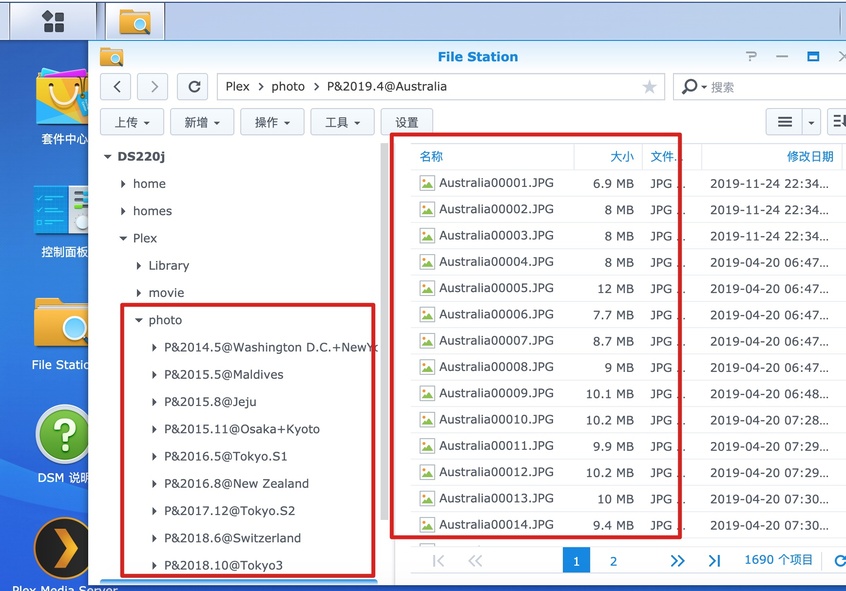

chinazhou,
I would do a test and re-name one folder WITHOUT the & in the title and see what happens. Another thing I might try is re-naming one of the actual files to Australia01 instead of Australia00001. Maybe one or both of those things will help. Rescan libraries. Keep us posted.
Jonathan

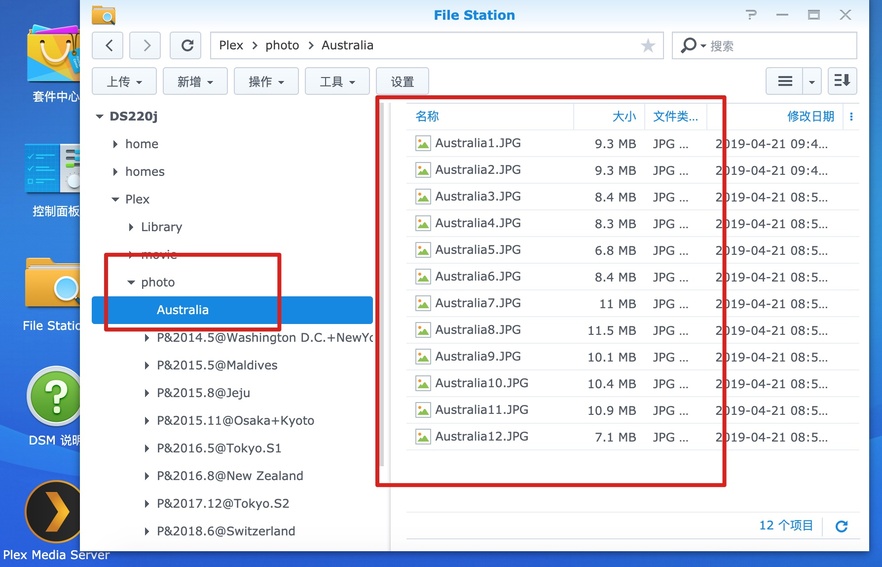
Would you sending one of these photos via PM so I can check.
Already pm you
Got the files and they work fine for me. I’m on a Windows PMS so not sure if it might be an issue with MacOS.
Can you create a new photo library with just a few of these photos. Make sure they fail for you. Then share that library with me.
ok,Can you provide email or plex ID?
Just use my username “moviefan.plex”
will you please do something about it?solve the problem as soon as possible
We’re still not sure why it is working so badly for you. Please note that your NAS has not been tested by Plex, which is why it is not listed on our NAS compatibility chart. There must be something unusual with that device that is not working properly.
We don’t currently have this device to be able to test so it may be some time before the issue can be identified and a fix available. Sorry.

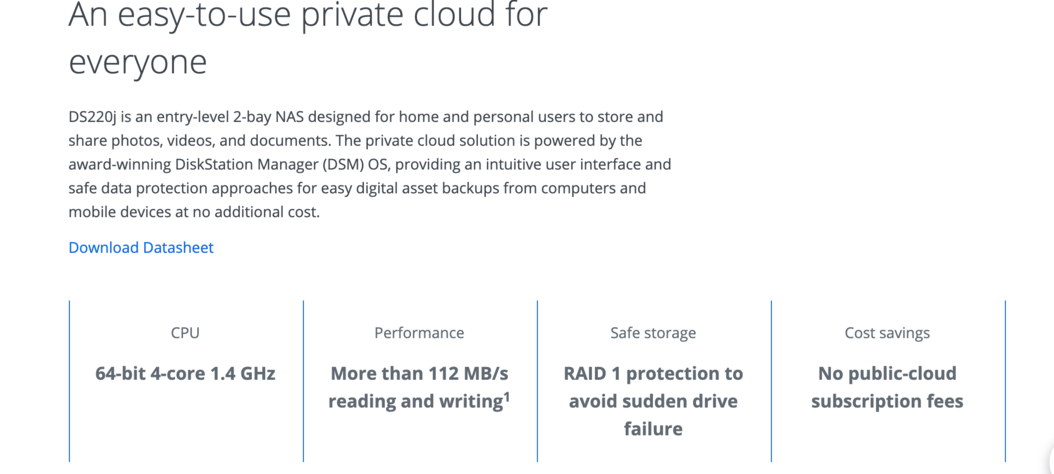
We support Synology, but that specific model is new and we haven’t tested on it. There may be something specific with that device that doesn’t work.
I’ve used WD My Cloud Home before, but it’s the same problem 。
So I understand that it’s not a hardware problem, it’s a problem with your plex server, and I have no problem with synology Moments when i used
I’m not positive, but it could be Plex Media Server running on your Synology 220J. I tested your files on my Windows setup and could not reproduce the problem. I asked someone on our team to test on another Synology device and they were also not able to reproduce the problem.
Huh, if you have the same issue on other hardware, I wonder if there might be something else involved. Something on your network like your router maybe. Have you tried restarting all your network equipment recently just to check?
What is going on is not normal and we haven’t received any other reports of this issue so I can’t say for sure that it’s a PMS issue.
I’m seeing this too with a server on mac OSX that worked several months ago. I was trying out a new roku TV and at first thought it was just the roku client, but then tried on a Sony android TV client where it worked before and also an iphone. They all show normal navigation photos down to the point where you see thumbnails for all the photos in a folder but when you click to get the full size photo it gives an error in any client. Even the web client says ‘unable to load photo’.
Never mind - I think OSX moved where the photos are stored. I had just been pointing to Photos Library.photoslibrary/Masters for the library but after adding originals I’m seeing them again.
I have the same problem. Photos are stored on a WD NAS but the Plex server is running on a Mac mini running OSX Catalina. If I try to view the photos using plex app on an iPhone I can see the thumbnails but when I touch a photo to open full screen, it does not load … just get a spinning yellow donut.
How large is the original file?
Same issue:
I open my photo library (I can see all my shared libraries and thumbnails) and when select an image or video to be displayed I get a error saying “unable to load photo”. With the same setup it worked seamlessly few months ago. The plex have all permissions for all shared libraries, via windows network I can open or download all the photos with a browser, but can not in plex (tried these platforms: Windows,Android,WebOS). So now I can see only my thumbnails, but clicking on them can not open my photos. Please help me, non of the related discussions gives any hint what I should do to make it work. Thanks.
Synology N218+
