Hi,
I’m new to Plex and I have a few general questions about features that I’m not sure even exist.
How to you play a single song from the Plex Media Server application? When I click on a song, it brings me to a screen that lists the album and artists’ songs. I would like to be able to just click on a song and play it (similar to how an itunes library works)
Can an empty music playlist can be created and then can songs be dragged/dropped to it (once again, similar to iTunes)?
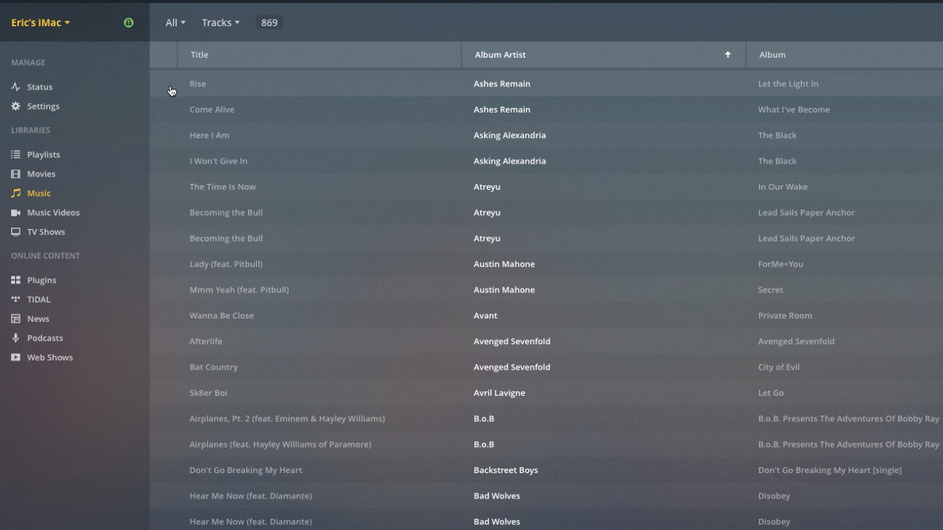
I presume you’re viewing the library in Tracks mode, given that behavior. When you hover over a track, a round button appears at the left edge of the track listing. Click on that to play the track.
No. In Plex, a playlist only exists when there’s something in it. If you delete the last track from a playlist, the playlist no longer exists.
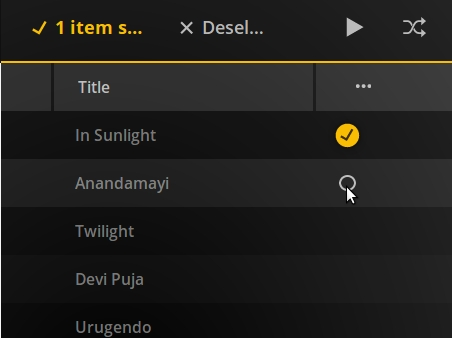
What you can do that you may not know about is to select multiple tracks and add them to a playlist all at once. In the Track view, when you hover over a track, some tools appear at the right edge of the track listing. Click on the circle to select the track.
Select as many tracks as you want, then click the Add to Playlist tool above the track list to create a playlist with the selected tracks.
There’s a more thorough how-to for creating playlists in the Tips and Tricks section.
It’s possible the Mac version is different, but that seems unlikely in this case. I don’t have a clue why the play button isn’t there. Hopefully a Ninja will jump in.
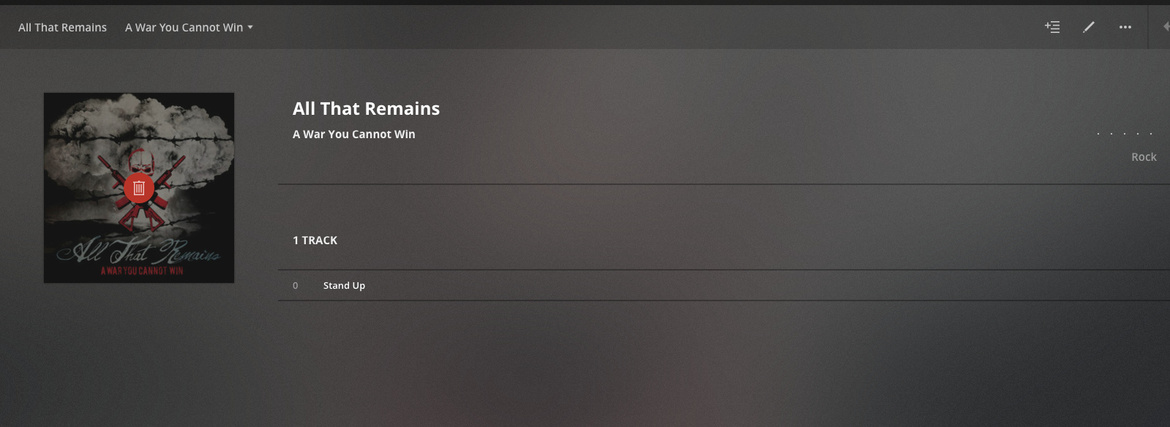
The red trash can indicates that the media file is no longer there.
Make sure that the hard drive which contains your music is still plugged in and accessible.