i already made a topic where i resolved my 4K playback issues on my TV
since i can enjoy 4k movies on my TV
BUT i had an update of plex player TV and since all new movies 4k i downloaded are impossible to play
i can play older 4k movies or 1080p movies but not the latest
latest4k works perfectly on PC browser, only doesnt on the TV
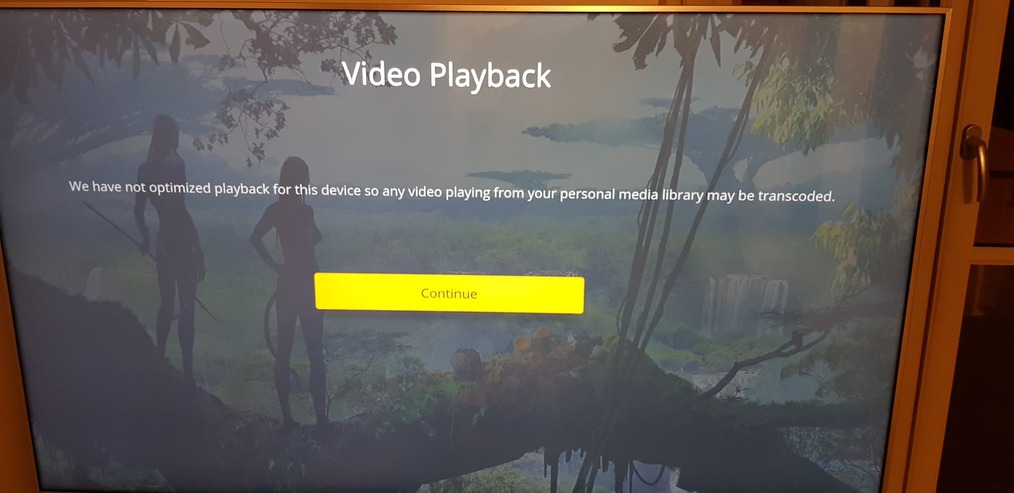
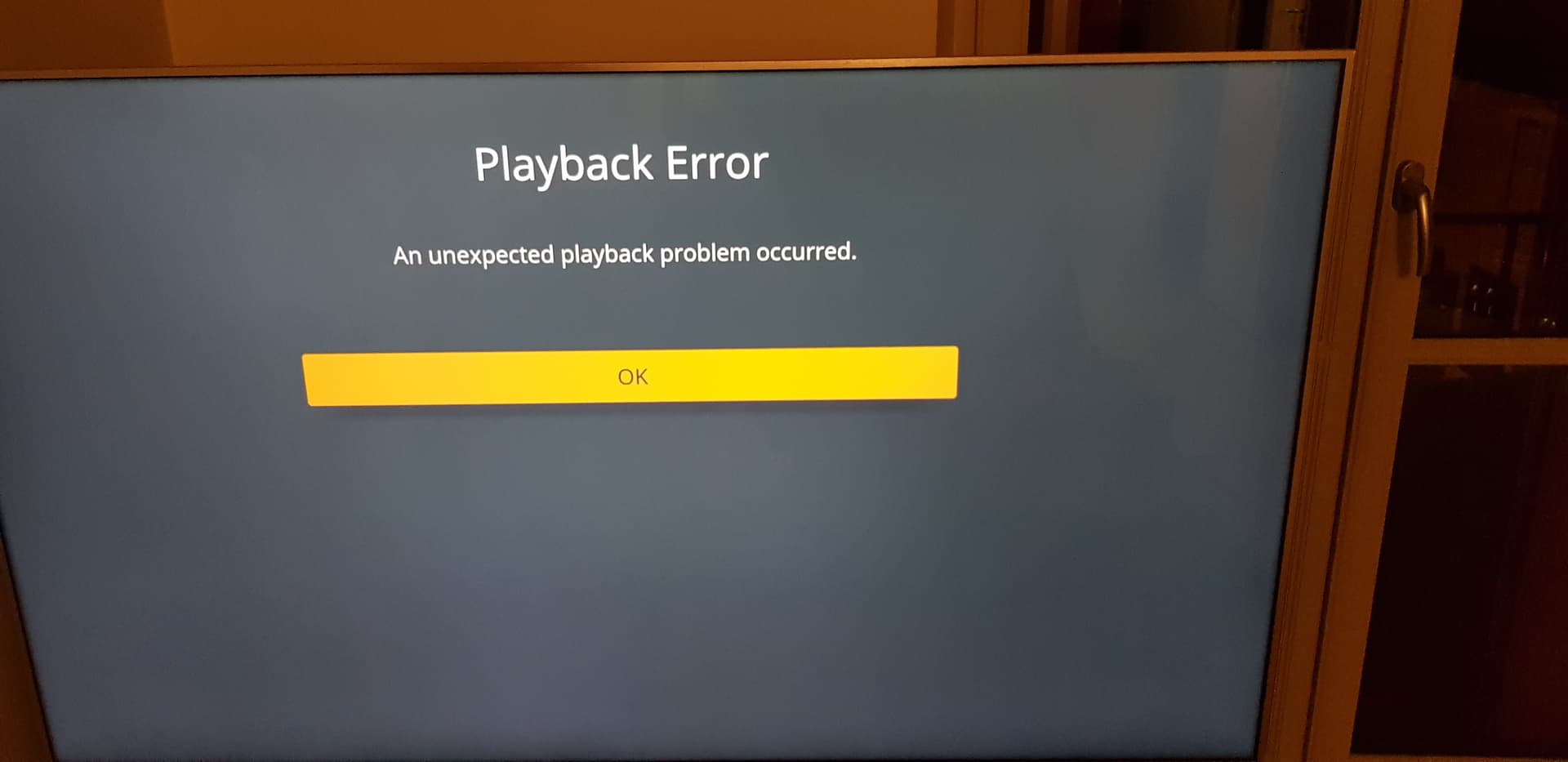
i had these messages when i tried to play my newest 4k movies
the interface on the TV has changed compared to the older version
i was on older version of plex player and it was fine
a plex’s update waited a reboot of plex
my TV made an update and while rebooting plex rebooted too ^^
now i have issues for playins movies on my TV
EDIT : I tried lot a movies, even some 1080p doesn’t work… it’s totally random
Some 4k works
Would you mind reproducing this and sharing your server and client logs?
Edit:
If enabled on your client, the client logs should actually be included in the server logs → on the client: Settings > Advanced > Log to Media Server
Thanks for the logs. We’ve identified the issue; playback should be limited to 4Mbps, but is currently exceeding that by default. We’re working on a fix, but in the mean time changing the local quality to 4Mbps 720p will work around the issue.
i tried 4mbps 720p (i didnt think to set so low settings lol, 720p is so 2000 ^^) and indeed it works buuuuut its pretty ugly on a big 4K TV lol, im sure you’re agreed with that (see so much pixels is )
but i have questions cause i want to understand fine (sorry im very casual)
what caused this issue ? the client update on my TV ? (cause my server version was the same)
this issue is on “general” plex for everybody or is this just for me ? the issue is on the server side or client side ? (only my TV has issues)
why i can play 4k (10 or 20mbps) on my phone or my PC browser but not ONLY on my TV
i hope you will take some time for answering me
and i especially hope this will be fixed very fast cause 720p suck (especially if i pay for plex pass)
As mentioned before the first playback in this version of the app, we have not optimized video playback on Panasonic devices, which means the audio/video codecs, resolution and bitrate of video are all limited. In the future these limits may be relaxed or removed.
@markus101 ok thank you for your answer, its more clear now
i hope it will be fixed fast cause it worked fine before i involuntarily updated the client on my panasonic (thats why i hate updates), look a 4K imax movie in 720p is not pleasant
The limit at 4 Mbps @ 720p is no longer required (the underlying issue was resolved), but we do not support more than 4 Mbps @1080p (4k content or higher bitrate 1080p content) on Panasonic devices. As mentioned previously this may change in the future.
@markus101 not “may” but “will” … I don’t understand why something that worked before doesn’t work anymore … the money from my subscription “MAY” not works either
we are a lot to have a panasonic TV and i cant imagine you haven’t fix this quick
I will try to find an alternative because I have the impression that I am being laughed at
Shouldn’t it be that hard to code the program the way it was before? it worked before !!
don’t take it for you i’m not aiming at you personally, my first sentence is a bit austere but is not aimed at you personally
The Panasonic app has never supported 4k content, the maximum resolution was 1080p (even on 4k TVs). It’s not a matter of making it behave the way it was before, but changing the functionality and it’s something we’re going to have to evaluate in the future.
@markus101 use plex in native resolution (4k, 4k light) used to works fine before the udpates and since i have 1Gb conexion
so maybe there was a kind of “invisible downgrade” but the fact is before the 4k and 1080p resolution worked on my TV and now they dont (playback error) so i cant trust “panasonic never supported 4k”
it worked, its not panasonic the problem but plex… sorry
i watched a lot of 4k (25mb/s, i watched plex monitoring and my TV played really 4k movies from plex)) and 1080p movie and now i cant, so its not my TV
Hi @markus101, I have to agree with @beussta. I have been streaming from a Synology 718+ using Plex in 4k for a while now to a Panasonic TV without any issues. After the last update to the Plex app on the Panasonic TV this has stopped working. For me I had to reduce the local quality down to 2 Mbps @ 720p to get a clean stream through Plex. Since your reply above I have tried 1080p but this is not working. I can however get a clean stream at 3 Mbps @ 720p though so there is a slight improvement.
I have reverted to using the Panasonic generic DLNA functionality to stream from the NAS to the TV as this still works in 4K. The Panasonic interface and functionality is not as rich but it works.
I only bought the lifetime Plex pass earlier this year, but am feeling pretty disappointed right now.
I’m going to avoid developing my thought because I’m really angry at the moment, this sentence “The Panasonic app has never supported 4k content” gives me the impression of taking the customer for a fool, telling me a lie to disempower themselves
the service worked before this update, and doesn’t work anymore… damn i watch 4k since weeks on my TV and 1080p since YEARS but ok its my TV who doenst support, im dreaming right now… i cant even watch movies i watched before the update but ok its my TV… LOL
it’s up to them to fix it quickly instead of telling me that it comes from my equipment, otherwise my money will go to a competing service
let’s say that we are 15% to use panasonic TV then what ?? stay in your ■■■■ is it your tv’s fault? where are we going? and “MAYBE we will fix this in an update”


 (see so much pixels is

 … I don’t understand why something that worked before doesn’t work anymore … the money from my subscription “MAY” not works either