Plexamp3 android.
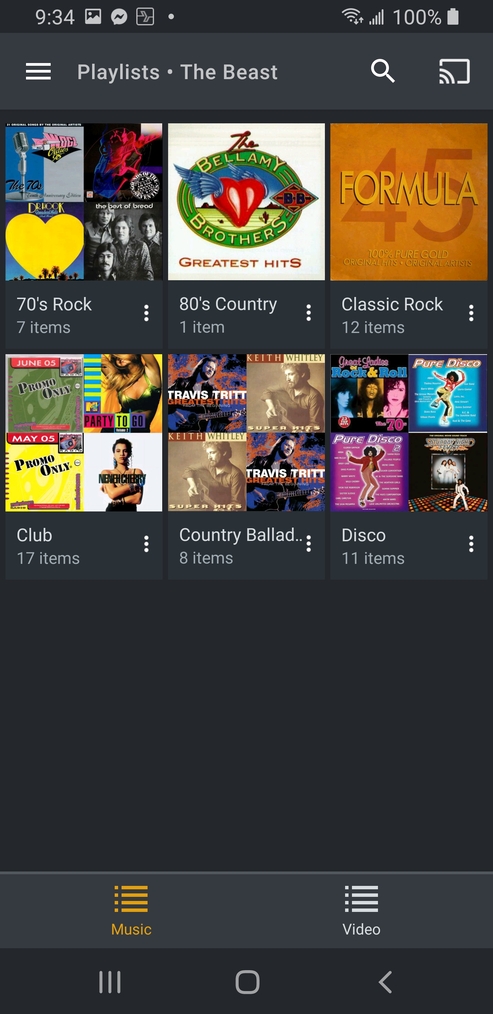
Where are play lists?
Where are the bands touring?
Where are the lyrics?
Plexamp3 android.
Where are play lists?
Where are the bands touring?
Where are the lyrics?
Hi @DJ-BrianC,
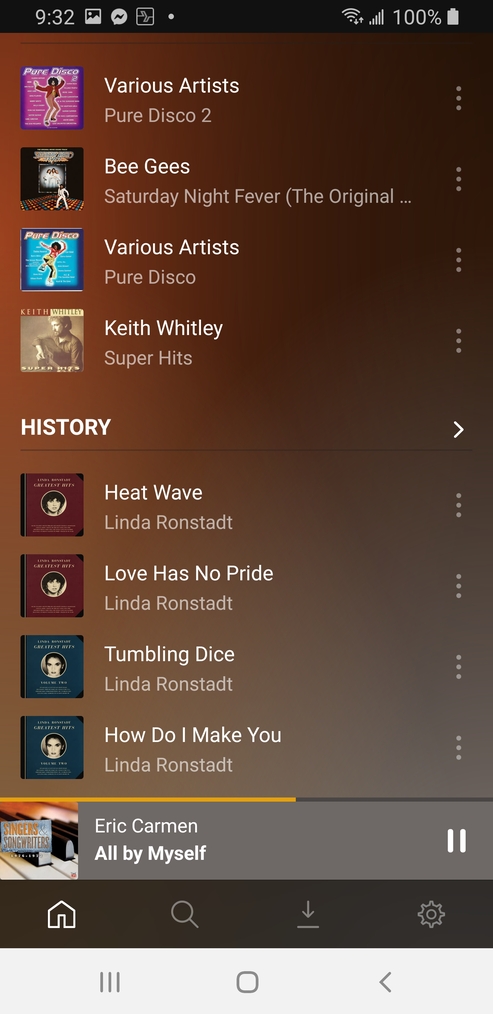
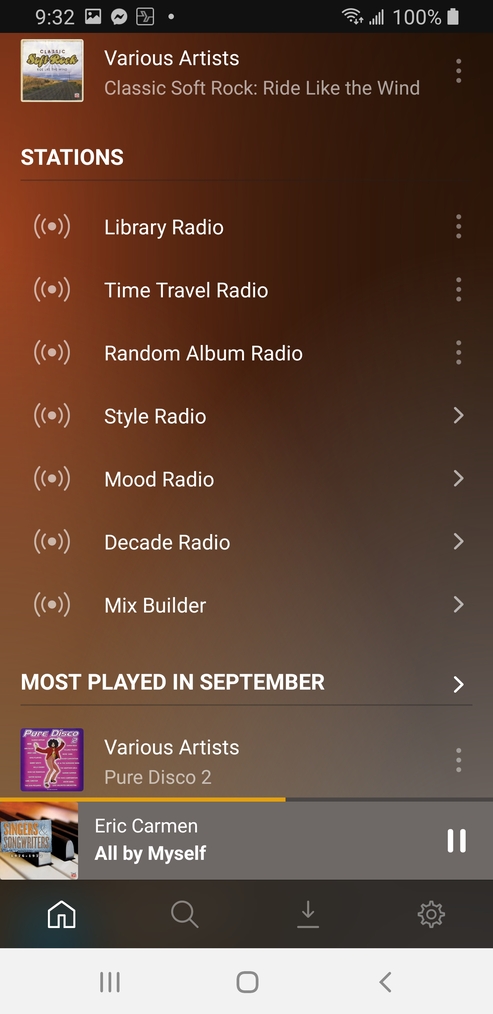
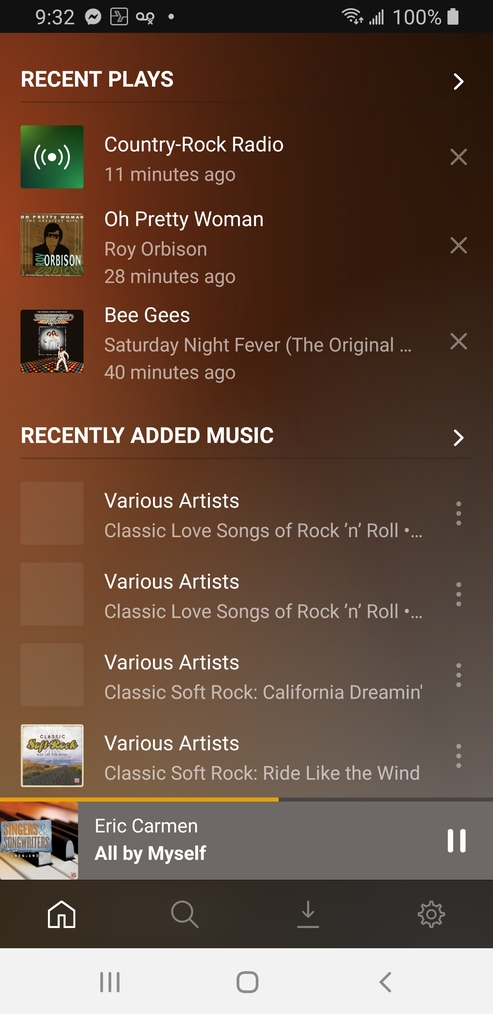
Playlists are available from the home page hub named “Recent Playlists”. From there, if you’d rather not view them by date listened (e.g. by title instead), you can toggle to a different sort via the ... icon in the top right.
I don’t think that Bands Touring is something that’s currently surfaced in Plexamp, though I’ll raise it internally and see if that’s something that could be added in future.
For lyrics, from the player screen, if you tap the track name, the context menu that appears has a “Show Lyrics” button. This feature relies on lyrics being available from the server.
I don’t have that option on the home screen. It was initially there but has since disappeared.
That’s interesting. Any chance you can share a screenshot with me?
As you can see from plex I have a few but not in amp.
Something to test: if you search for the playlist names, do they come up in the results?
Yes they do.
Great! If you start playing one of them, then from the home page pull down to refresh the list, does the Recent Playlists hub reappear by any chance?
My friend has it on his iphone and it is. Just on my android it disappeared.
Do you have more than one music/audio source? like multiple music libraries… i have two audio libraries. In one i DON’T have any playlists yet i can still search and find the playlists from the other library… playlists are NOT visible on the home screen for this music source. But on the other music source i DO see available playlists, because in that library i DO have playlists.
edit: FYI you can check sources: Settings > Source > [selectable sources]
I do. Currently making one big library instead of a handful of smaller ones.
GREAT! yes it’ll have to be rebuilt unfortunately. When Plex performs a scan for a library, items (tracks in musics case) get assigned an identifier known as a key. The same song will have a different key between two libraries despite pointing to the same file. Hope that makes sense.
hopefully you don’t have a lot of songs within those playlists… i have a playlist i have yet to completely rebuild with over 1000 tracks… it’s an ongoing effort.
Glad this solved your issue. Cheers mate! 
My friend won’t be happy but I’m ok. With all the new radio features I don’t really need them anymore. It’s less important now. Amp give us so much for moods now. Disco, country, hairband. Love it!
Just a heads up. You CAN save playlist between libraries! Here’s what I found:
Install web tools 3.0 I to Plex.
Select the user in drop down.
Pick the playlists you want to rescue and hit download.
Create a new playlist in Plex in the new library.
Open new playlist.
Copy libraryuuid
Open old playlist replace old library uuid with new.
Suggest using notepad edit replace function.
Be sure it save Unix (LF) in bottom right status bar. It will not import if it says crlf.
Next go back to web tools
Select playlist and import.
There you go. Back in business!
i wanted to suggest to you webtools, but unfortunately this does not work, I’ve played around with it many times and while it’s GREAT for copying playlists between users, this method does not work… if you got it to work, by all means more power to ya… let me explain.
As an example i’ll be using 12 stones - Face Away.
Here is the entry in the exported playlist from the OLD library:
Now, here is the SAME song in my NEW libraries playlist:
I then imported it… into the NEW library, low and behold it is NOT the same song. (i called the playlist Test).

again if your getting it to work… try playing several songs in the new library from the playlist to ensure they are as intended. I’d hate for you to go through all that trouble for it to not work.
Your right. 1st playlist was 100%. The next 4 playlists had some song changes.