Server Version#: 1.22.2.4282
So I installed Arcade, All of my roms are showing up except Atari 2600. The roms are zipped correctly, they use the .bin or .a26 extensions inside the zip files. I have tried unzipping them, I have even placed the correct folder location for that specific folder. I use Y:\Games\Atari 2600. I have scanned and rescanned this folder multiple times. I elected not to use the pack that comes with arcade because I have a large compilation of roms. These roms have worked with Stella before, so I know they are good romsets. I’m at a loss as to why Plex will not find them.
So I have been watching the console option in settings, it appears that Plex doesn’t recognize the names of the roms, so it doesn’t know what to do as far as matching i guess. Is there a preferred naming convention?
Should just be the name of the game and year.
Yeah, believe it or not, done all this. Still not recognizing, used the core manager, no change. If it were an easily found issue-fix, i probably would already be there… not here. Just downloaded a completely new set of roms using a different name convention, gonna see if this changes anything.
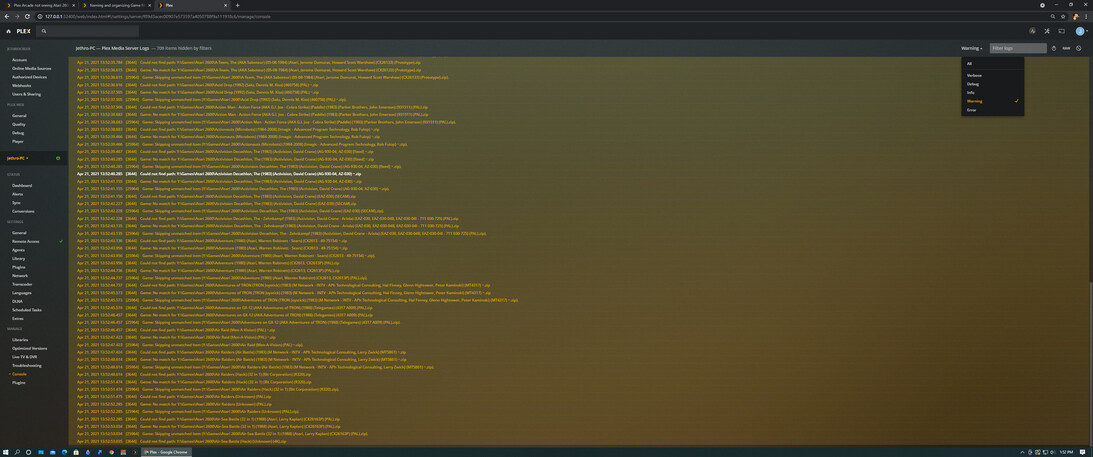
Can you provide a screenshot of your file folder to one of those files in the above image?


Can you expand the column for the filename? I’d like to see the full name.

Ok. The path error you are seeing is because the file when expanded from the zip is too long. That doesn’t affect the matching though.
Your filenames within your zip files need to have the .a26 extension.
Note: If you’ve got your roms from one of the big collections that stores them as .bin the good news is for 2600 files, the actual file format is the same, so you can just rename them.
