I was installing plex server on my synology HDD 1 and it was doing great with more than 100k media files.
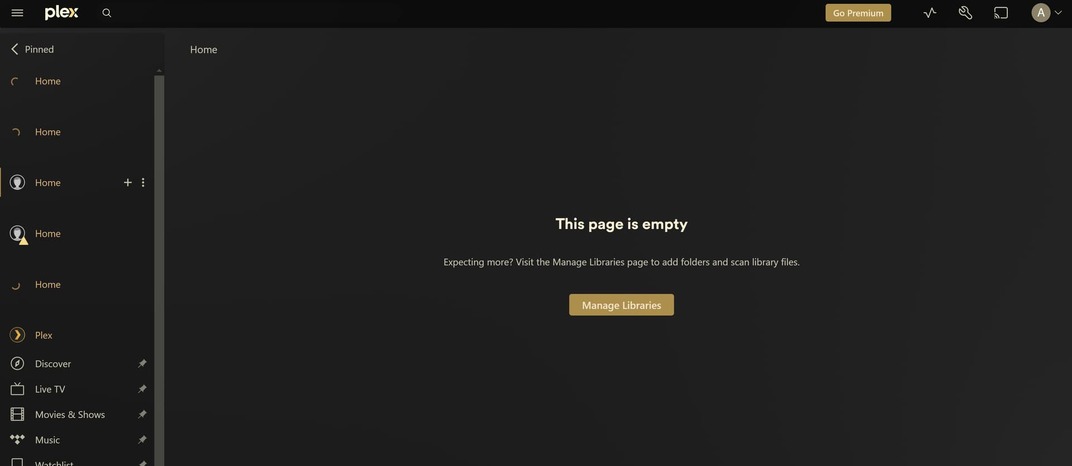
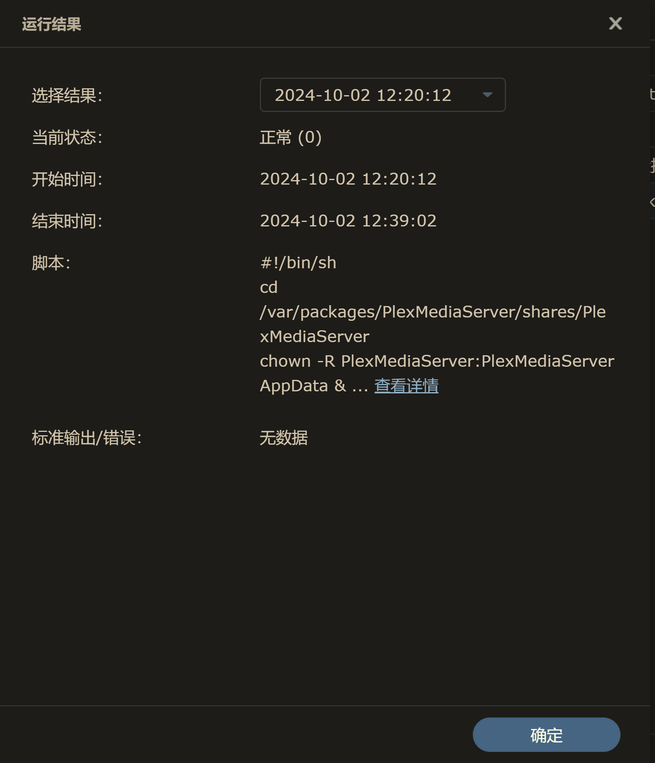
Recently HDD 1 got full of space and I planned to change it to a larger HDD. Before the replacement, I copied the whole plex media server folder to another HDD in my synology, then replaced the old HDD 1 as the larger one, then reinstalled plex server, followed by pasting the whole plex media server folder to the new folder. After these steps, I ran plex server and its web, then the server turns out to be empty.
hi dbirch, thanks a lot for the reply. I did see this guidance and followed it. But I recall that when I did the uninstall, I picked the last one (remove entire plex media server, tried to get a clean reinstall)… Is this the reason that all libraries in plex are gone, even if after reinstall the previous plex media server folder is correctly copied and placed in the new folder? If so, is the only thing I can do now to rebuild all libraries?
Also, verify the database file names in Plug-in Support/Databases.
Your screenshots show duplicate files, with different sizes and dates, for com.plexapp.plugins.library.db and com.plexapp.plugins.library.blobs.db.
It is not possible to have two files named exactly the same in the same directory.
Are you comfortable with the Linux command line? If so, ssh into the NAS, change to the directory with the databases, long list the files (ls -l), and copy the output to the thread.
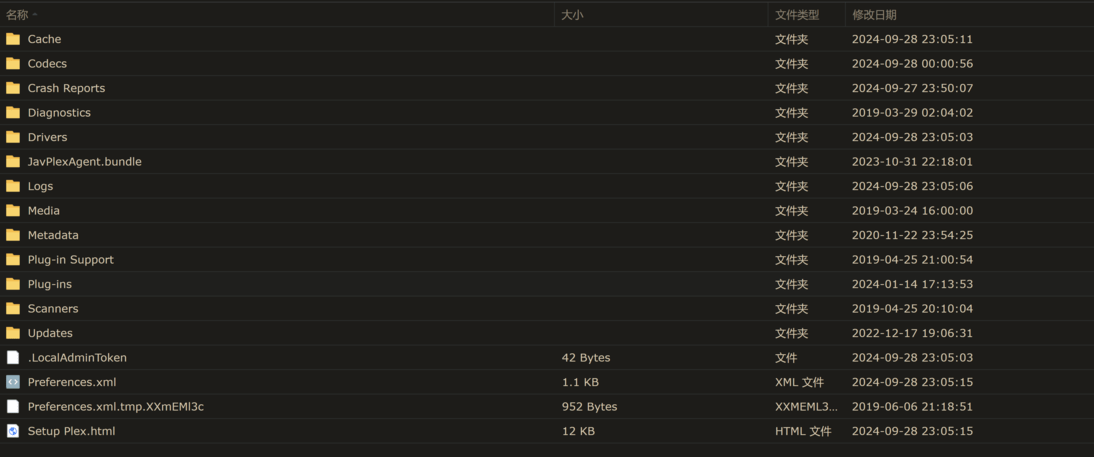
Sorry I’m a noob and not so familiar with SSH. But I think I know the reason for the duplication: there is a folder named appData and there is another entire Plex Media Server folder in it (this may because I used Hyper Backup to restored the Plex Media Server folder?), with same sub-folders but much smaller total size compared to the “genuine” Plex Media Server folder.
Hi Chuck, yes I put the folder in wrong place… now after reinstallation, copying plex folder to right place, and cleaning up the libraries, everything comes back and they look just like before. Thanks everyone for the kind help!