I am having trouble fixing a match for a TV show. No agents are showing up under the drop down menu when I search to fix. So I can’t even search the TVDB number. I have tried to select all the agents under the settings but still does nothing. Any help?
I suppose your library is configured to use the Plex TV Series agent?
If so… you can still use the TVDb ID in the search field – if this is giving you some hiccups try to include tvdb- as a prefix to the actual ID.
What show is failing to match for you?
367147 which is Marvels What if…?
It’s not working the way you said to do it either. And the drop down menu isn’t working under “Agents” in the search field. I have used this a million times successfully.
What do you mean by “it’s not working”?
If you only have a single option in the agents dropdown, that’s the expected behavior.
Just double-checked this with a tv-show of my own. Using Title=tvdb-367147 with Year left empty or set to 2021 brings up the correct match right away. Leaving the tvdb- prefix will result in no matches.
The same works using tmdb-91363 or imdb-tt10168312/tt10168312 as Title.

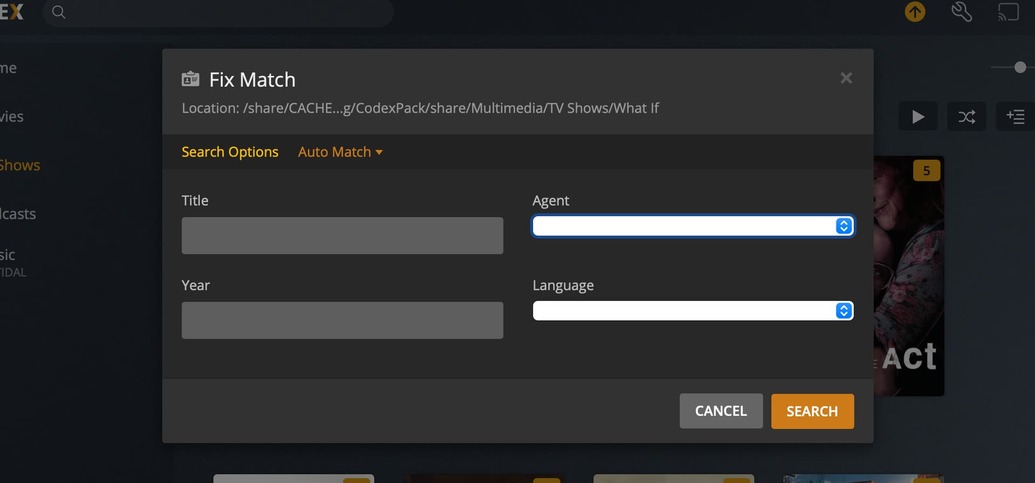
3 questions:
- What agent have you set for this library?
- Do you get the same „missing agent“ in other libraries or only In this one?
- Do you experience the same if you’re using a different browser?
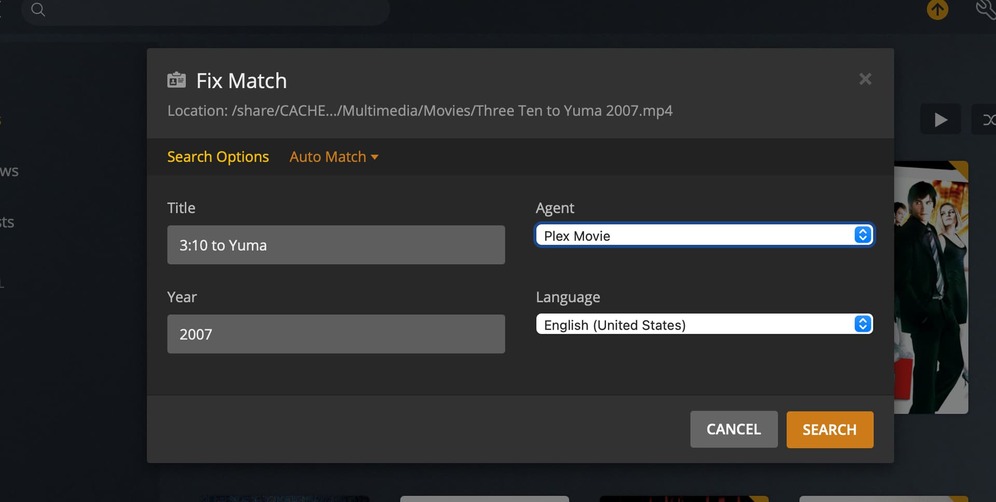
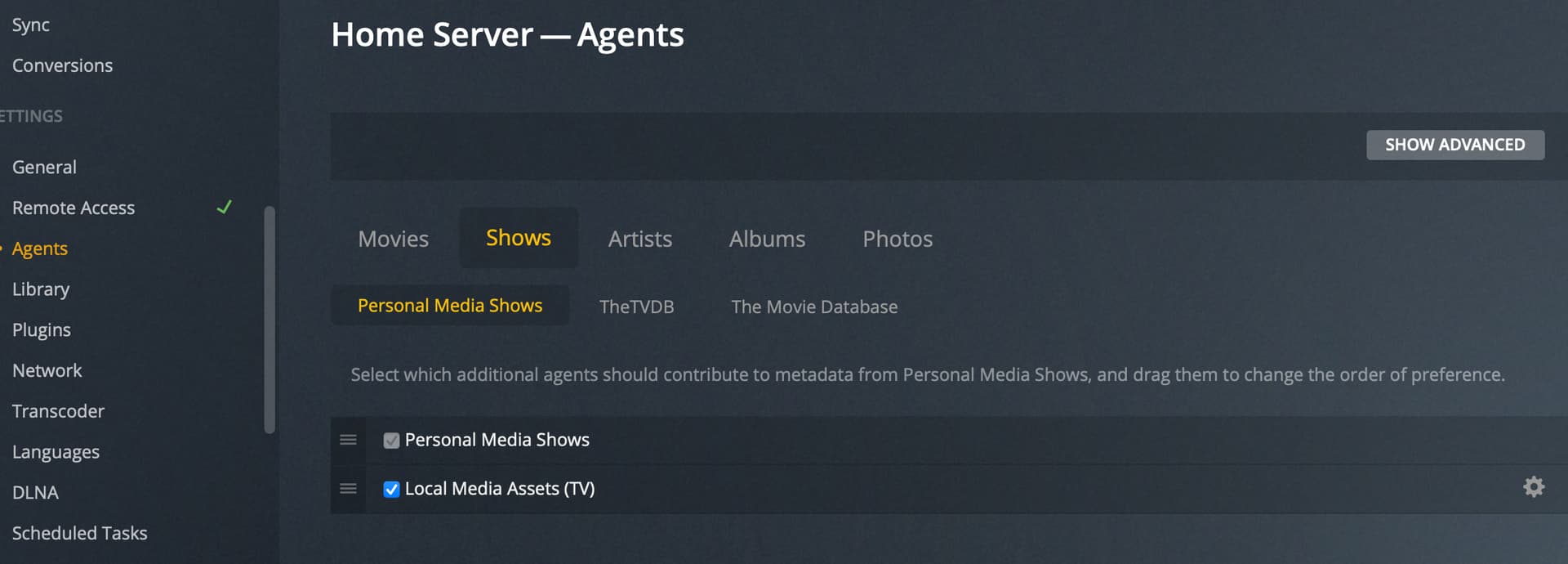
The new(er) agents no longer use the global settings. Instead they use per-library settings
In the library context menu:
… > Manage Library > Edit… → Advanced > Agent
That seemed to work. Thanks!
