Server Version#: Version 1.16.5.1488
Player Version#: Version 1.1.0.831-e1ae73b1
I had to uncleanly reboot my PC, and then had this problem with Plex. I even do a complete un-install, and re-install of the desktop client, and the issue persists.
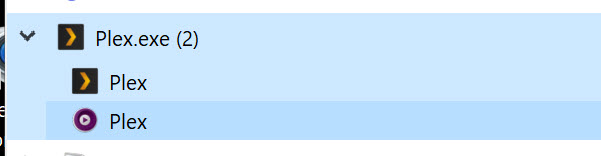
When I launch the Plex desktop app, I get two windows, one is more like a screenshot of what I was watching last, there’s no ability to “play” the video from that window. I can’t even close the window without using Task Manager.
The other is the main Plex desktop UI, I can browse around and it feels normal, but if I try to play anything nothing happens. I get to the screen with the play button and then nothing.
Attached are some screenshots.
As I said, I have tried uninstalling and downloading the client again and installing, but same issue.
This is super broken. Clearing the folder mentioned does absolutely nothing but make you log back in and the minute you play something again the double window issue happens.
This was not happening in prior release so it’s a new bug and the solution as marked does not work.
Also downloading the new 1.2.1 preview also does not Fix this.