no clue what’s going on with Plex lately (by lately I mean last couple years). for whatever reason it’ll get in it’s moods where it simply WONT play the show I’m wanting to watch. Most recently a couple days ago I was watching a show and seen that the Plex server needed a update. I stopped the show and updated the server went to go back and try to watch the show but it would load to 33% and that’s it. on web player, on my Roku TV and on my Firestick unable to watch the show. after multiple restarts of players, networks and server still wouldn’t play the show. I was had to access my NAS where my files are stored and watched the file directly through the network and no issues. I could play on my Emby server with no issues. So It’s not due to an issue with the file, or my network, Something with PLEX. Also for some reason it’s not letting me watch any episodes for that same season suddenly when I had no issues previously. And it’s not due to the update as this has been a ongoing random issue with PLEX. I woke up late today and saw a new episode for one of my shows. Same things only I havn’t tried to play this episode before being it was NEW but I go to play on my Roku TV and it’s sticks at 33% on that show and WONT F’n Play.
Sorry to hear you are having issues. You’ll need to provide logs from your server and the client after trying to play a video so we can check what is going on.
Logs for what? How do I acquire the logs? You want me to post logs which likely contain personal data on a public forum?
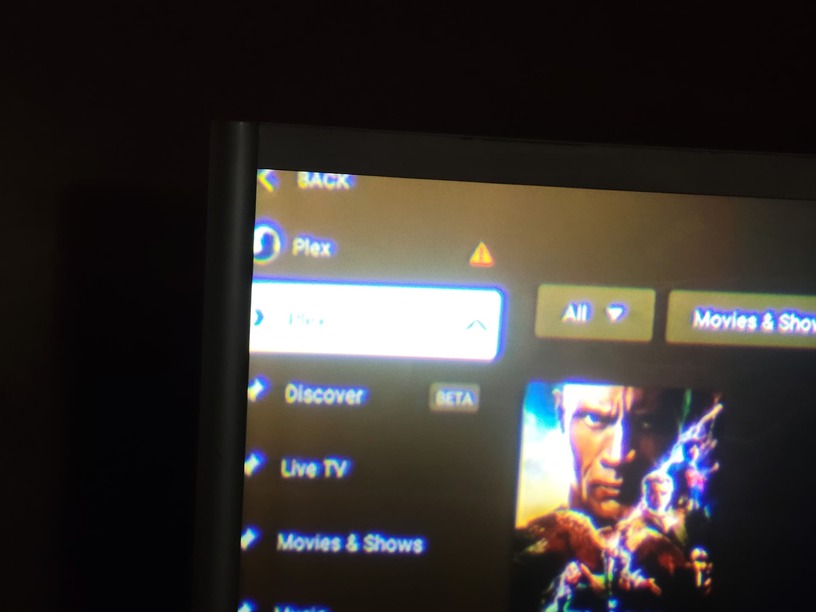
My Roku tv, amazon firestick has internet, they’re on same network, not that that really matters since I have plex pass. But I can access my library from other devices through browser. Just having issues through plex apps. On my Roku TV I had the option to manually add server which oddly worked. Other than other issue Ive been experiencing. (Separate thread) Doesn’t make sense as it’s the same server I associated with my plex account and will show up on some devices. But my amazon firestick has no option to manually add server, no option to retry connecting, no details of why it won’t show my servers media just the name with a yellow triangle. I’ve signed out and back in, I’ve power cycled the firestick, I’ve uninstalled and reinstalled the app. I’ve factory reset the firestick. It’s as if it’s not even trying to reach my server. I just repeatedly want to force plex’s content on me. The watchlist that I dare hover over and want to take up entire screen delaying me from doing what I’m attempting to do. No options in the app pertaining to troubleshooting one’s connection. Use to be,

Screenshot of plex on my phone. Claims servers offline, manually adding servers address on phone and it does nothing, shows no additional servers.
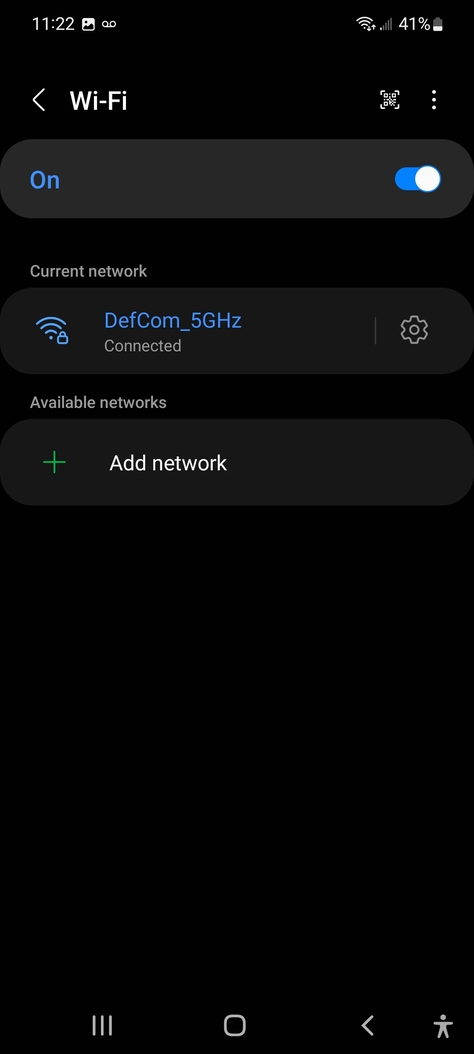
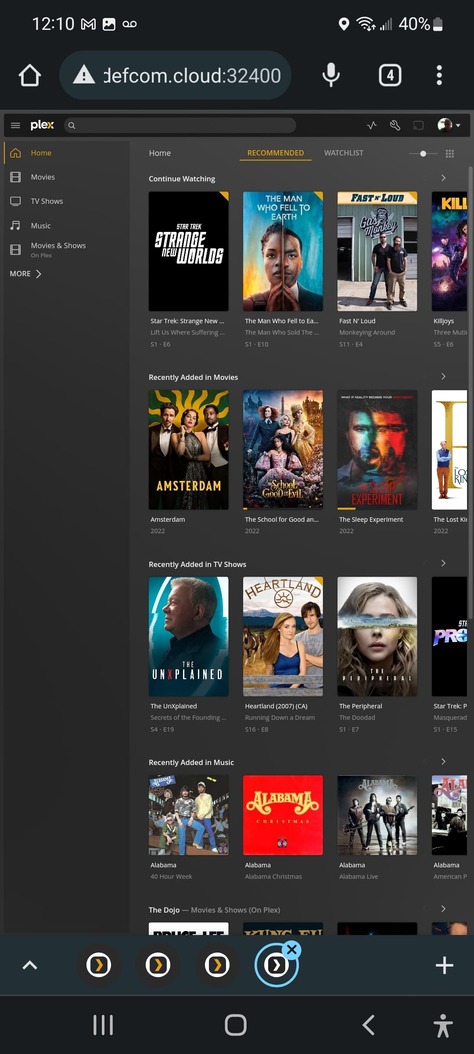
Yet while on same device through browser im able to access my library. Only difference is app no access, browser i can access.
While a tablet, same network shows my server is online.

And shows my library

unless going through app. Again on same device simultaneously only difference Browser, I have access to my server\library while on the app no access to server or library.
Plex Media Server Logs_2022-11-27_12-01-12.zip (3.6 MB)
so I’ve included server logs and screenshots of some troubleshooting I’ve done. But due to my troubleshooting its clear something is preventing access to apps on all devices. Roku, windows, android, and firestick. I’ve tested. While browser works on same devices. So its not network, or hardware issues on my end. I’ve deleted server and started new from scratch and issue persisted. I’ve made no changes when the issue occurred. I’ve allowed insecure connection on local network.
Ah, you are using a custom URL to access your servers using the Web Browser. The Fire TV app can’t use that. It can only use the local IP address.
This is from your log.
Comparing request from 10.0.0.45 against 172.16.0.0
I can’t tell if that’s the Fire TV device, but if it is, it’s not on the same local network.
I have a local DNS setup on my network that I only use when accessing through browser as I host many services and it makes it easier. It just redirects the traffic to said services LAN Ip managed by my firewall. When accessing through apps such as plex in this case I have it directed directly to the LAN ip. On my network the Plex server is on 10.0.0.10. the 10.0.0.45 is my tablet. Plex is working when accessing through browser on all devices on the same network. By entering custom URL or entering server LAN Ip. However, the PLEX APPS arent able to access my PLEX server. SO it’s NOT network configuration issues. Everything was working just fine; I’ve made no changes. I updated the PLEX server, then restarted the host server Plex is running from when all this occurred. Since then I’ve wiped Plex server and started from scratch, and uninstalled the apps and reinstalled them. Networking and I.T is kinda what I do.
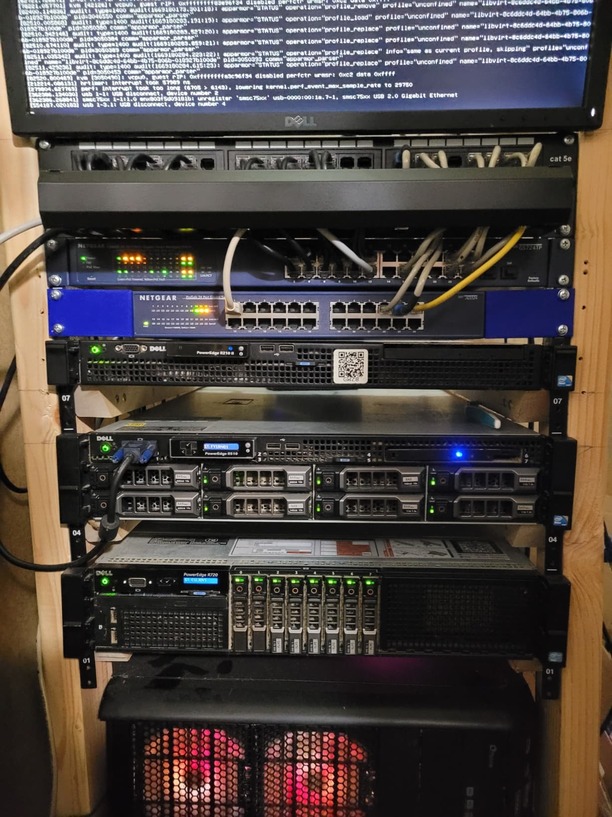
So I dont know where the 172.16.0.0. came from. I was confused for a moment and was thinking 127. I have multiple networks. One setup for my IOT devices. My personal network and a guest network but they all start with 10. I had worked for Comcast doing home networking support  They usually use that range with their gateways. Out of habit that’s what I went with. So if the logs are showing something with 172, That’s something Plex is doing as it’s not anything I use. Also the fact that I have a Emby server hosted on the same machine, going through same network, with apps working on same devices. Unlike Plex where I got the yearly pass i didnt pay for emby so streaming off same network isnt an option and they’re able to see and stream my media. Thinking I need a refund from plex. Paying just to contribute and support the software I use most but cant get the respect from plex to support its software so I can use it.
Ok, let’s ignore the 172 address. That could be something left over from some other configuration or a random device pinging the server.
How are you doing this? The Plex for Android TV app does not have a setting to manual set an IP address. This is available on mobile devices but not TV.
If you did somehow manage this, using a manual IP uses an insecure connection to your server. Make sure your server is allowed to use insecure connections. There is also a setting in the app for this, make sure that’s also enabled.
Well, One TV, My Roku TV in my office I was able to bypass this issue by going to settings, Manual connections then enter my servers LAN IP. Now in my bedroom where I used to be able to enjoy watching my media to fall asleep to doesn’t have that option to manually enter the servers LAN IP, nor did I see it on my tablet but didn’t really look on my tablet as I don’t watch plex on tablet. I only installed it for troubleshoot when I narrowed this issue down to the streaming apps and not my network or server configs. Once someone with Plex support catches up with me on this we may get this issue resolved. It appears you keep trying to limit what may be causing this to issues with networking instead of openly looking at the situation and following the results of the troubleshooting I’ve done. You’ve maybe spent a few minutes on this, but I’ve spend over a damn week thus far troubleshooting. And I’ll say it again, IT’S NOT A NETWORKING ISSUE. So stop trying to force this into networking. This is an issue with the apps. unless the apps na have some other settings I’m not away of but as I’ve spend days and scrolled through all the settings I haven’t seen any. But Plex has been having ongoing issues with how it manages utilizing the network. SO forget everything and focus on this. On my Roku TV Plex app, Once I manually entered my servers LAN IP, It works for the most part. certain shows it will only load to 33% but it connects to my server and allows me to stream my media. On Browsers from any device on my LAN can access my Plex Server. No issues other than if I pause a show for a moment to answer a call or something then go to play again, I must refresh the browser as it don’t bother to utilize Buffering. It’ll buffer maybe a minute and play that once I press play again. Then stop with a spinning yellow thingy until I refresh browser. but that’s been an annoying issue for years only with Plex. My Amazon firestick plex app, wont connect to my server though it’s on the same network. Forcing me to use my Emby server that’s hosted on the same machine on the same network accessing same media. (clearly not a networking issue, Issue with Plex) The plex app on any other LAN device wont connect to server or see my plex servers online THROUGH THE APP but is able to see through browser Again, same network, same library, same server, only affects Plex APP. Emby app works, Again on same network, accessing same host server on my LAN accessing same media also on my same LAN, SO taking all that into consideration, Adding it up, carrying the 1 over. Equals issue with Plex App. accessing server on same network. Now another thing, Though I have all settings allowing me to cast to, stream to, devices on same network. Meaning if I’m watching show on browser but want to cast to my Office Roku TV, The only app that’s able to access my media, Isn’t showing online and not allowing me to cast from one device to another. All settings are enabled to allow this, but plex services aren’t able to see each other on the same network. Now this issue is also limited to Plex APPS.

Ok, I just noticed something. I logged into plex server and it’s showing the private server IP as 172.16.0.89. while accessing through 10.0.0.10. Why the F is Plex adding its own private IP different from the one set and hosting from? and why, how is that preventing apps from connecting but allowing browsers to connect? and why, how had it changed suddenly only by updating and restarting server?

Plex is not adding that IP. It is being detected some how.
Another thing you can check is in the Network tab, look under Preferred Network Interface. What is that set to? It should be either Any or 10.0.0.10. If it is listing 172.16.0.89, then there’s the issue. If it is Any, you can try changing that to 10.0.0.10 and see if that helps.
If that doesn’t solve anything, restart PMS, wait 3 minutes without doing anything, then grab the logs again. I’d like to see what PMS is doing during it’s startup.
It’s not giving 10.0.0.10 as an option under preferred networks. It defaulted to Any. Back in Plex 1.14 they had an issue where it would display wrong IP. But why would it now, and why are some some devices able to connect while others aren’t? This isn’t making any sense.
If Plex is running in Docker or a Jail then it has a nat’d address starting with 172.16... Need to run in HOST mode so it picks up the server’s IP.
Oh good catch. I hadn’t thought of that. The OP is running in Docker so that is very likely.
Yes, it’s running in TrueNas Scale as it has been since before this issue presented itself. I was getting message saying update was available since before issue presented itself. I’d choose update. and message saying update available would go away after restart and later it would say update available again. which had gone on for about a week then this issue started to happen. I found out yesterday it wasn’t actually updating because the storage method I chose Simple PVC was no longer available. They moved away from that and apparently while troubleshooting this issue I fixed the update problem when I had removed Plex server app (Docker) from TrueNas and started with a fresh setup. But the issue was still ongoing. It baffles me why it was only affecting the apps trying to access server. I was out all day yesterday afternoon and when I got back I went to bed, I had made no changes yesterday, done no further troubleshooting and all I did regarding this issue was take the screen shots I posted on here. I figured I’d try it again on my bedroom TV through Amazon firestick and it was suddenly working. I got up this morning and double checked my Roku Office TV, I went in through manual connection settings option and deleted my server info from there forcing it to use the server linked to my account and same thing. My library showed up as it should. I had some new Tv shows added I went to watch. But found one issue still persists. Certain TV shows still have issues trying to play. They’ll load till 33% and no further. I don’t know what it is with the 33% but shows I’ve watched before, occasionally new episodes, just randomly once in a while (usually when I’m really wanting to watch something) it’ll refuse to load. I’ll click on another episode/show and it’ll play with no issues and I go back it’s as if it stored the buffering status because as soon as I choose play screen flashes to 33% with the yellow circle and won’t change. I unplugged the TV, drained capacitors hoping it’ll clear out any buffer, I restarted the server, and tried to play again. straight to 33% and refuses to do what it’s supposed to do. Play my damn media. I’ve got better ■■■■ to do than waste my time dealing with a media player that for one reason or another has issues playing media. This is why I have to keep an Emby media player on standby as Plex, which I typically prefer, isn’t reliable or consistent. Only consistency is it’s unreliability and frequency of issues trying to play media.
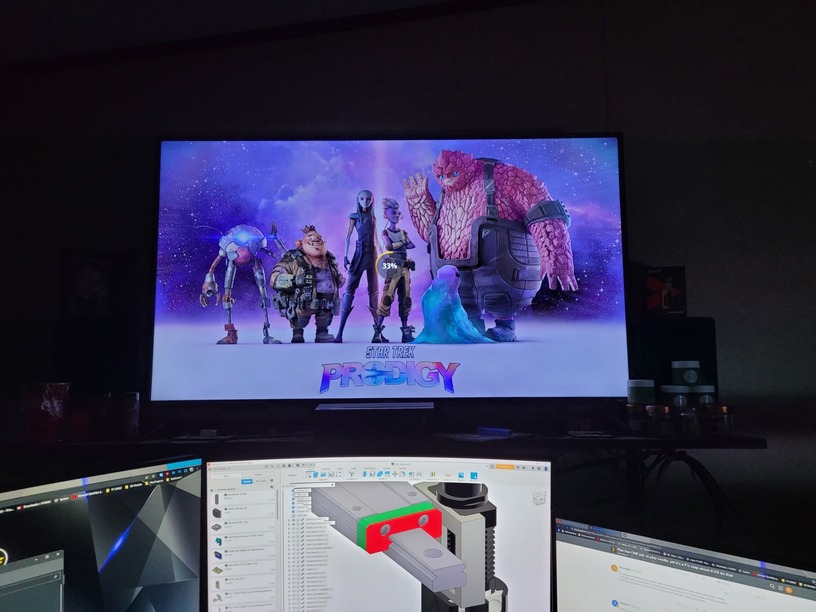
That first 33% is the Roku loading it’s internal player into memory. This always happens. Then it loads from your server. If it’s not getting pass 33%, then it’s not getting the data from your server. Please reproduce and get me the Roku logs and I’ll take a look what’s going on.
ok but why would it only randomly affect certain episodes, and once this happens to a particular episode it’ll be persistent issue with that episode until one day it’ll decide to do what it’s suppose to do and allow it to play. I’ve powercycled the everything AGAIN. It has no issues connecting to server to allow me to watch the episode before this one. I’ve watched two entire seasons of over shows and try to go back to see if it’ll play this episode and it wont. automatically goes straight to 33% as if was still stored in a buffer but refused to attempt to load any further? I’ve even deleted the episode from my library/NAS and acquired a different copy. It went straight to 33%. It’s not playing on any device. Currently, not that I’ve checked all my episodes but it’s that one episode of Star Trek Prodigy, and Star Trek Strange New worlds. This is happening when trying to play these from any device through Plex. WOrks with Emby not plex. But plex is playing other shows.
Plex Media Server Logs_2022-12-02_13-10-17.zip (3.9 MB)

10.0.0.3 is the RokuTV device I’m seeing the 33%, When accessing through browser on PC, 10.0.0.9 in logs I’m just seeing a spinning yellowish circle when trying to play same media giving me issues on Roku.
Error creating directory “/transcode”: Read-only file system
Hmm. Something is preventing PMS from creating the folders it needs during a transcode. Other episode are likely working because they don’t require a transcode.
This video has EAC3 audio, so it may be specific to transcoding this audio. In your Plex application data folder you’ll find a Codecs folder. Inside that is an “EasyAudioEcoder…” folder. Try deleting this, restart PMS, and play the file again. This folder should get recreated.
While the video is trying to play, check back at the same level as the Codec folder, there is a Cache folder. Inside will be a Transcode/Sessions/EasyAudioEncoder/Convert to … And in that should be a wav file. If you can’t find this, then something is preventing the audio from being converted.
That initial error would indicate something with the OS.
