Should be under Settings > Account in the Plex for iOS app.
https://support.plex.tv/articles/205556278-unlocking-or-activating-plex-for-ios/
Okay, so that might be part of my problem. My Plex server is on a Windows PC, and I don’t see any restore button there or on my iPhone account settings. Does the server have to be on an ios device for the Family Sharing thing to work?
It’s non relevant where your server is installed
@kenjasper It appears when you play something and it stops after a minute. It will be under the activate buttons like in the screenshot. Depending on the size of your phone screen you may have to scroll down
It doesn’t scroll down at all. It just shows the activate and not now buttons. I should add that this is on my wife’s phone. The notice never comes up on my phone because i used it to pay the activation fee.
Hit activate then it will take you to the screen with options to activate, the bottom one being the restore.
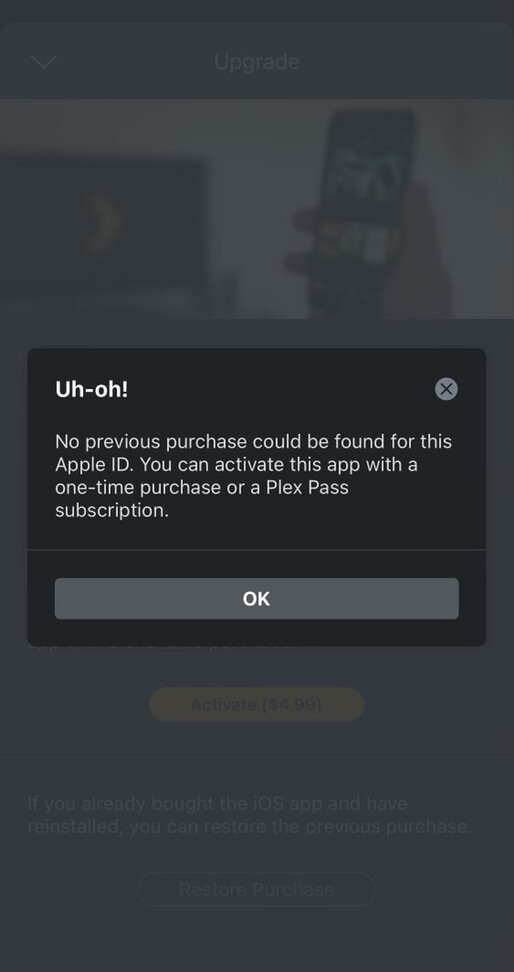
Okay. Fixed it, I think. Wife had to share purchases on her phone and then it worked. Thanks, everyone.
