Hi,
I have the office UK set up with two seasons and the two part christmas special.
When I hit the play button on the main tv show page (so when you are about the start the entire series from the beginning) it always sarts with the christmas specials (instead of season 1).
Even though, the specials have a release date that is after season 1 and season 2.

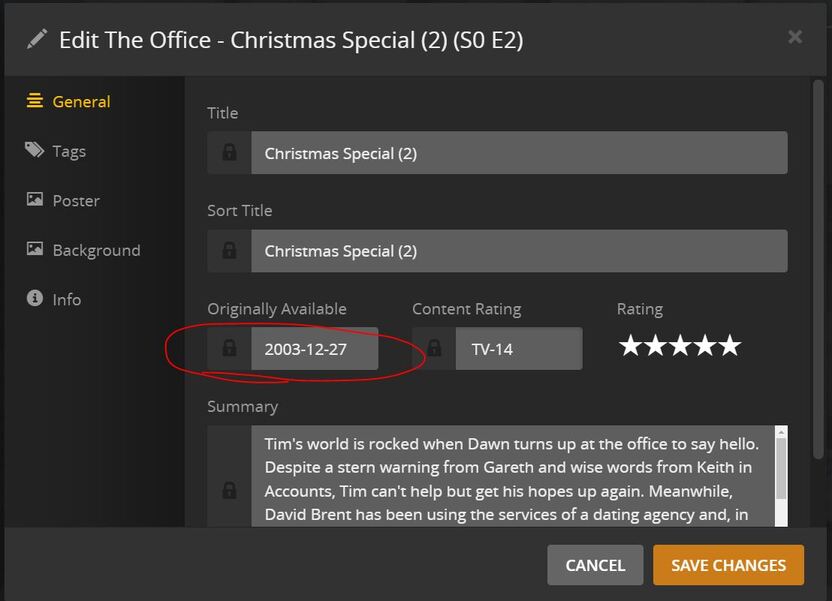
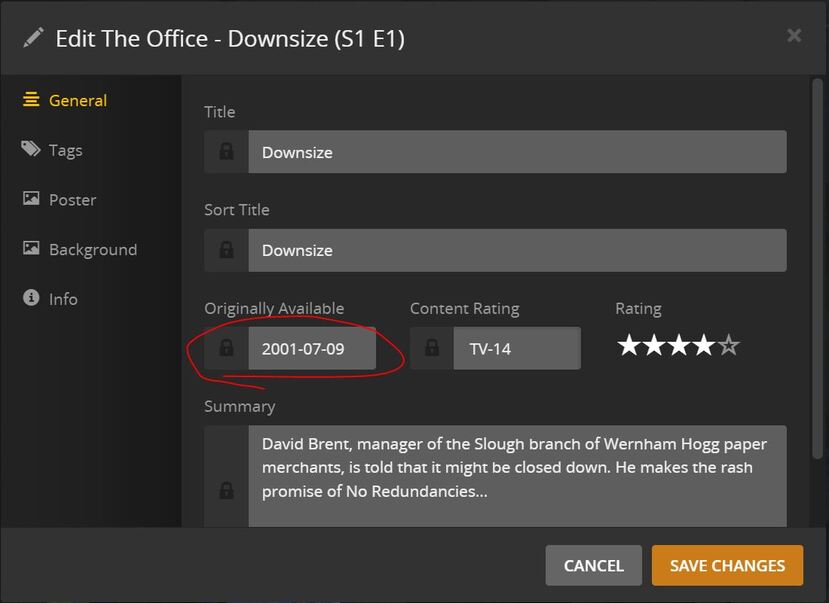

The specials are also listed before S1 and S2 on the main show page:
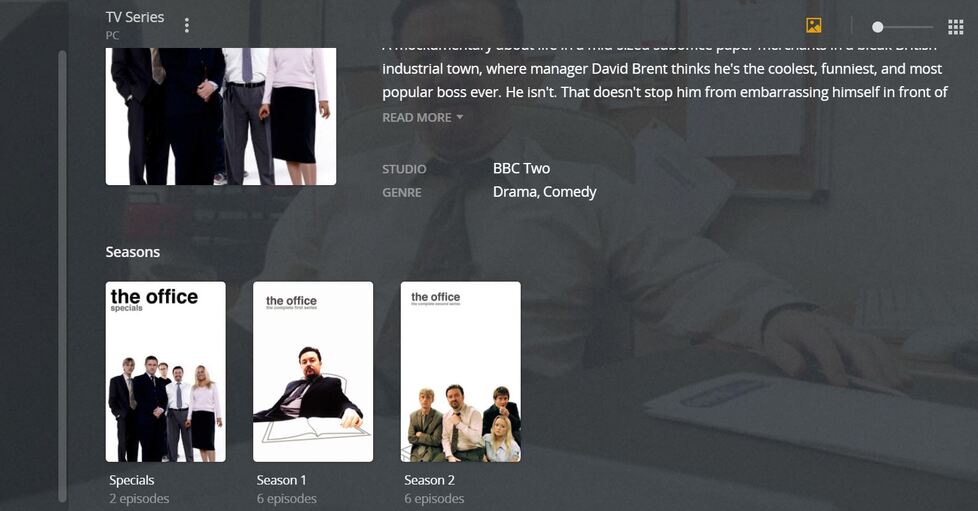
How can I get this show to respect the play order of S1 > S2 > Specials?
It must be due to the naming of the specials as s00 but as far as I can tell this is how it’s supposed to be according to plex’s naming rules.
Below is my folder structure:
TV Shows
The Office
Season 1
s01e01.episode name.mkv
s01e02.epsiode name.mkv
…
Season 2
s02e01.episode name.mkv
s02e02.epsiode name.mkv
…
Specials
s00e01.episode name.mkv
s00e02.episode name.mkv
