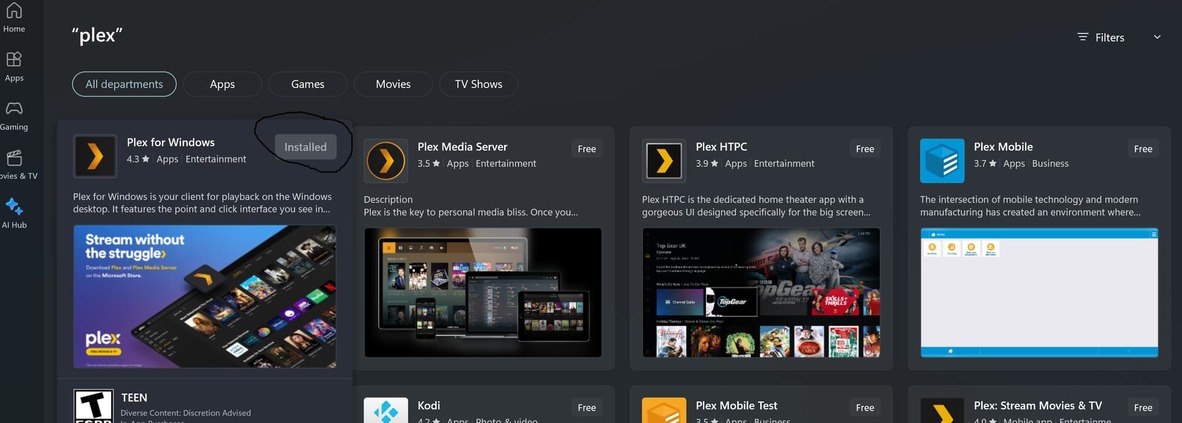
Plex loading issue on windows

I use plex on pc and on my shield, shield works fine

I dont use it on PC much but for the past few wks when i try it wont go past this screen

It never showed this before and i dont have a server, i have access to a remote plex server, i never had to configure anything, and as mentioned i dont get this issue on my shield, this is the same version i have been using for the past yr, but all of a sudden i get this error

I have rebooted my PC multiple times, i just got the latest 64bit file from this link and uninstalled the older and installed this and i get the same issue
https://www.plex.tv/media-server-downloads/#plex-app

Thanks

Plex Media Server.log (120.7 KB)

Oct 15, 2023 13:22:14.221 [22944] INFO - Plex Media Server v1.32.5.7328-2632c9d3a - Microsoft PC x64-x64 - build: windows-x86_64 windows - GMT -07:00
Oct 15, 2023 13:22:14.221 [22944] INFO - Windows version: 10.0 (Build 22621), language en-US
...
Oct 15, 2023 13:22:14.221 [22944] DEBUG - "C:\Program Files\Plex\Plex\Plex.exe"

You installed Plex Media Server by mistake.

Uninstall it and reboot your PC…

Then, if necessary, download and install Plex Desktop for Windows.

Look at the file name to make sure you have the correct download. It will have the version, 1.79, in the filename: Plex-1.79.1.3984-879339ed-x86_64.exe.
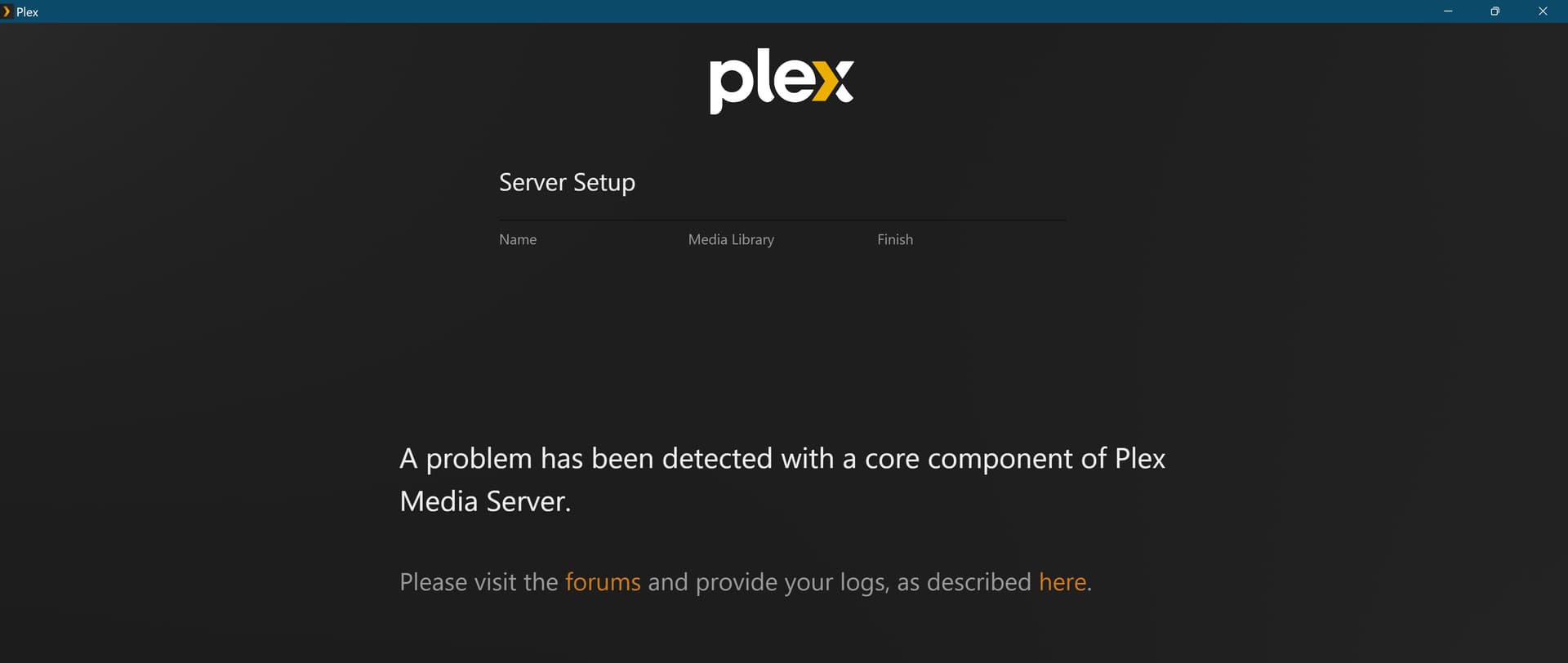
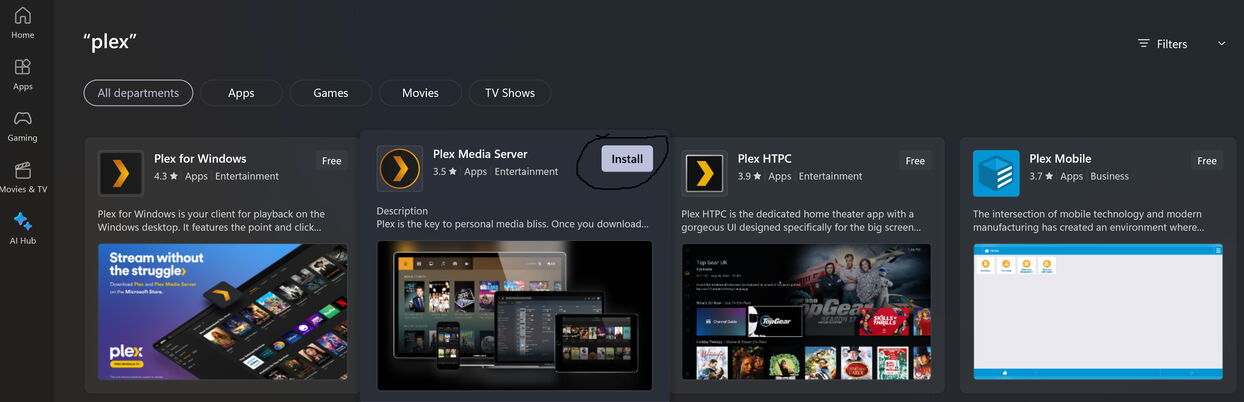
That is the file that i got from that link, i chose the 64 bit file, i did not choose the windows store version nor the htpc version

As shown i do not have plex server, i have plex for windows and it keeps checking for a server on its own

As you connect to a remote server you would need to have the person who runs that server, invite you.

Maybe I am missing something.

No that is incorrect, as i said plex on shield works fine

Totally separate client to the PC.

Have you signed in on the PC app ?

I am asking basic questions as you installed PMS at first so not sure you understand how Plex works.

Edit - is your remote server hosted on Hetzner ?

The log file in your original post is from Plex Media Server 1.32.5.7328 running on Windows 10.

The screenshot in your original post is from a Plex Media Server setup screen.

Please check the list of installed applications on your PC.

Settings → Apps.

Which Plex applications are installed?

Example:
plex

As i said i never had server on my pc, the log is wrong

I made a new post with new information

Closing this post to avoid duplication.