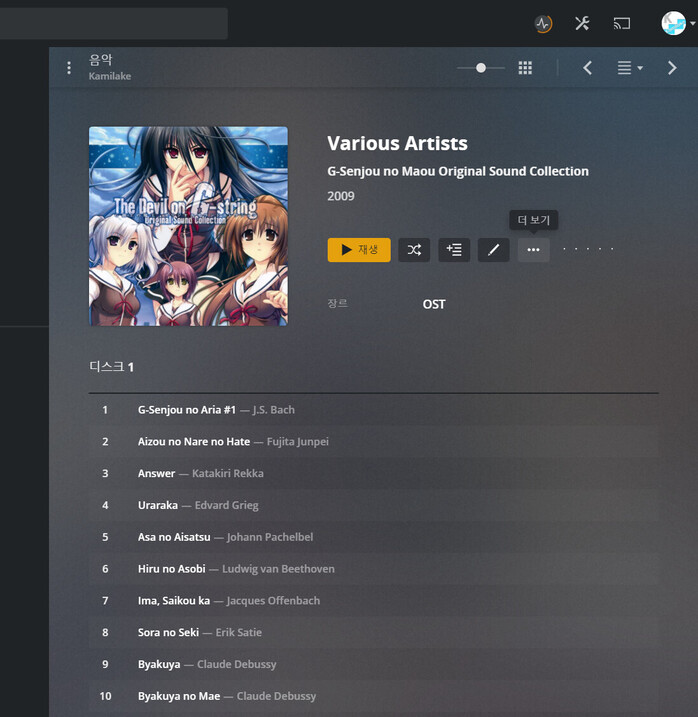
And after about 10 seconds, the tag’s metadata is loaded as shown in the picture above.
It is fine and it worked as expected.
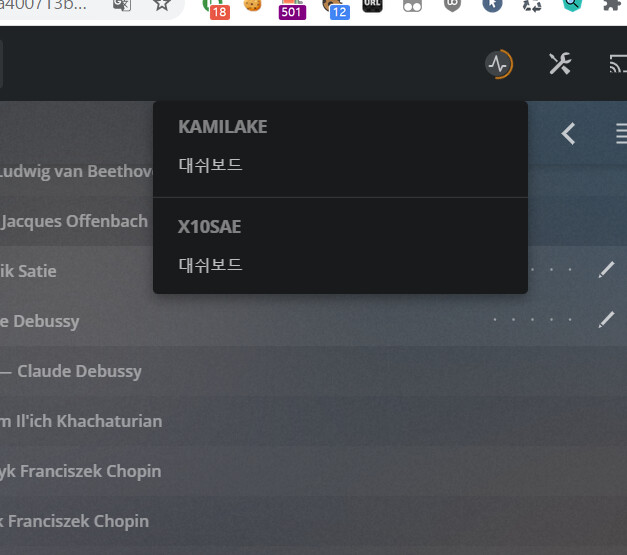
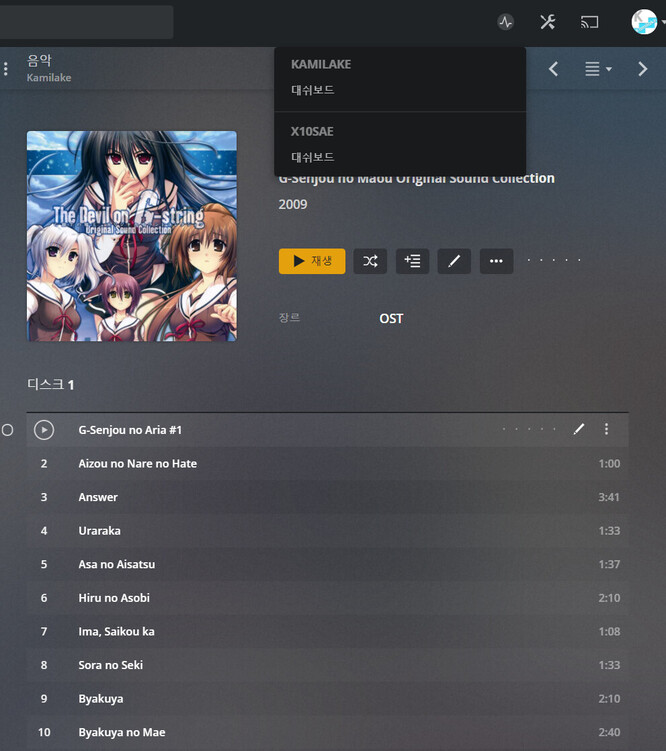
However, after about 5 seconds, the second media scan starts immediately.
And all artist information disappears from my server.
This happens on all servers and can be reproduced at any time.
I will provide all the information for solving the problem.
Thank you very much for the quick and kind answer!
This means I have to manually fill in the metadata.
PLEX does not load metadata from the original file.
Is it not enough to just modify the ID3 tag of the original file?
hurray! (but downloading data and discarding it meaninglessly seems to be an over traffic for the server…?)
It will definitely work for me.
But I have the metadata I set manually before.
Will it reset if I change my agent? Or are both preserved?
For example, files without metadata are automatically filled, but what i specify should remain.
Thanks for the quick reply.
I’m sorry I keep asking back
I have filled in the tags based on the information above.
result
This issue also occurred with Plex Music and Last.fm. Regardless of the agent, the metadata disappears after a few seconds.
It was only visible in third party metadata editors, not in PLEX.
Information I have filled in
Artist
Album Artist
Album Title
Track Title
Year
Genre
Track Number
Cover Art
Information that actually appears
Album Artist
Album Title
Track Title
Year
Genre
Track Number
Cover Art
More than 90% of my albums are Various Artists.
That’s why individual artist information is important.
But Plex only displays it for a few seconds.
After that I need to delete the music and add it again.
If necessary, I’ll show the problem through a screen video. Your answers helped me a lot.