Server Version#: PlexMediaServer-1.40.2.8395-c67dce28e-MyCloudEX2Ultra_OS5
Player Version#: Version 4.128.1
Hello,
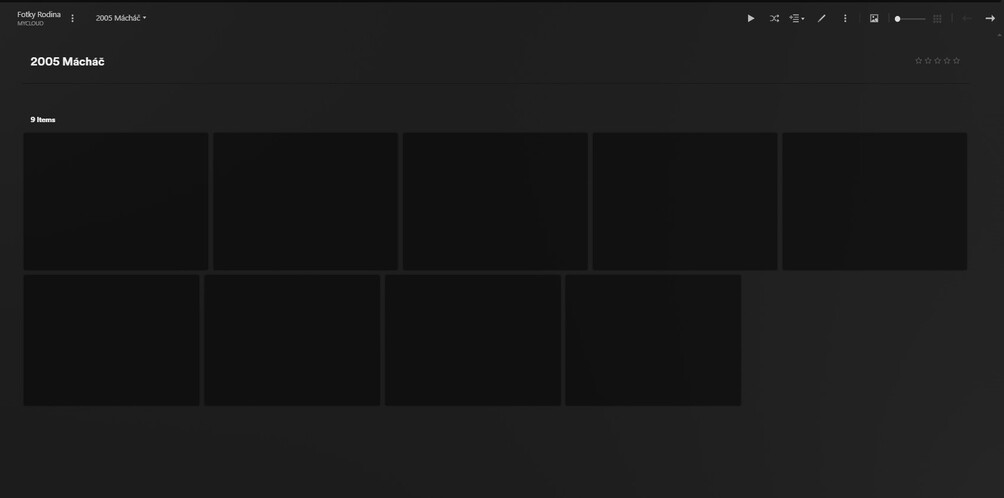
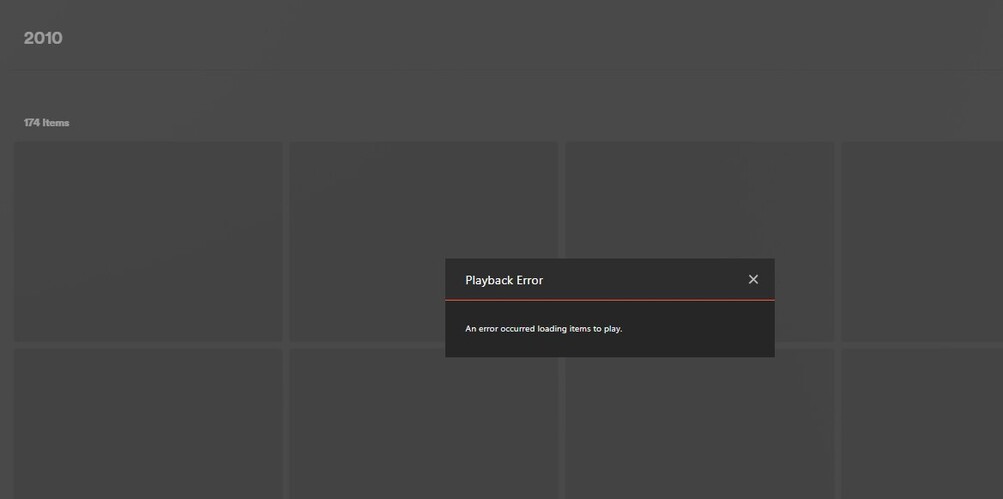
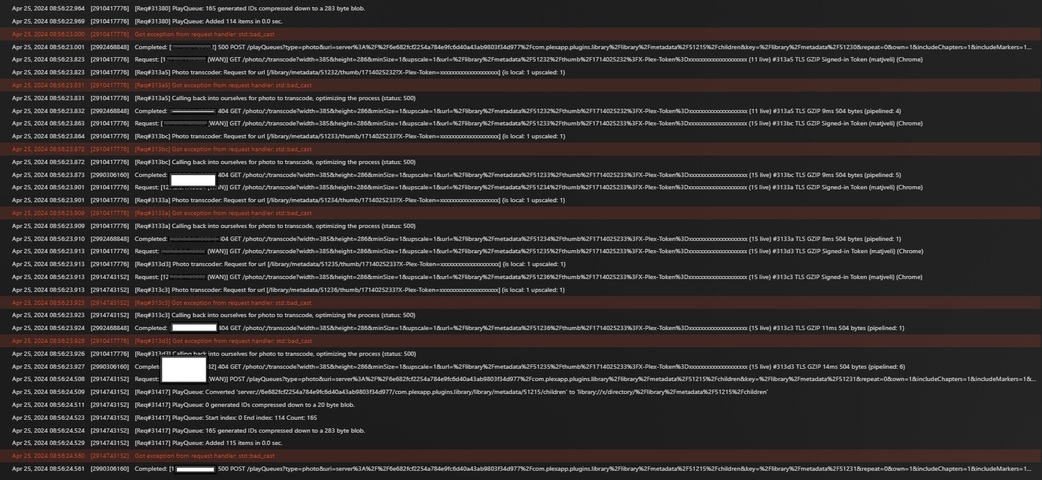
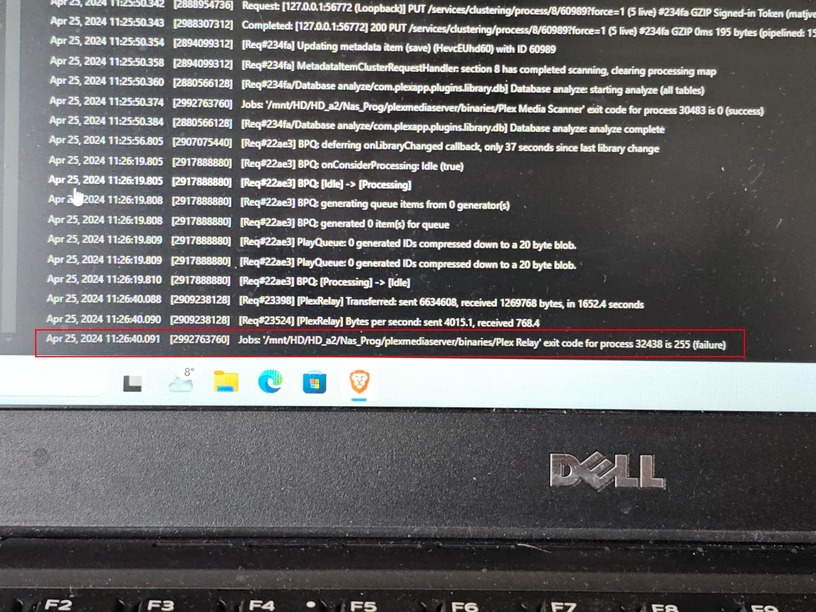
running plex on my MyCloud Ex2 Ultra. I created a library for photos, first I wanted to try only a portion of the photos I have, about 20GB and 20 folders. After adding it, it shows that it is going through and analyzing the photos (CPU and RAM graph almost 100%). When all the processes stopped according to the graph, I looked in the photos folder, and there I only have two folders loaded. The other folders do not have a thumbnail - preview, and when I want to open the file it writes an error and in the consilo I can see:
There was a problem analyzing this item.
I’m sure there is no problem with the jpg, png file type because last week when I put in the path for all folders, this particular folder was correctly parsed and opened.
I tried:
- Restart plex
- Update plex
- Restart Mycloud
- I removed all the libraries to start with a clean slate
- Optimizing the database
- Clean Bundles
Nothing helped. First thought the problem was that I made a library that is 650GB big, so I subsequently removed everything and now made a library that is max 20GB and 20 folders and the problem persists