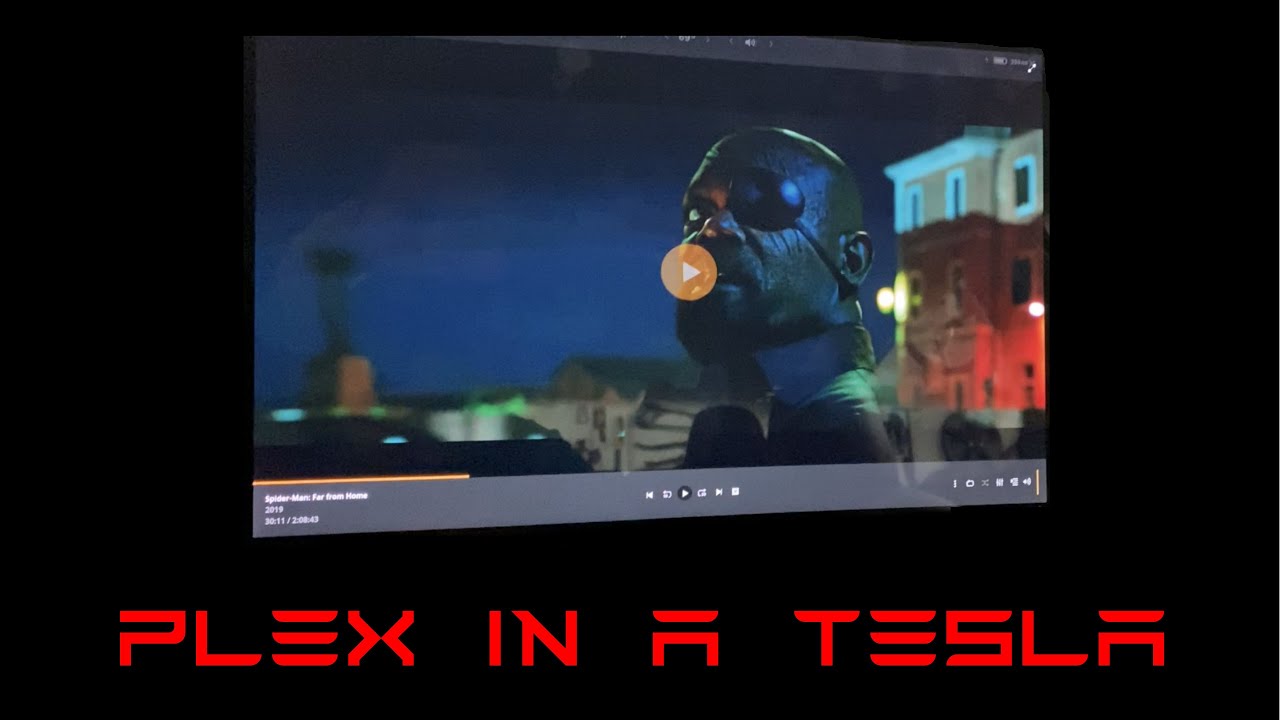
These options will only be available when the car is in park so won’t work for music but I agree it opens another interesting avenue.
Back in the day in version 7 (I think - cannot really remember) we used to have an “Apps” section in the UI that looked set to allow third party applications to be installed. Indeed I remember a tweet from Musk saying something along the lines of 3rd party apps might be a thing.
Honestly this would be just an amazing coup for Tesla. As an app developer I would absolutely be on board joining an app development programme with an app store that allowed deployment to Tesla vehicles.
Initially a simple API could be exposed to apps that provided basic connectivity and the ability to determine if connectivity is available or not, determine if the car is in park vs moving and also have access to GPU rendering.
There must certainly already be something like this in place to support the native apps Tesla has hand-rolled so it would be more of a question of if they want to expose and publish it rather than if they can or not.
I think it’s more likely a matter of priorities. Third party app support is probably way down on the list compared to the other issues the software teams at Tesla are tackling. That said, I wish they’d give me a call… as a fairly seasoned developer myself (20 years in industry as a contractor) I would jump at the chance to head up a Tesla app store
And one of the first orders of business would be to reach out to companies like Plex and gather information from interested parties about what resources they need to make their apps work.
I would love to see Plex officially supported on the Tesla V10 software as well. This would be awesome while charging or waiting for people or just as an extra (Plex) screen
This is great news! I’m still waiting on version 10 to get pushed to my car. I know video is disabled when car not in park, but can you confirm if music from Plex server is functioning while driving?
I can verify that it works in the new v.10 web browser over both LTE and WiFi. When in park of course. As soon as you put it in Drive the video pauses and can’t be restarted. Testing for a friend of course, I would never try to watch Plex while driving.
Note: Web (Plex) audio out competes with any other playing audio. So when I first tried it was playing plex video and audio along with NPR. You can’t pause live radio so there wasn’t a way to change that. What you can do is switch to a streaming channel and pause the song, and then you can happily watch plex using the Web app.
Getting Tesla to OK a Plex app to sit beside Hulu and Netflix doesn’t seem like too much to ask… it’s on every app store out there and even Apple doesn’t have a problem with it…
Can also verify PlexWeb does work working the Model 3 browser. It is glitchy but nice to see it’s a possibility. Plex team, would be great to see a Plex app made available within Tesla’s entertainment system. https://youtu.be/ZJwi3NftERk
Yes, there are some issues. The biggest, which you can see in the Youtube video I posted, is that you cannot simply press play on a video to play it. But, I found if you add it to the queue (or use play next), it will start it in a small window, and you can expand that to full screen.
After recently API developments and availability for 3rd party developers, can we expect a plexamp client to be developed for the Tesla Infotainment system?
I gave up waiting for Plex on this one. My son found a neat little device for his Tesla which I eventually got for mine as well - it spoofs Apple CarPlay with a local “website” generated by the device that plays on the Tesla screen using your iPhone’s personal hotspot wi-fi. One side benefit is that Prologue is a CarPlay-enabled app, so this setup lets me conveniently access all my audiobooks that I have on Plex from this pseudo CarPlay screen in my Tesla. Not perfect, but a pretty decent workaround for a huge Tesla failing.