Server Version#: 1.16.1.1273-4b6101f8 - Synology/Docker
Player Version#: 2.35.1.986-29666b14 - Windows 10 Plex App
Ok, this may seem like a few overly simple questions but I’ve been working on this for 30 mins and I am frustrated.
My issue stemmed from not being able to hear the center channel of a few videos clearly. The volume is 1/3 of the surround music or sound effects. I can hear it when there is no surround, but have a REALLY hard time when the surround sounds come on. I’m playing on my computer with stereo speakers.
I realize this is most likely an audio transcoding issue changing 5.1 to stereo, but cannot find how to fix it.
WHY are many the audio settings ONLY accessible through the TV Player VIEW?
(IMO, Extremely short sighted - took me 20 mins just to find it).
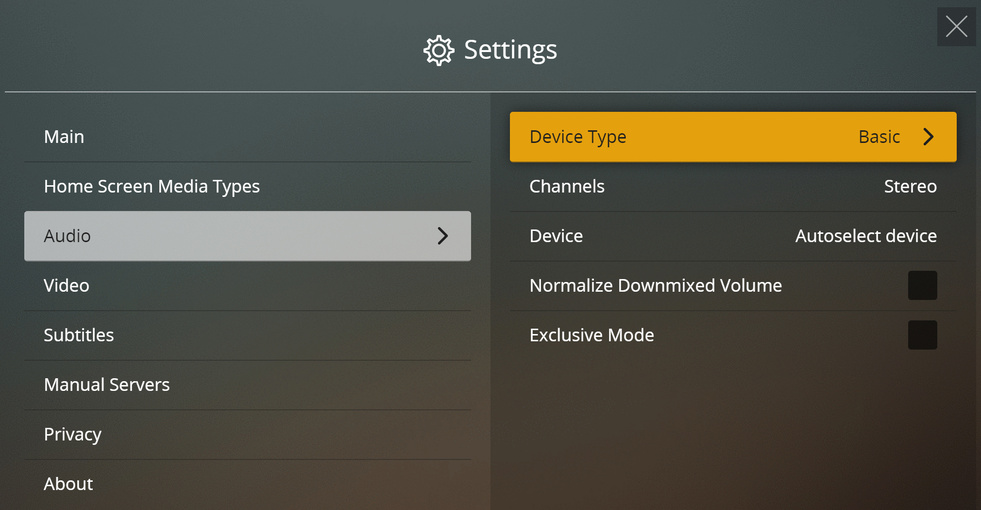
Once I click Settings > Audio > (Device type, channels, or Device) nothing happens. I thought it might be that I don’t have the options because of my computer, but NONE of the other settings allow me past this point either. Seems like a glitch to me…thoughts?
Thanks Dave, it was set to “Normalize Downmixed Audio” by default which unfortunately was not doing a good job of keeping the center speaker volume higher than surround to be able to hear voices. I changed it because I was playing around to see the differences and it didn’t make that much difference one way or the other.
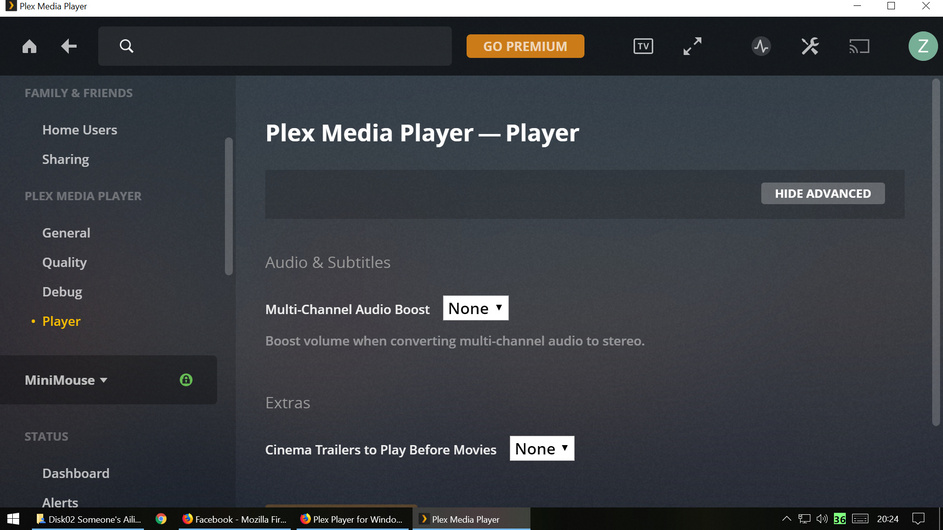
Here are the plex settings. I’ve played around with them, but none seem to fix this problem for certain videos. I’m going to start troubleshooting by testing on different computers (Laptop, Mac, windows PC connected to Amp for sound).
I would also liek to report this bug. It is especially difficult when you have a digital passthough device, and the settings are only available in TV mode
Following this thread I was able to find the audio settings by switching to TV mode, however they are not changeable. I have a Marantz SR7012 receiver connected via HDMI, so I want to set the device type to HDMI and enable HD audio passthrough. As it is, the device type is stuck set to Basic and Channels stuck on Stereo, so if I select HD audio, the SR7012 is only seeing downmixed PCM stereo.
Any suggestions on how to change these settings? And agreed, it seems like a bug that they are only accessible in TV mode…