Server Version#: 1.32.6.7468
Player Version#:all
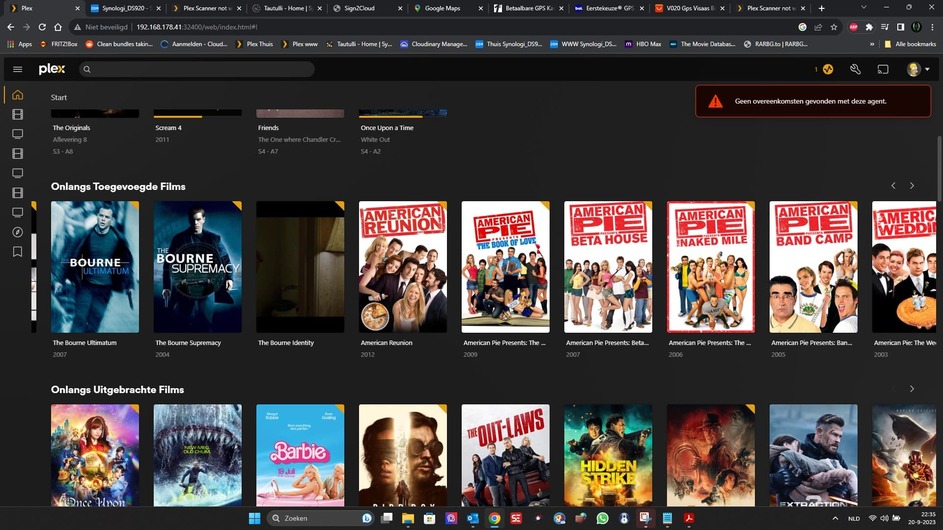
after a problem with bundles cleanup wich is now working again plex scanner is not working anymore.
when scanning a movie or tv show it does not find any matches.
when set to tmdb or tvdb the matches are being found.
but now it is changing tv show to ones that do not match
Plex Movie and Plex TV Series have been the default scanners for quite some time. If they were not working there would be many complaints in the forum.
Such problems usually, but not always, come down to either file permissions or naming & organization.
Please provide specific examples as mentioned above.
A set of debug server log files collected after scanning the relevant libraries would also help.
but maybe you were right about the permissions.
the permissions were set correct but i removed and readded the permissions and now the scanner is going crazy.
keep you up to date if this was the solution
I have exactly the same problem. Everything worked until mid-August. From mid-August until yesterday I hadn’t added any new films.
Now it doesn’t work anymore.
I was able to temporarily solve the problem by changing the agent from “Plex Movie” to “Plex Movie (Legacy)” and the scanner from “Plex Movie” to “Plex Movie Scanner”. Now I just keep getting told there’s a new agent
old
new
But the automatic assignment works again and that is the most important thing for me.
@GMTolboom BijanK Please start a new thread and post what is happening along with server logs.
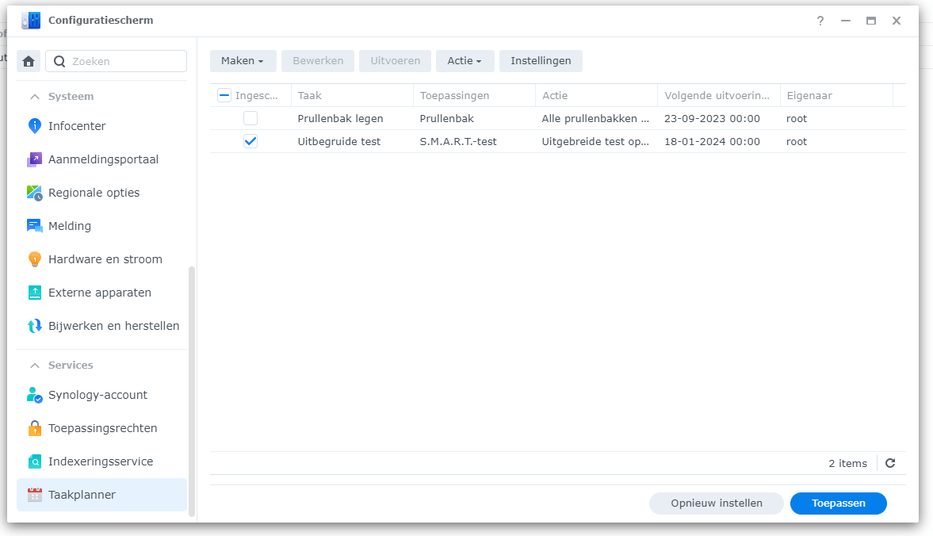
@Geextah Do you have server logs? Are you running a cron job or scheduled task to update/fix permissions?
@GMTolboom Are you sure you dont have any cron jobs or scheduled tasks set to run on your library files? (Please take a minute to look up your cron and scheduled tasks on the syno and double check)
@Geextah This is why we always suggest creating your own thread, GMTolboom’s issue is that the scanner is repeatedly being triggered (probably from a cron job to fix permissions) which is causing repeated scanner initialization, and not allowing the scan to finish per ChuckPa’s analysis above.
Using the legacy scanner/agent is only a short term fix. At some point in the future support for that will be stopped. If you can post your server logs we can see if we can identify what your issue is. (you will need to switch to the new agent and plex dance a movie for us to get relevant logs)
@dbirch i think i have the same problem as @Geextah and @BijanK
as the scanner stopped working without any changes made to the NAS
that the scanner was triggerd was because before the problems started i added a lot of media. and the scanner was not working properly. i changed the scanner to tmdb and tvdb and let it do all the scans. i did not add any media the last few days and now it looks the scanner has settled. i also set the regular scanning to once a day in stead of every hour.
i just performed a manual bundles cleanup and database optimisation and downloaded a new log file after that.
but i cant upoad the log file here as it is 8.02 mb and the max is 8 mb
for the cron i have nothing in there other than the smart test
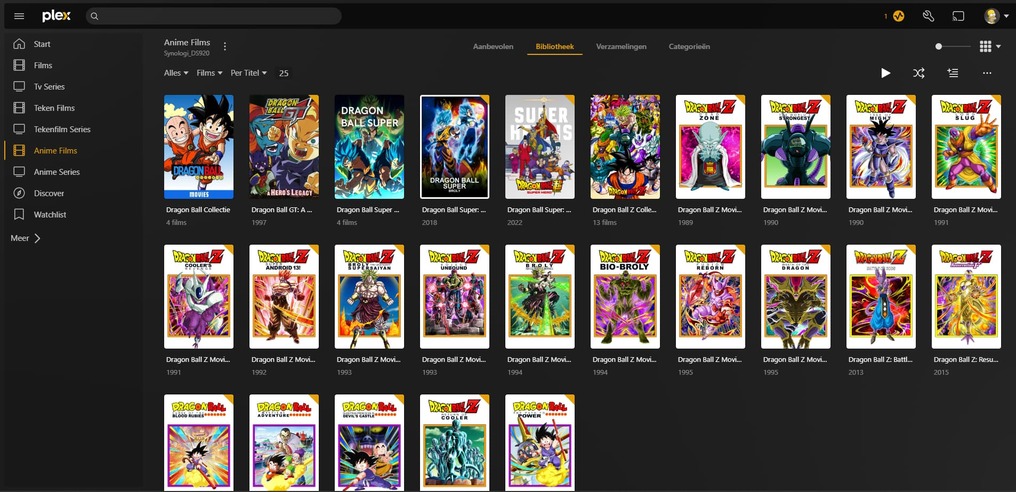
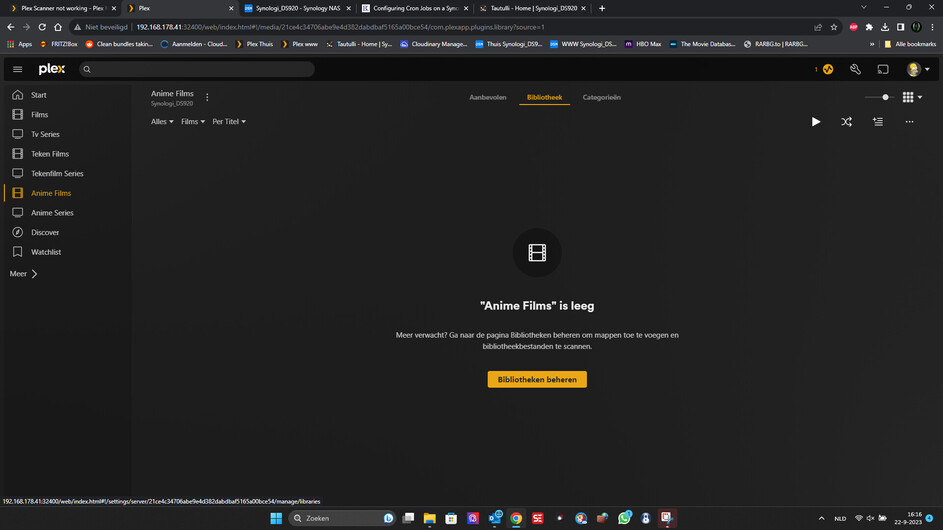
after setting the scanner back to plex and removing the movie files,
i analised the library but no changes were found and the movies are still shown even tough they are not there
I had a look at your most recent logs, comparing them to my own logs after having added a test “Dragon Ball Super Broly.mkv” file to a test library.
Mine:
Sep 22, 2023 11:36:53.823 [139841745976120] DEBUG - Scanner [Plex Movie]: found cloud match for file '/mnt/storage/dvr/test_movie/Dragon Ball Super Broly (2018)/Dragon Ball Super Broly.mkv': 'Dragon Ball Super: Broly'
Yours:
Sep 22, 2023 16:20:17.499 [140633308502840] WARN - Scanner [Plex Movie]: unable to find cloud match for item file '/volume1/Plex Media/Anime Films/Dragon Ball Super Broly (2018)/Dragon Ball Super Broly.mkv'
As is shown here, my server is able to communicate with Plex’s metadata server(s) and find a match for this item. In your case, it isn’t. (I can see the corresponding lookup for metadata.provider.plex.tv in my DNS logs.)
Do you have anything which might be blocking this on your network (metadata.provider.plex.tv)? Maybe try a different DNS server as a test?
Please restart PMS run a scan / refresh and then grab fresh logs. I can see the issue but the logs have already rolled over and I can’t see the log lines from earlier when the issue first happened which I need.