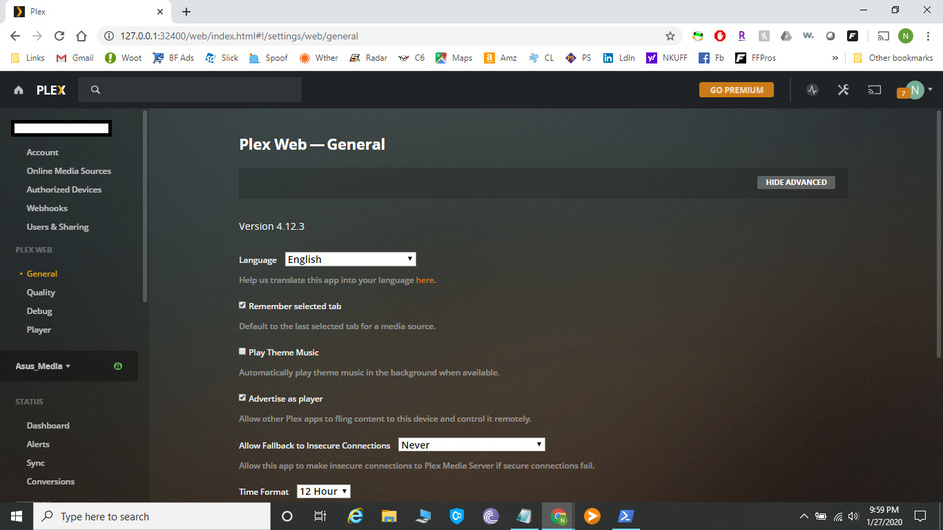
I can no longer see anything other than Plex Web settings. Not sure when this happened. I’ve searched the forums but not finding this problem exactly. Any direction to posts already on this subject would be great. Else, any advice for troubleshooting is very welcome. Thanks!!
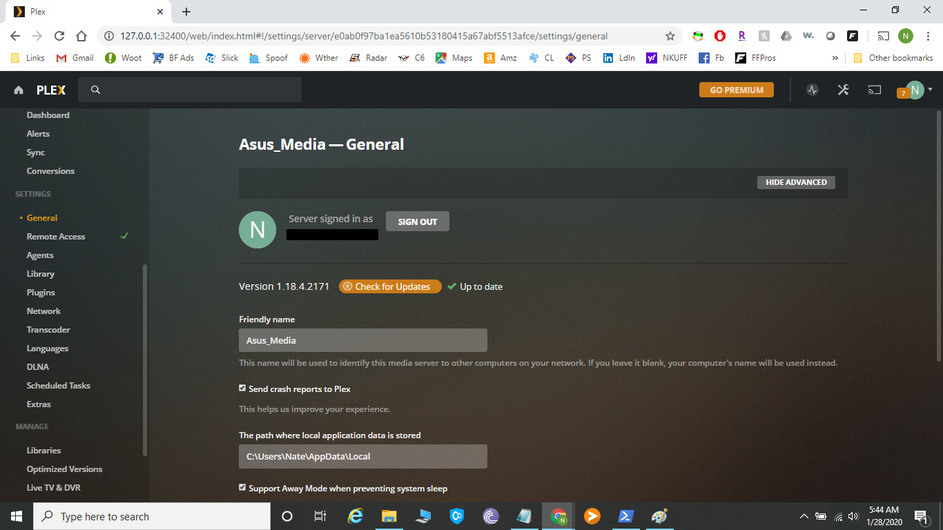
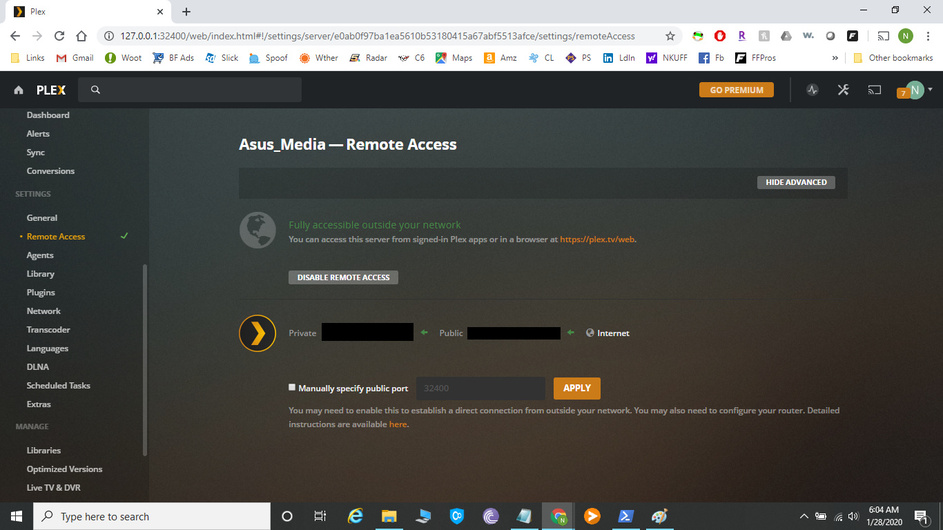
In the panel on the left, if you scroll down below the Status (Dashboard, Alerts, Sync, Conversions) section, you should see a Settings section. What do you see if you click on General there?
…and as such, the server sends full blast, if it can, and the client sets ‘Remote Quality’. The only real feature is a ‘Throttle’. Nothing set there will effect the client anyway - so if that Remote Quality is the default, a transcode is almost guaranteed.
Thanks Juice. It’s been a long time since I’ve played around with settings so I appreciate the refresher. I’m trying to deal with boxy artifacts in black while watching movies and thought perhaps the quality setting was too low. I had not realized that client settings had moved to Auto-Max
My next assumption is my movie files need a higher bitrate.