Server Version#:11385395
Player Version#:3.71.1
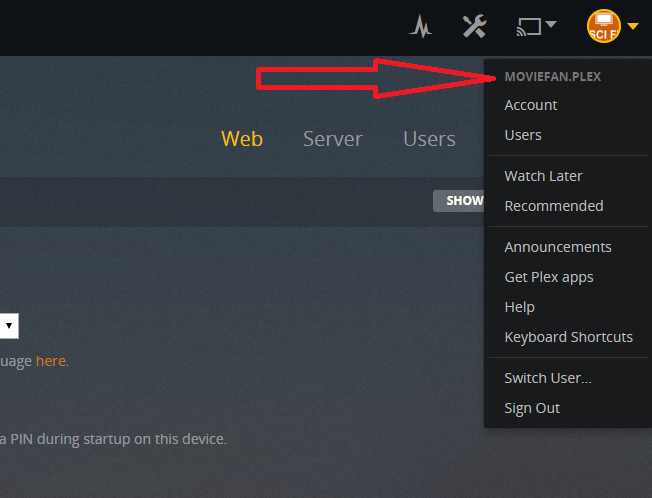
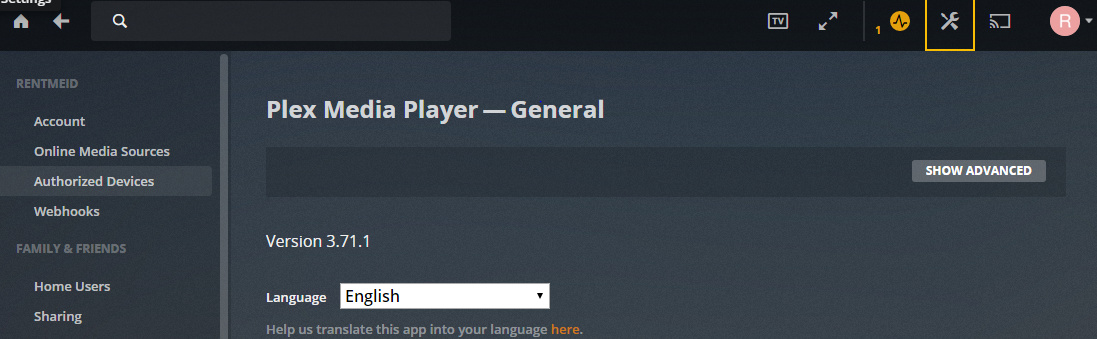
I have been having trouble connecting to my server remotely for awhile. Today, a message popped up about my stream not being optimized. I then tried to go to the server settings, and they do not exist for me anymore. The only settings I am able to change now are related to the player. I know at one point I had access to web, server, users, and devices under settings. I have no idea when these settings disappeared for me.
I tried searching the forums, but I did not find anything that helped. I looked in my registry and I do not even have an entry for Plex Media Server.
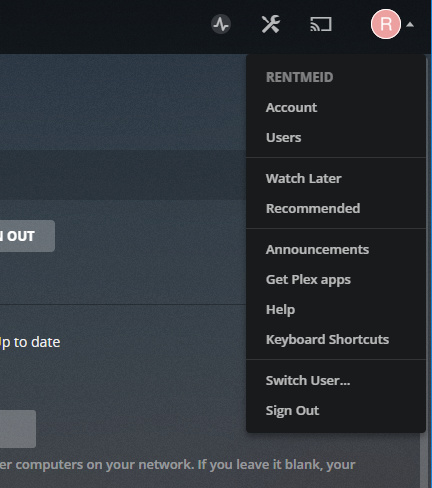
You mentioned users. Could it be that you are logged in as another user and not the admin account? A user you share with will not be able to get to your server settings.
I am the only admin. I have the ability to add other users and have access to other settings.
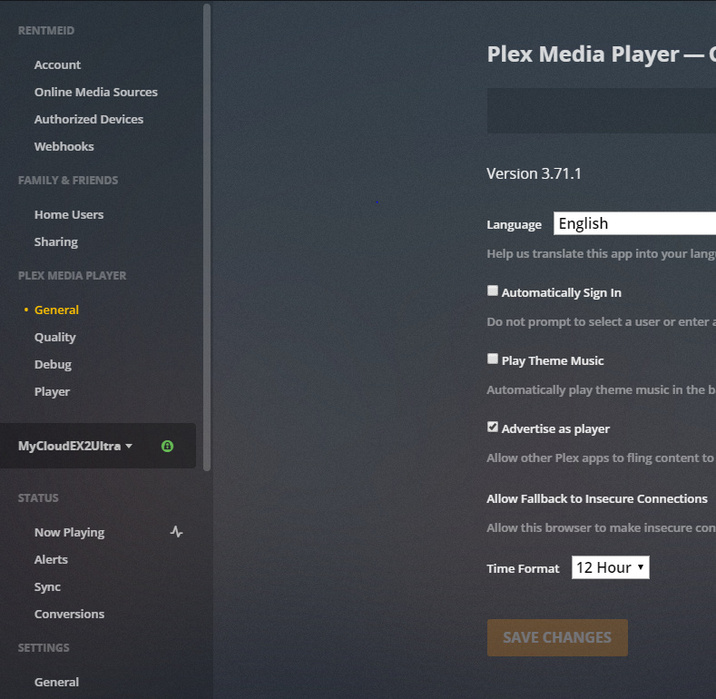
When I go to settings, all I see is “Web Client - General” (through web app) or “Plex Media Player - General” if I go through plex on my computer. I can set settings through links to the left for my server.
At one time, I did have a screen like yours showing web, server, users, etc. I usually update whenever I get a notification that there is a new version. I never paid attention to when my screen no longer shows those other settings (until now, of course, when I was trying to get something to work).
Is this all I am supposed to have access to? I guess I am confused on exactly my screen should look like - I do not see the web, servers, user, devices options like I see in other posts/pages.
@anon18523487. I had the same question as rentmeld: after updating the server to 1.13.8.5395 , I lost the familiar Web, Server, Users, Devices buttons. Since I had had some problems connecting, I thought I was not correctly logged in.
Thanks a lot for clarifying.
me too I have no option for network anymore It doesn’t show that option. I am signed in but just shows would I like to download a server (when I just have and it launched to nothing but the home screen showing the same thing…would I like to download a server. I just get web client general but the home screen is still spinning ‘looking for the server’. I know that the computer is working as all of the other services on google are working, that I’m logged in and that I have downloaded the server and it ‘launched’. I’m frustrated