The setup for my plex media server never ran and for some reason I can’t add my own media. My screen looks like this. I am running this in Ubuntu.

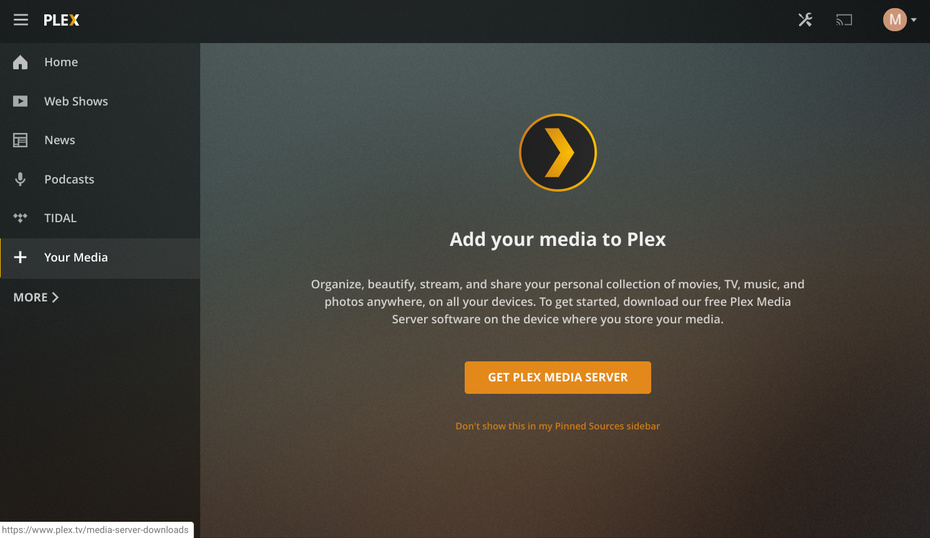
Your server isn’t claimed…
- Is your server runing private address space?
- Is the workstation you are browsing from in the same IP Net?
@dane22 what do you mean by private address space?
I do know that the workstation is on the same IP net.
Look here:
And if you are following the rules, then try the script in the git above

Please read the entire wiki manual!
On Ubuntu, follow this:
And you still hasn’t answered my Q about IP 
Well, I guess the IP that I thought would work doesn’t. I guess this is a private address space. So what should I do now? This means I cant run the server? I find this odd because I know someone else who is running their Plex server off the same network.
Upon further research I found that my IP isn’t a private address. it starts with 129. Is that private?
Read the Wiki as said!
Last link contains instructions if on Ubuntu!
And let’s make a deal here…
In my timezone, it’s now bedtime, so you now have a long time to do as instructed…
Tomorrow, late night in my timezone, I’ll revisit the forums, and check if it worked for you, or you have follow-up Q’s or problems
Nope, as stated in my Wiki
My apologies. I am very new to this. I will do more research on the links you have given me.
I have claimed the server! I did this by typing in 127.0.0.1 into the ip address
box. However, I still cant add a library.
Please download the logs and attach (settings -server - troubleshooting - download logs)
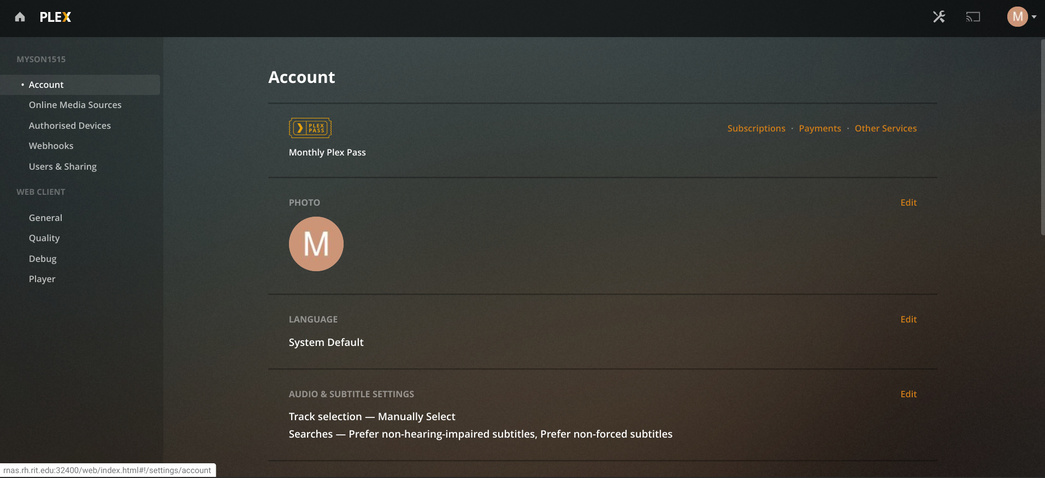
Is the server local or remote?
If local, what is the LAN IP of your computer and of the server ?
Which distribution is this? If Ubuntu, did you install the Plex-downloaded app or from the Ubuntu store?
The server can be accessed remotely and the IP of the server is 129.21.253… This is through ethernet. This is running off a raspberry pi at the moment, but I am also getting the same result on the ubuntu plex machine I am working on at the same time. I used the downloads from the website to install the files. I used arm7 for rpi and amd 64bit for ubuntu
since the server is on a publicly routable IP, you will need to use SSH tunnel to access and control it.
ssh -L 8888:127.0.0.1:32400 ip.addr.of.host
Now sign in and let that session sit idle.
In a local browser window: http://127.0.0.1:8888/web
This will transit the tunnel and place you on it’s console.
I have access to the terminal within the server. I am using ssh now.
You need to open the tunnel. The tunnel is what carries the web traffic from the browser to PMS.
Ah, I see. And after the tunnel is open, what should I do?
Just open the local browser window.
The browser accesses local port 8888. Local port 8888 is forwarded to 32400 on the remote host via the tunnel.
Now your browser will behave as if local. You can then claim / regain ownership control of it (which will then recognize you as the owner)
