Server Version#: 1.21.1.3876
Player Version#: all of them - iOS, windows, PS4 all last versions show the same thing
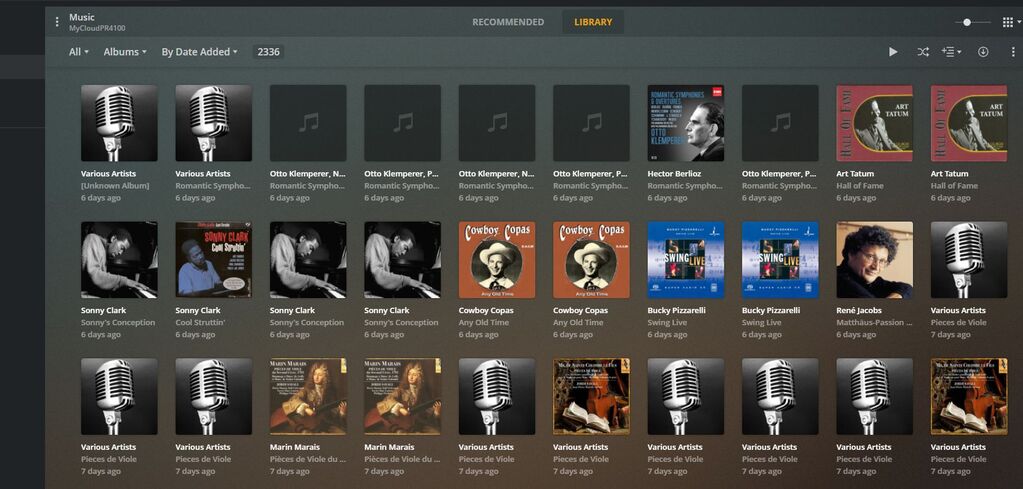
I have an issue with Plex showing my music erroneously and not allowing me to find or play a full album. I don’t know if there is anything I am doing wrong, as the synchronization is done by the program itself. I am including a snapshot of my screen and you’ll see how, instead of one album, I’d have several instances of the album with one or two songs, or with songs and no titles, etc. Please help!
Thank you and thank you for having me in this forum!
Rad
Two things are important
- If you have in the same folder tracks and a full CD, you will see two instances - one for tracks and one for a full CD
- Metatag ALBUM must be the same for all tracks
I have the same problem and this fixed it.
If you want my home-made  manual “How to prepare CD for Plex”, you might write me
1 Like
Please study Problem with tags in FLAC files
1 Like
Thank you, Valery - I’m still working on it. I don’t think I have any of the problems you mentioned though. I have noticed that Plex does things to my database in movies as well - for instance, if a title sounds similar to another, more famous I guess, title, it will change the data for the that movie to the stupid metadata it has in its database. I even changed it back, and it re- “corrected” it. Do send me your instructions, I’d be happy to look at them.
I tried. No luck. I have, I believe, the right folder structure. The only thing different is that, in multi-disc albums, in order to avoid issues with the same name file being overwritten when I rip the next album, I append a number to the album name, like \munch\rhapsodies1\ and \munch\rhapsodies2. If that would be the only issue, I would just tell Plex to merge those discs into the same album but no, I have a 15 disc album that Plex sees as 2 albums, not 15, and I have, as in the attached pictures, a plain one disc that gets completely screwed up by Plex.

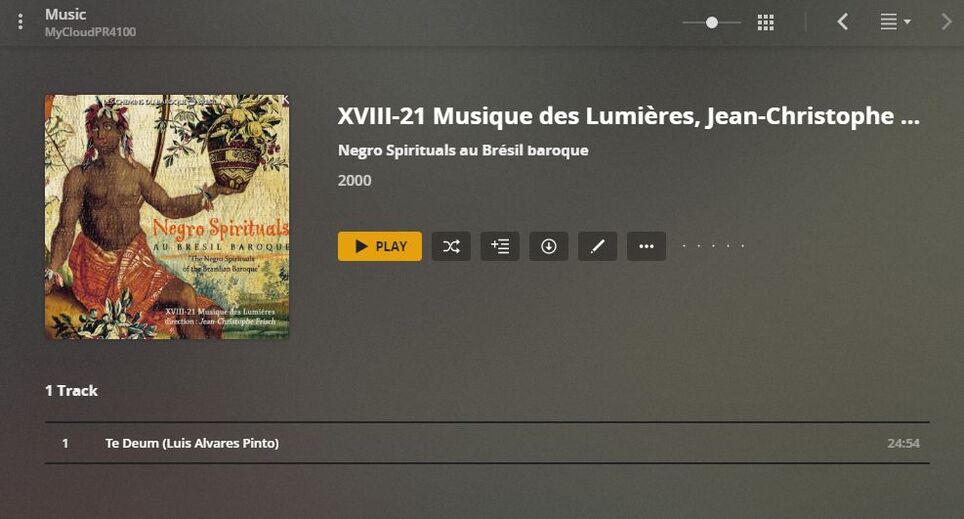
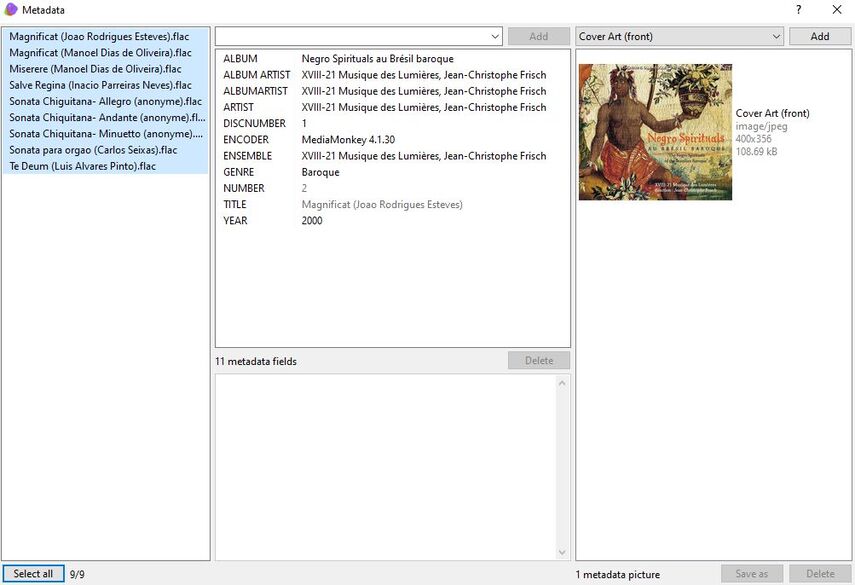
The Album Artist meta tags must be filled with “Various Artists”.
This meta tag must contain the same content for all albums which are stored inside the same album artist folder on your hard drive.
I’m changing it as you said, although I don’t have any other albums by these guys. Will let you know
Some more from my last experience. Add-on to previously sent How-to documentAdd on to How to Tag.zip (823.8 KB)
Nope, nothing changed after I changed it to Various Artists
I didn’t get a chance to look at this forum. Just downloaded your additional instructions but I can’t find the instructions themselves…
This is working for me.Prepare CDs for Plex library. Updated version.zip (1.6 MB)
1 Like
I did everything according to your instructions, from both documents. I don’t think I missed anything. I still have two instances of my test folder. The files are not even in order, as you can see that they skip tracks that are in the other instance upload://wLxVx5TiX59JW5eGg0adRgIBsry.jpeg)




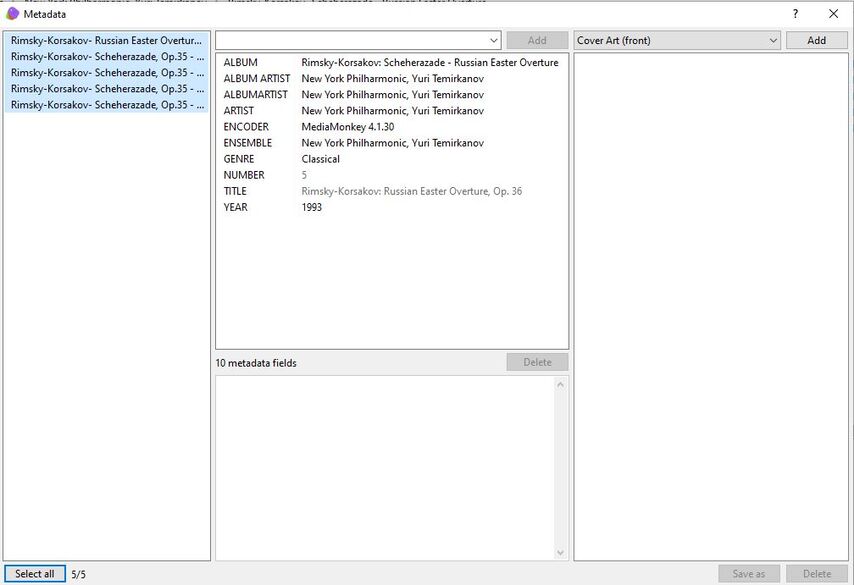
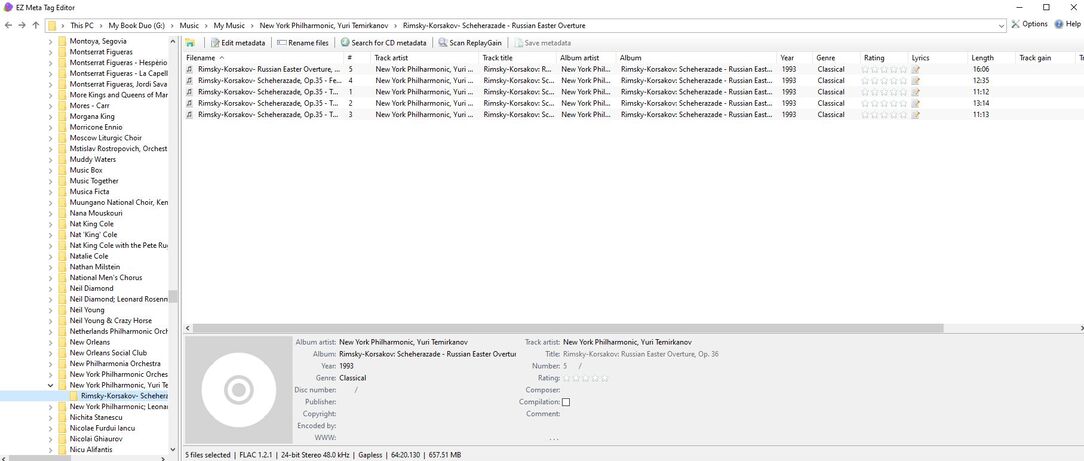
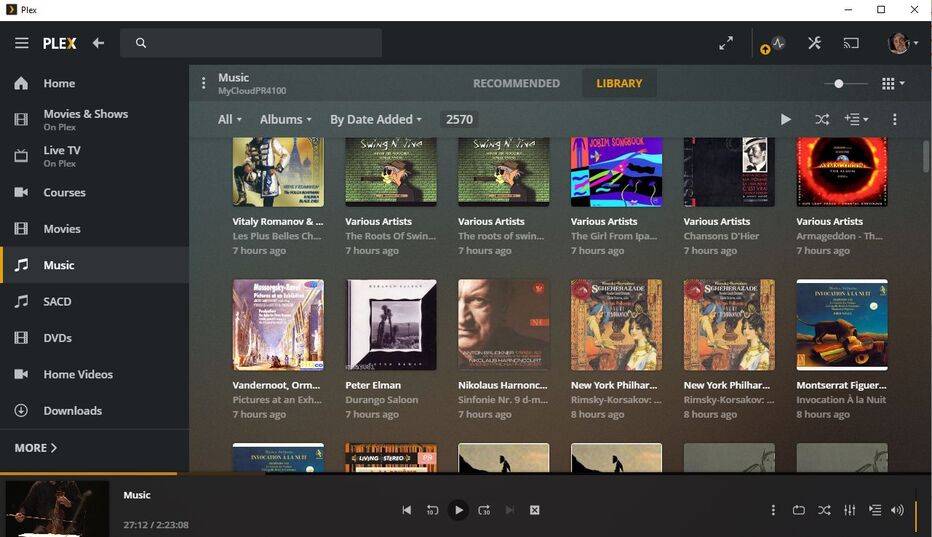
What am I looking at?
The “album title” meta tag is cropped in the screenshot, so I cannot discern whether all tracks contain identical content in this meta tag.
The album does appear twice in your library, right? Mark both album covers in the left upper corner and select ‘Merge’ from the ellipsis ⋮ menu at the upper screen border.
All tracks have the same meta tags. The Merge feature is hard to use when you have a 5000 album collection. I use it, but I’m not making much progress. On top of it, some of the truncated albums have no track names and I was afraid to merge those with others so that I don’t mess up everything. I tried to update the metadata automatically via Plex and it seemed to have worked.
All my music is ripped in the same place, with the same media manager. I am getting this same truncation even when I input a whole album by hand: artist, album name, tracks, composer, and I rip the album as such. It seems to me, as Plex is screwing with my movies as well, that, if I could completely disable the Plex online database’s access to mine, everything would be OK. But Plex is going to look at my stuff and re-organize it.

This topic was automatically closed 90 days after the last reply. New replies are no longer allowed.
