Server Version#: 1.32.5.7358-8f4248874
Player Version#: 8.24 (6661)
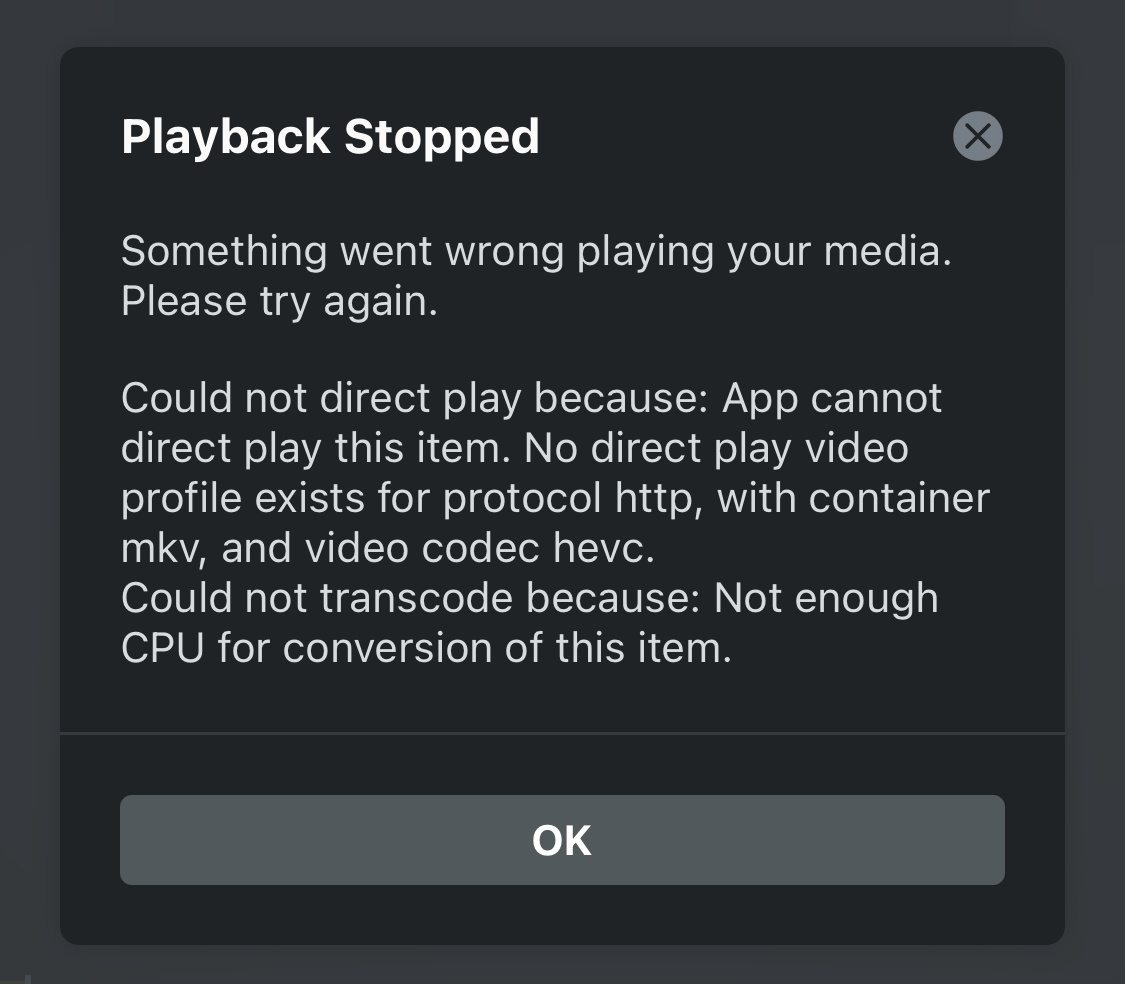
I have WD My Cloud Home NAS with Plex server enabled connected to Apple TV, when trying to play 4K HDR or Dolby Vision video the Plex player on Apple TV said that the server doesn’t have enough CPU.
However when trying to direct stream the same video file on macOS it works normally.
Attached print screen from the working video file on macOS.
It might be helpful to see the same dashboard details from when you attempt to stream on the Apple TV.
It sounds like the video isn’t direct playing on your Apple TV for some reason and the WD MyCloud cannot handle the transcoding… this could e.g. be triggered if your client playback settings request a transcoded version from your server or if the Apple TV and NAS are on different networks/subnets and additional remote streaming restrictions apply.
Nothing appear in the Plex server dashboard because the video doesn’t start playing.
Same problem appears on iPhone.
I can only direct stream om macOS from WD my cloud home.
Its because the Apple TV will trigger a transcode on your WD My Cloud as it is a Dolby Vision file. It would have also transcoded the TrueHD audio. There are no issues playing on your Mac as it is able to direct play the file. Unfortunately the underlying Plex player on Apple TV isn’t as performant when it comes to playing 4K DV files (among other issues…)
Aside from setting up a good server to replace your WD, your options are using the Infuse app on your Apple TV (recommended, but subscription to use) or only having files that will easily direct play, ex. h264/h265 sdr lossy audio files