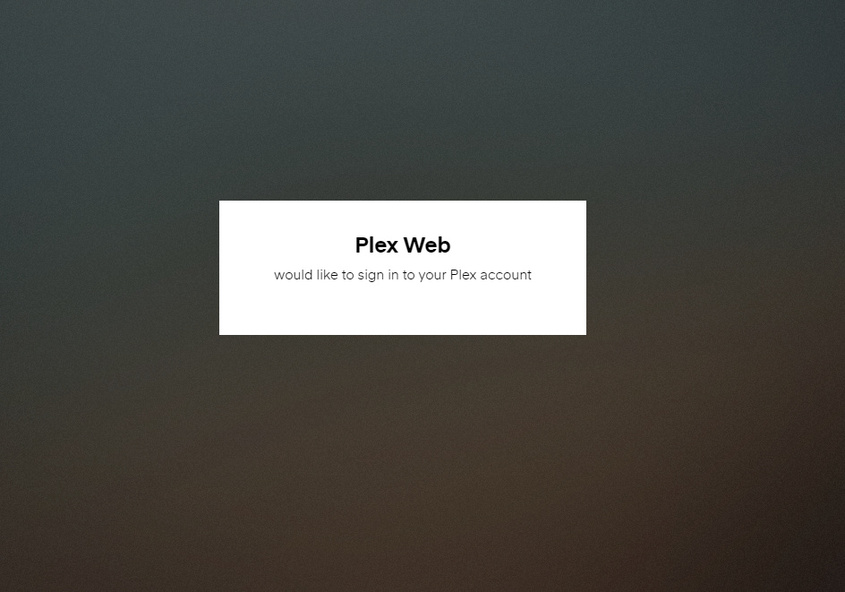
Do you have and adblockers or DNS filter like OpenDNS? if you go to that URL on a different device (on or off your network like on smart phone on cellular) does it work?
I will check those things out and post my results later (family is halfway out the door to dinner)… Thanks so much for your help!!! I already feel slightly less frustrated.
Don’t think it is a CDN issue else it would have probably not worked on his phone either.
What ISP do you have? Router model?
if you know how to look at the browsers console log from the page loading it might have info on why things are not loading like if there is a 401 or something
Been having the same problem in Chrome across all my devices that sync my profile (Linux and Windows). But it would work if I opened an Incognito Mode window. I use Popup Blocker for Chrome. Disable it and everything works again, so yes, it is a popup blocker issue, at least in my case.
I was also having the same issue, and turning off pop-up blockers and using incognito mode didn’t solve it… However I disabled DHCP on my router and it immediately solved the problem, so that might be worth trying as well.