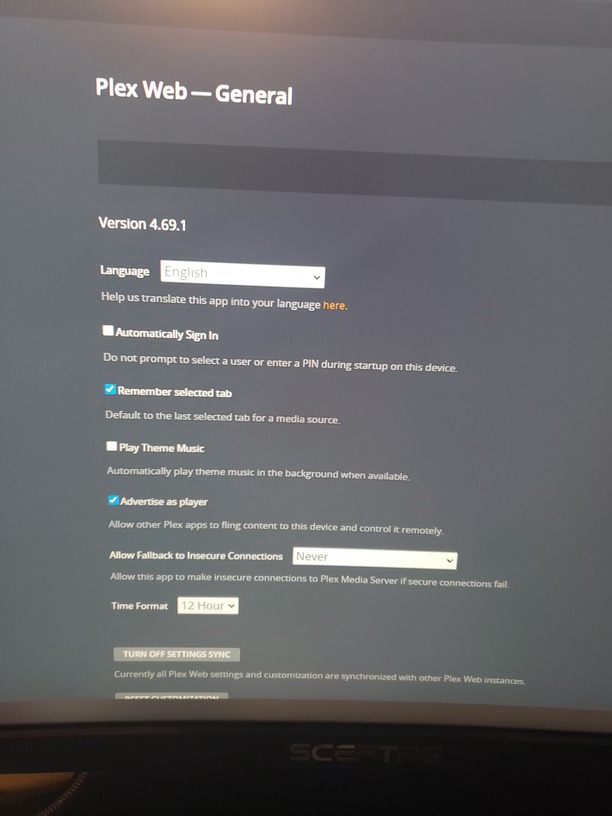
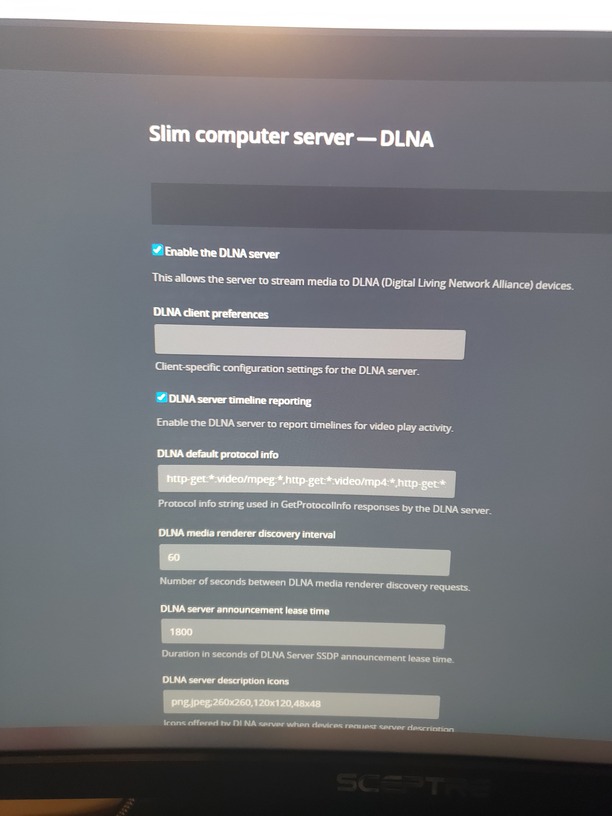
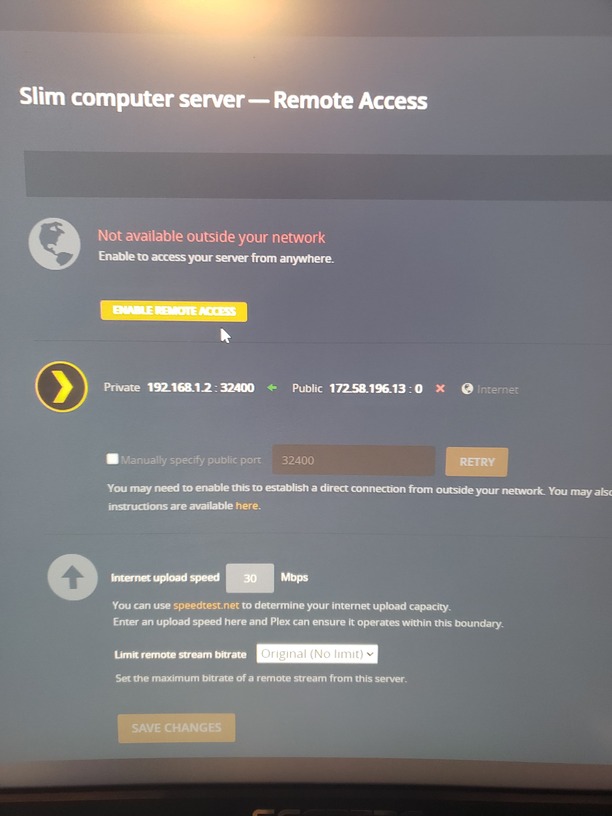
In addition to disabling secure connections on the server, you also need to change the settings in the app on your TV to always allow insecure connections.
Seems like a network issue to me. I was having all sorts of issues recently with Plex and found out my Windows Hosts file had a bunch of Plex entries in it for some vpn exclusions. I deleted these entries in my Hosts file, saved it, and Plex came back to life. I’d also try to give your computer a static IP address and open dmz in your router to that IP address and see if that helps.
Oh woah boy, opening up a computer to the DMZ is not that good of an idea. It’s only needed if you need remote (outside the house) access to an internal device/computer. That is not what’s going on here. Especially as the OP has disabled remote access to the server specifically in one of the menus.
Your hosts file was likely filled with entries because you were using a VPN at some time, which also might not apply here unless @SlimJim702 used a VPN on the server at some time in the past/present.
@SlimJim702 What model is your TV? There was an issue late last year in which a LOT of TV models used a now-outdated security certificate for authentication. That expired, and unless the manufacturer updated the software on the TV, you may not be able to connect securely to Plex. Thus the use of the “allow insecure connections” option on the TV.
You have most of the settings done correctly, but I think there is one last setting that needs to be done server-side to allow your TV to access the server. You need to specifically allow the IP address of the TV or entire network that is allowed to connect without authentication. Your screenshot didn’t show the bottom half of the Network page to show if you put them in. Here is mine:
I’m just telling him to try opening dmz temporarily that will help pinpoint if it’s a firewall/port issue or not. Rather than trying a bunch of port forwards. You can Google search how to check your hosts file. It’s easy.
You might be SOL. I know those locked down cellular gateway routers are pretty limited in their functionality and capability. I would just buy a standard WiFi router and bypass the T-Mobile thing completely and see if that fixes your problem. Connect your devices to an actual LAN that you can manage to play your local content then switch back to the awful T-Mobile service when you need internet.