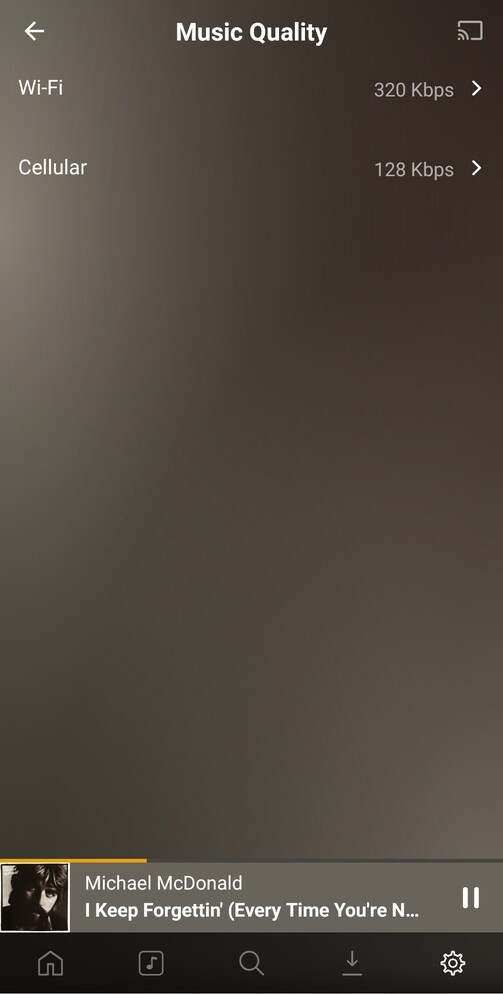
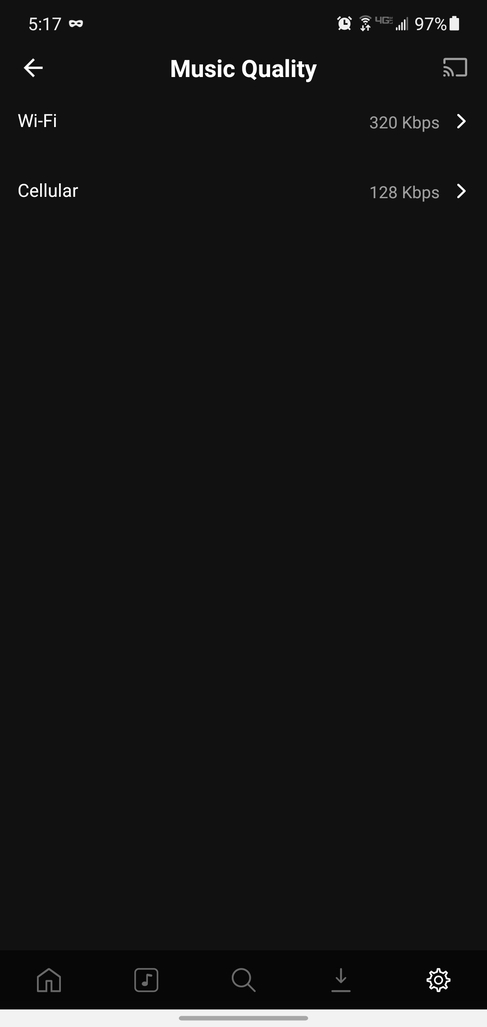
I have much of my music collection ripped as FLAC files. When I’m away from home, I don’t want/need to be playing these files at their full quality. Because of this, I tried setting my Music Quality settings as follows:
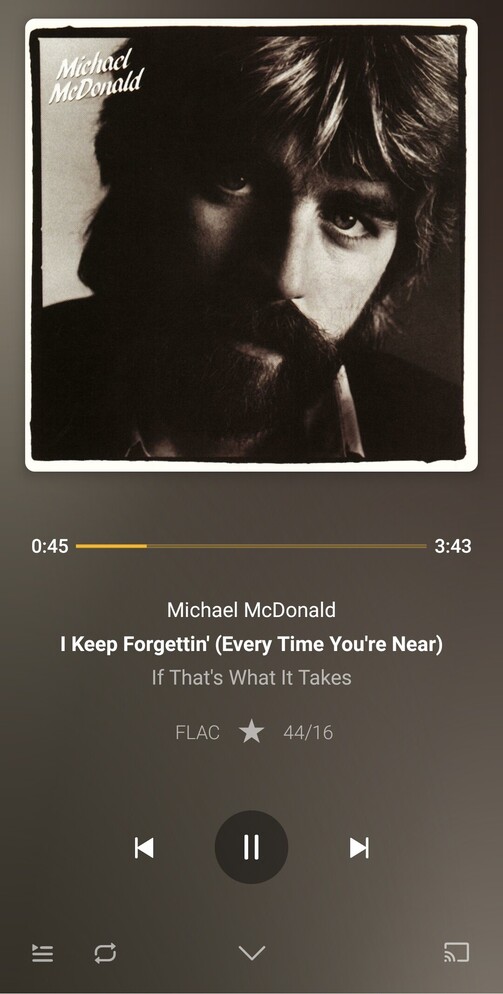
Given that I set the Wi-Fi to 320Kbps, I expected there to be some difference displayed when playing music at home - my ears probably aren’t good enough to discern the difference, so I am relying on the app to tell me that it’s done what I expected it to do! Anyway, When playing back music, the “FLAC 44/16” makes me think that it’s still playing at full quality, unless there is something that I’m misunderstanding:
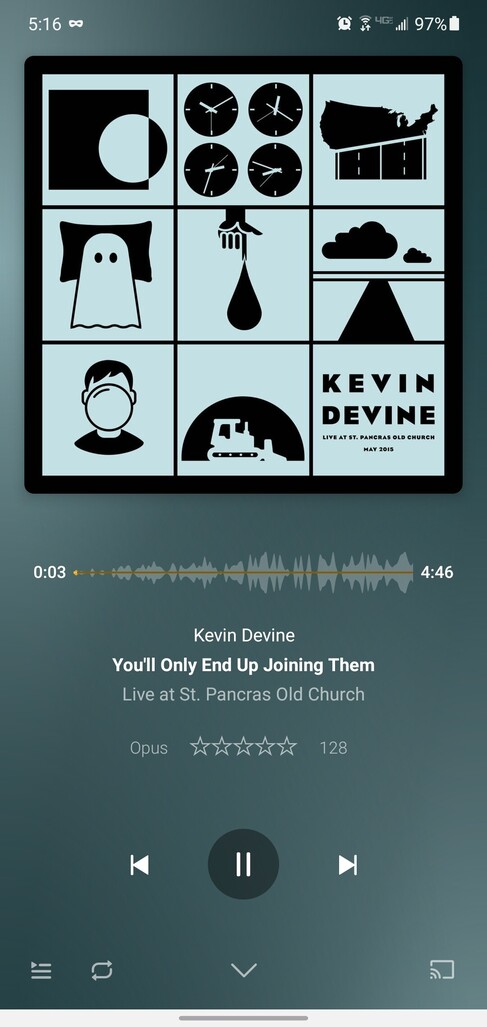
I see the same “FLAC 44/16” message when I am using cellular data too, which is worrying.
When searching to see whether this topic had been covered before, I came across this post, which left me even more confused:
So, my questions would be…
Does Plexamp simply display the “original quality” of the file and hide the conversion from the user?
What is the interaction between “Music Quality” and “Advanced → Conversion Bitrate”?
Assuming the answer to question 1 is “no”; is there something else I need to do (on the server end?) to ensure that Plexamp will play my files at 128Kbps when I’m using cellular data?
I don’t think I’ve ever had this not work, but are you running the latest version of Plexamp (maybe there was a bug), and the same with PMS? Also, try restarting Plexamp.
Argh! I think I’ve just figured out what was going on. If I start playing a playlist/album at home, it will play in FLAC. It’s (presumably) caching the future songs from that playlist. If I switch to cellular data and keep playing the same playlist, the tracks are all FLAC. If I select a different playlist, I get the same “Opus 128” text in the display.
So we can put this one down to “user error”.
Interestingly, though, changing the “Wi-Fi” setting in “Music Quality” still appears to have no effect. Even if I switch songs/playlists. I’m not going to worry about that one too much as I was only using it to experiment and I would normally leave it on “Maximum” anyway.
Take a look at the setting “Advanced” - “Conversion Bitrate”
This is the actual target bitrate for the transcoder.
The other “Music Quality” - “Cellular” is only the threshold above which transcoding is initiated.
Which means if you value sound quality and want to avoid transcoding from e.g. 192 kbps MP3 to 128 kbps OPUS (which doesn’t make sense from a “quality” view point), then you better set “Music Quality” to e.g. 256 kbps and “Conversion Bitrate” to 128 kbps.
Which causes flac files to get transcoded down to 128 kbps OPUS
but e.g. MP3 files up to 256 kbps will get played in their original format.
Okay, that makes sense. It’s a little confusing as they are located in different parts of the app, but I think I understand that decision. Since 128kbps is a widely accepted compromise between quality and file-size, you would only really expect “advanced users” to want to change that transcoding setting.