Server Version#: macOS 4.147.1
Player Version#: iOS v4.12.4 & macOS Apple Silicon v4.12.4
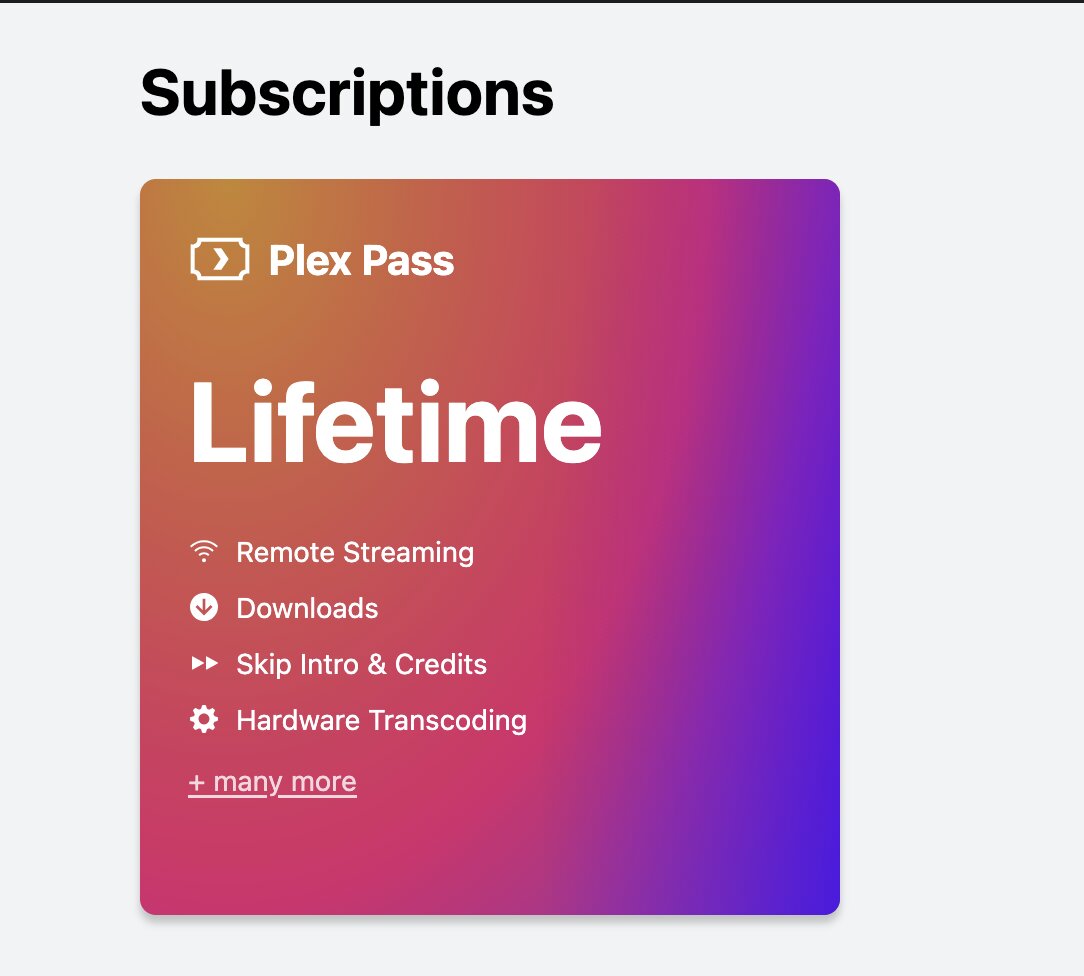
I have been a lifetime subscriber since 2019. Emailing support has confirmed this:
I just looked at your Plex account. The lifetime Plex Pass subscription is active on the account.
Logging into PlexAmp on macOS (Tahoe 26.1) or iOS (26) show various features unavailable to my account as it does not recognize my lifetime subscription.
Okay, taking a look at your log there seems to be a network problem.
Would you be able to
restart PMS on the Mac,
wait 2min for the boot sequence to be logged,
demonstrate the problem connecting to it using PlexAmp
using the hosted web appSettings → Troubleshooting → Download Logs
also grab the PlexAmp log again.
In your Downloads folder, PMS will drop its zip file of the PMS logs.
Double click the PMS zip and extract the folder.
Inside the folder delete any file dated from before the PMS restart.
That should leave you with about 3 files.
Then right click on the folder and Compress it again into a new zip.
Drop the new zip into the thread along with the Plexamp log.
That should give elan and drzoidberg enough to assist.
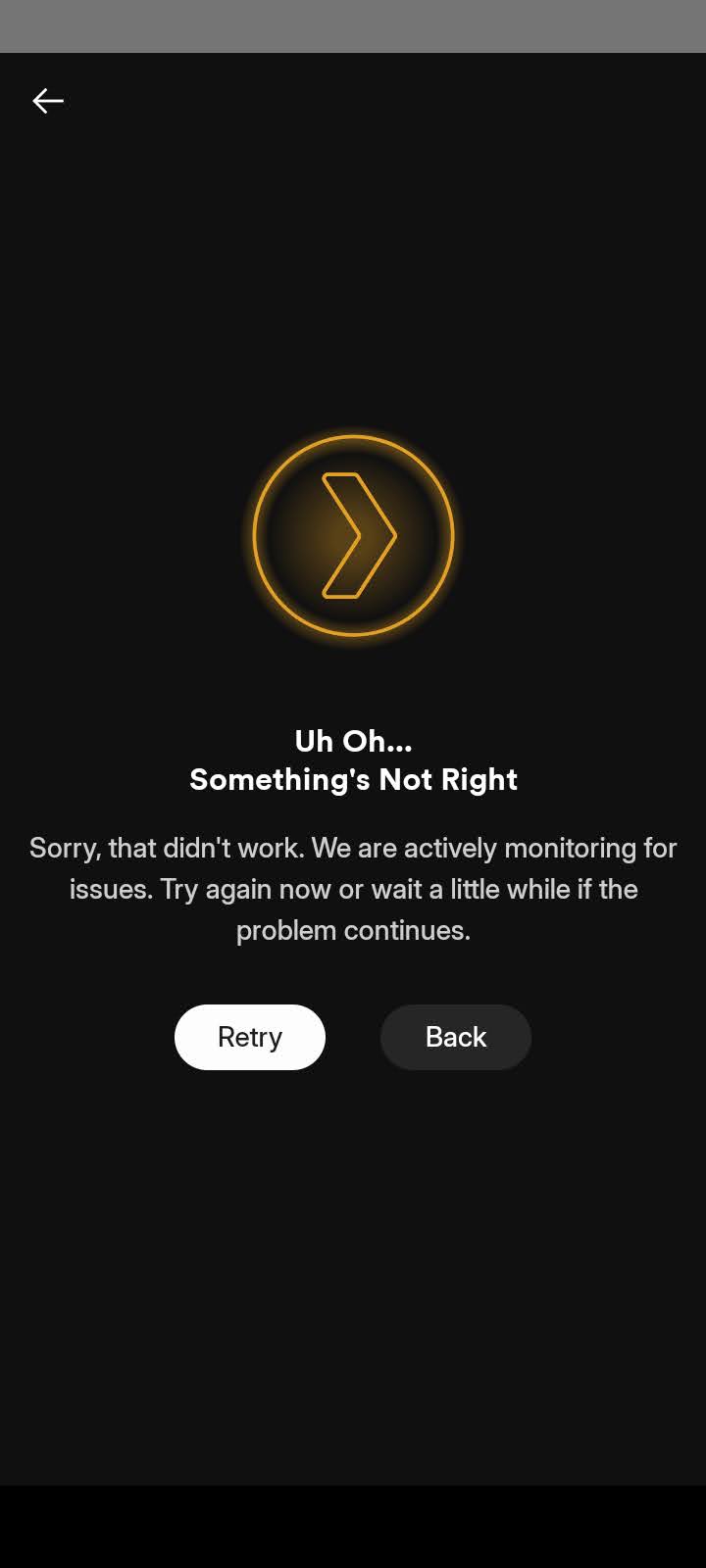
I can’t quite tell where the malfunction is causing me to see HTTP error 500 so it never loads your tokens to be able to tell your user status.
From what I’m beginning to understand, we moved around some of the accounts in the cloud and that might be behind this issue, it should resolve after a couple of hours if it’s due to caching.
Well, after doing nothing - it has started to work. All I did is open the app ready to follow the above advice and send more logs but to my surprise all features were unlocked, correctly granting me access to the PlexPass features.
I wish I had a more solid solution or reason it started to work for future posterity, but perhaps waiting was all it needed.
I’m really sorry for the trouble! I can assure you that you didn’t lose your sub, and once our overloaded servers get back to normal it should restore without any need for user intervention.
MIght be related, lifetime pass here, i try to sign in and i get internal server error. Something went wrong on our side. Doesn’t matter if i try from https://app.plex.tv/desktop/#!/ or 127.0.0.1
Came searching because i’m having this exact issue on plexamp on IOS. I’m a lifetime sub since 2013 and plexamp says i need to sub now. Logged out and back in multiple times. tried server restarts just to be safe. Done it off my wifi so i’m bypassing pihole instances,etc.
I’m seeing this issue in iOS. The app wasn’t playing anything (including downloaded music) and signing out/in did nothing. I uninstalled then reinstalled and now it’s working but isn’t seeing my lifetime plex pass.
It’s kind of random where the cloud overloads any particular request. You should never need to reinstall the app, rather on every startup it’s like rolling the dice.
Not playing anything sounds totally different as the app works in free mode as well.