I have experienced the same type of issues you describe, and like you, it has been recently that it has happened (the past few months).
That post you said no one replied to was my post - and it generally describes the same issues you are experiencing. That said, as you’ll see below, it has gotten way worse! I was disappointed that no one had replied to that post I did in late August.
I have a question - Which iOS are you using on your iPhone? I recently got a new iPhone 17 pro max and iPad Air with both using iOS 26. I did update to iOS 26.0.1.
When I traveled in August (prior to new iPhone or iPad), the PlexAmp kept crashing, same as you describe, but I was able to get it back at least by logging in using QuickConnect. Movies on Plex also had issues. Prior to my travel in August, PlexAmp would sometimes drop when on my walks.
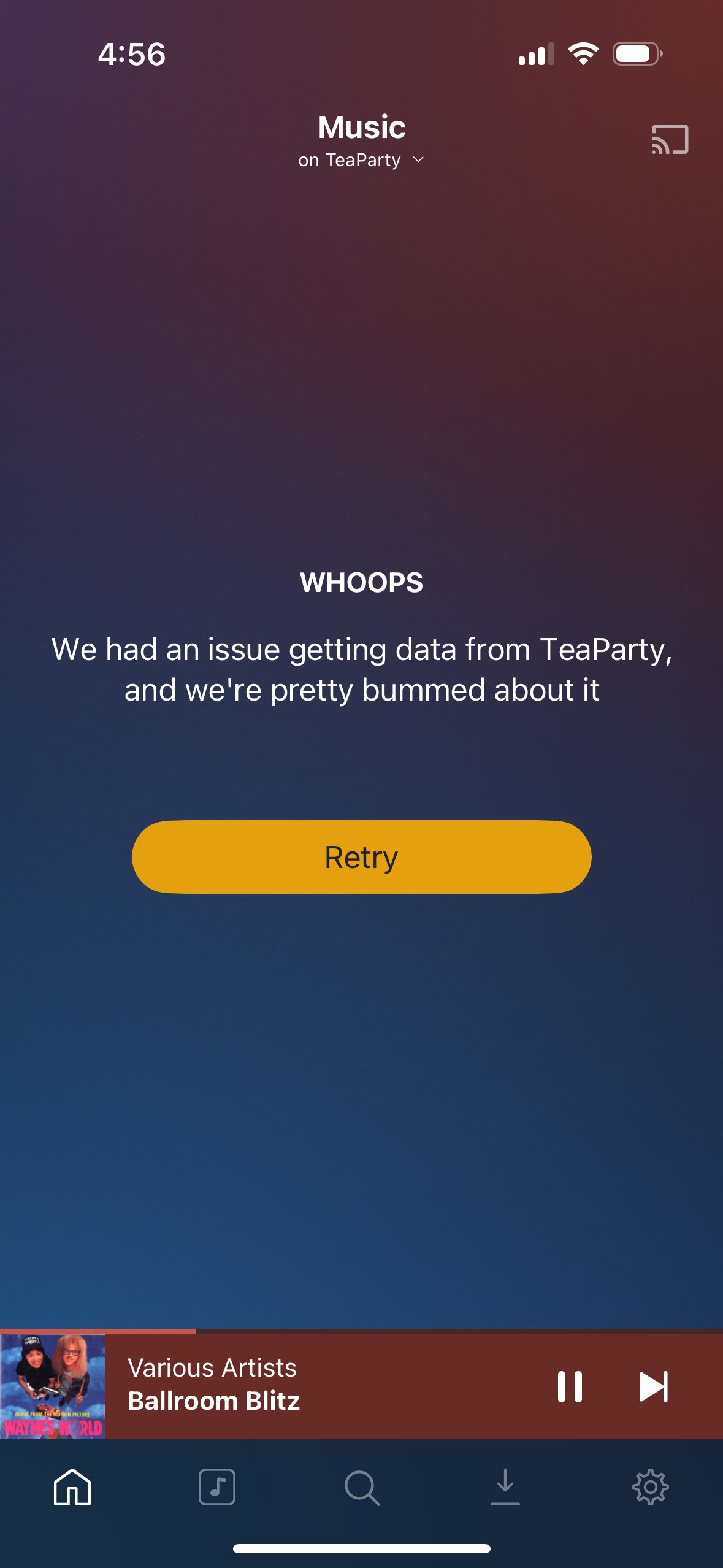
I just traveled to Texas from Friday to yesterday and the PlexAmp performance was horrible. Not only did it keep crashing, but the song playing (Tom Petty song) would not play (the icon would just spin) and I could not bring up anything different. Trying to clear the queue didn’t help. Movie playback with Plex app also was problematic but nowhere near the PlexAmp.
I would try logging into my Synology NAS with Quick Connect and Plex was not on the desktop. Looking at installed apps, it would show Plex as being “Manually stopped”. I did NOT stop it. Even the repeated attempts to bring it back would not work after restarting Plex again. I also tried restarting my NAS without successful outcome. I also shut off and restarted my iPhone several times. When I would start Plex on my NAS and go to the PlexAmp app, the Tom Petty song still showed and would not play. I was unable to bring in a new playlists as it would kill Plex on my NAS. It was maddening.
It was only upon returning back to my home yesterday late afternoon and trying several things that I got Plex to stay stable as it usually did. I also tried playing Plex through my Sonos and it also wouldn’t play or let me bring up a playlist or song prior to fixing. It seems to be related to WiFi perhaps? The hotel I was in had decent WiFi as other things I used were quick, meaning it was decent speed.
Things are back to normal now but there sure is a major issue obviously. While it’s not “good”, and least it’s comforting to know someone else is experiencing this madness. What really gets me is if my trip were extended even longer and I didn’t have access to my music until I got home, that would have really sucked! I even had Quick Connect set up allowing me to log into my server while away and even that didn’t help as I said.
I shared my log and it does show the PMS causing the crashing (multiple times). It’s very aggravating as you know. Hopefully this can get resolved.
I’m curious to know if you got the “Manually stopped” on your QNAP in the same way I did on my Synology, and whether you’re on iOS 26.
What version of Plex are you on by the way?

 .
.