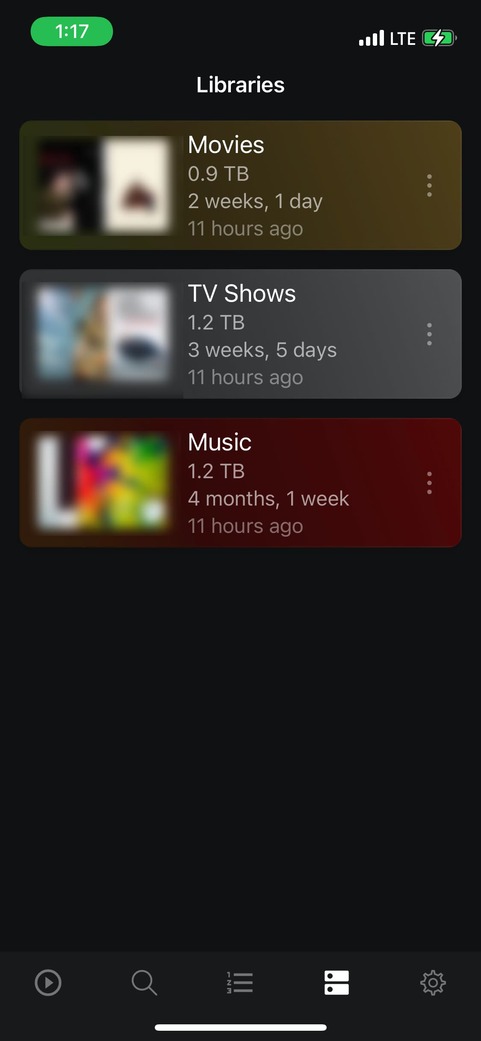
Made a post about this issue. Settings>Advanced>Remote Control>Allow player to be controlled…
For me this option toggles to off when I start up my iMac and may be attributed to the incoming ethernet connection (port forwarding related)?
Made a post about this issue. Settings>Advanced>Remote Control>Allow player to be controlled…
For me this option toggles to off when I start up my iMac and may be attributed to the incoming ethernet connection (port forwarding related)?
I cannot cast plexamp to my Pi plexamp at all over last few weeks. Is this the same issue?.
I can cast plexamp to other devices, just not to the Pi. The Pi shows up in the cast list but cannot connect to device.
I have no idea how to trouble shoot this. Should I post logs? for which device…the Pi? if so how do i get logs from the Pi ?
Your log indicates an issue connecting to the player:
Mar 30, 2022 15:20:11.848 [Javascript] WARNING - DEVICE: Player connection http://10.198.1.147:58317 didn't work for Joseph's iMac: HTTP status -28
Mar 30, 2022 15:20:11.850 [Javascript] WARNING - DEVICE: Player connection http://192.168.1.2:58317 didn't work for Joseph's iMac: HTTP status -28
Maybe there is some double-NAT/subnet issue?
Maybe that is possible. My NAS (with Plex) is connected to a router, which in turn receives it’s internet connection from a Verizon hotspot (the joys of “broadband” access in rural America). The hotspot assigns an IP address to the router, and router assigns an IP address to the myriad of connected devices.
The Plex Server shows as having Remote Access:
I also see that the Private Address in the image does not match the Addresses in the log messages above.
@elan –
Additionally, Plex Dash is able to “see” my Pleax Media Server over cellular data (phone not connected to home network):
Does the Plexamp Remote Control feature use some other protocol to communicate to the Plexamp instance on my iMac?
Plex(amp) remote control works on the LAN, and needs player/controller to be on the same subnet, generally. E.g. sometimes when people have a WiFi network for app but hardwire the server.
@elan – Thank you for the response. I was under the impression, based on the “release notes” on the Apple Store (and your own update posted HERE), that Remote control was supposed to work when the Player and Controller were on different networks:
Simple remote control does not include connecting to the remote player.
??? My unraid plex server has allways been wired and all other devices on wifi??? or is this just player to controller on the same? I’m playing on plexamp Pi contolling from plexamp android/iOs
Wired vs WiFi doesn’t make a difference, it’s whether they’re on different subnets/double NAT.
Then I guess that’s not the reason I can no longer cast to plexamp on Pi then.
Hi,
what I am about to describe is actually not a bug, but instead something that needs some cleanup. I have three devices, device P il playing some music and device C1 is controlling it remotely. If I try to control P from another device, name it C2, I get an error with a generic message. It would be useful to get a message saying that device P is being controlled by C1.
Not a big issue, of course
Plexamp on Pi is currently not usable at all. I assume it needs a new Plexamp version to make it usable again.
Wow. So everyones pi endpoints stopped working?
I saw no similar posts…are their really that few of us using plexamp on Pi?
Guess I’ll be waiting for the new version. Can someone keep elan stocked with Tater tots.