Appreciate all your help. You certainly know more than I do.
The config and data directories are outside of the container/image. Provided you retain the paths nothing should change except the image you pull down.
If you wanted to be extra safe you could backup the config directory.
You should be able to use Portainer, an interface to dockers, to edit the container and select the proper image. Worth a look.
That’s interesting. Don’t know if you have unRaid? Is there a link you can share?
Thanks, will use this as the last resort, if no other option is available.
But this seems like a bug to me, IMO if the value of version tag/variable changes that should change the behavior of the container when it is restarted and the image is pulled. That is the point of a user defined parameter right? Why is that not happening?
Can someone from Plex please respond?
I don’t use UnRAID. For Portainer, just google it.
ahh, maybe this helps:
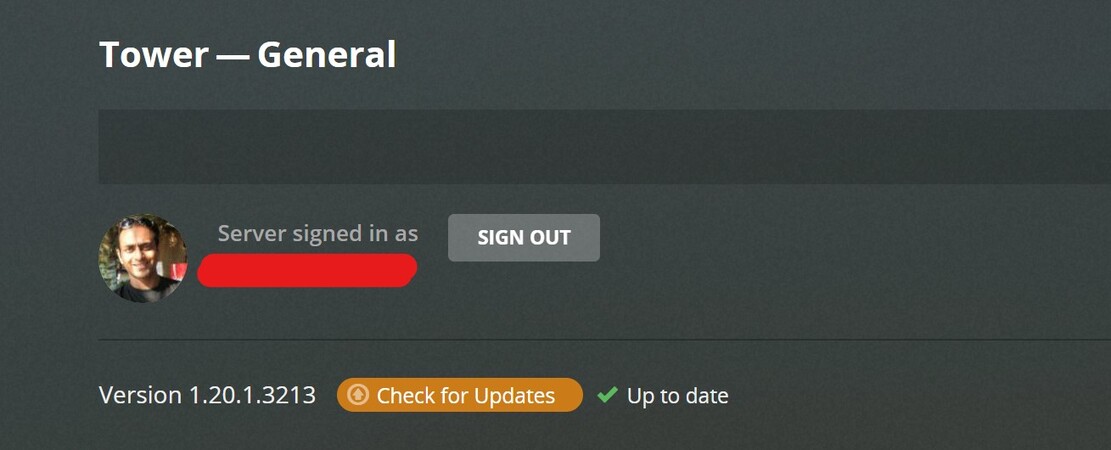
Installed portainer and love it. Just need to get myself familiar with the whole docker process. Thank you @frederick.grayson.
You don’t understand what’s happening here. And if you have not yet read the image documentation, now would be a good time. Read the Tags section of the documentation page, not the Tags tab on that page.
The VERSION environment variable is capable of changing the behavior of the container, but only if an image that has this capability within it was pulled when the container was created. You are NOT using an image that has this capability. Period.
Rebuild your or edit your container but this time pull one of the images below. But read the docs first so you can make the correct choice and also adjust the VERSION variable properly.
plexinc/pms-docker:plexpass
plexinc/pms-docker:public
To clarify what plexinc/pms-docker:latest is - it is a fixed version non upgradeable image that contains the latest version of the PMS software that was available on the date the image was built. It can not and will not respond to the VERSION variable.
Yes got it now. Thanks for the clarification.
Thanks to other folks here who helped.
If anyone else stumbles on this thread, I’ve created an updated instruction with pictures included.
