Just create a smart playlist. I also do it that way.
Works perfect and you can customize it to your needs…
@croneter Do you know why the fanart scanner in PKC changes the cover art in kodi’s chorus2 web interface?
Hey Guys, off the cuff question, If i delete a Plex Music Library will it delete all associated playlists ??. I had a drama that created 20,000 playlists. it wont let me delete them in Plex, i have been able to delete them manually in Kodi, prior to seeing a workaround in Delete Playlists.
Running python scripts are out of my comfort zone and not sure if it would work now anyway. I don’t mind rebuilding my music database
@crazy_c
I highly recommend the Python script - it works.
@croneter I will give it a try, never used python so doing some reading now…Excuse my ignorance…
In your instructions you say "delete the Database folder in the Kodi userdata folder. Can I just delete the music database ? Don’t really want to have to rebuild anything else. And also where it says ensure number of playlists is high enough my plex shows 23209. Will the script handle that or should I break it down
- No, you need to delete plex.db, so PKC will rebuild your database anyway.
- worst case: not all playlists will get deleted so you have to run the script several times.
I see, thanks for that, will be a tomorrow job as wife is watching at the moment. Do i have to stop PLEX PMS while this is happening it doesn’t say.
You’re deleting stuff from the PMS. So the PMS needs to be running

Background sync works for everyone except Plex Managed Users of a Plex Home. You do not need a Plex pass. A port needs to be reachable for websockets messages though, customizable in the PKC settings
not sure its a chorus2 issue since it works fine if I disable fanart in PKC artwork settings.
No. Only burnt in subtitles circumvent Kodi.
Kodi completely controls the not-burnt-in subtitles, there are no Plex settings for color or size.
Turns out if I disable “Download additional art from FanArtTV” in PKC settings the movie title OSD shows the year now instead of just title artwork. So many settings that are linked together, kodi is always more complicated than I’d like. Still the best media player thanks for making it better.
@croneter can we get an option to totally disable all image caching? Even with all the options off in PKC it still caches images, as long as you are using direct paths Kodi will see the episode thumbs and everything else gets handled by ArtworkBeef
What is the intent, exactly? I thought you wanted to completely disable Plex artwork and let ArtworkBeef do everything?
OK. If kodi handels selection of the subtitle, kodi does this like I configured in kodi (e. g. German, only forced or whatever) and selects even a external subtitle file which plex never knowed (cause its in a subfolder kodi includes by default).
Please, I need a hint how to use the option in PKC to “use plex default subtitle if possible”.
How to set up subtitles in kodi to get the subtitle plex selected to play by default?
Yes i want PKC to stop pulling artwork from Plex, which i thought that’s what it done with the options turned off
Here’s what it pulls from Plex when it adds a show
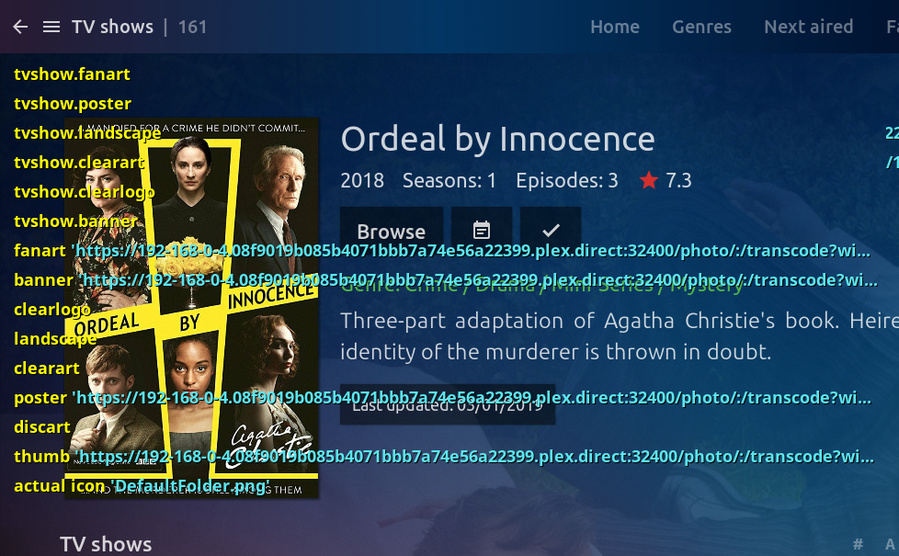
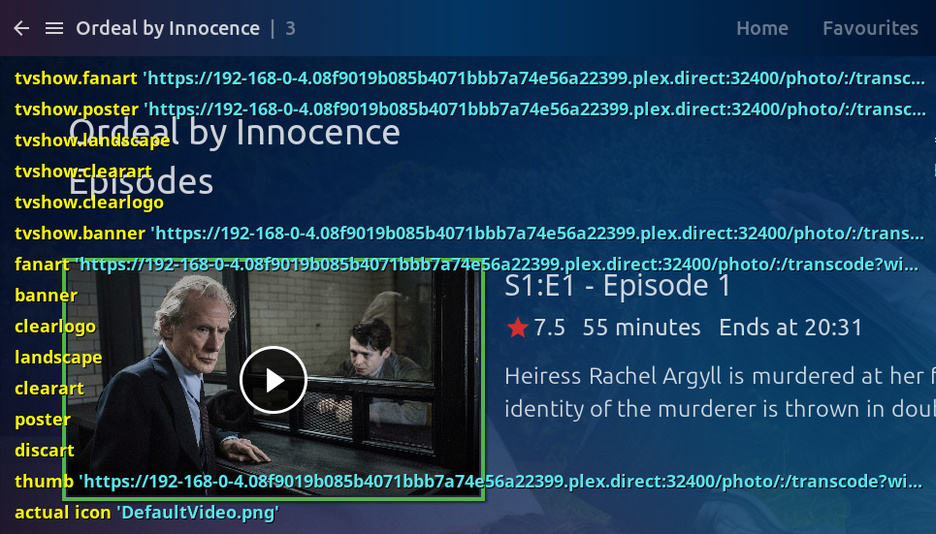
Then a short time later ArtworkBeef runs
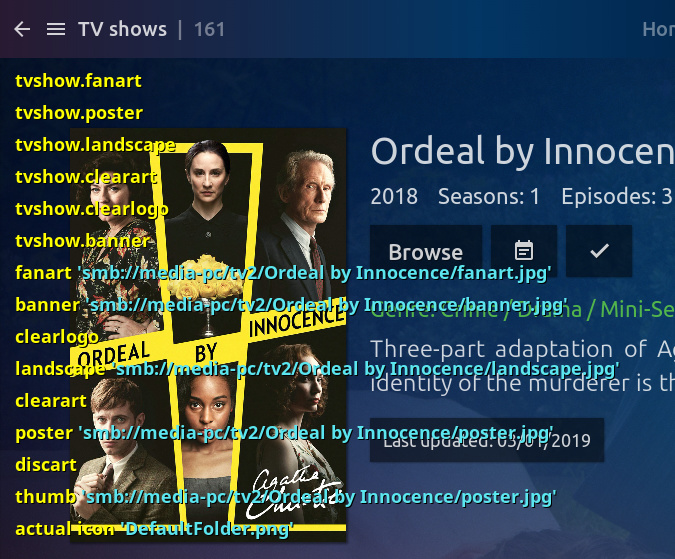

PKC doesn’t need to be asking PMS for artwork as Kodi+ArtwotkBeef does all that. If PKC isn’t asking for artwork it will speed up things and remove another point of failure from the addon
Isn‘t this against the thought of PKC and Plex in general?
If you won‘t get any artwork from Plex, why using Plex? Same thing could be with Metadata like description or collections. Kodi could get all the information by itself and uses smb-share. But thats not what Plex and PKC is made for.
With Plex you have to use Plex for getting artwork, subtitles, descriptions, collections, …
You want this to be done by Kodi? Then get rid of Plex and PKC.
Just my two pence…
@croneter. Finally got the playlists removed with the Python Script, HUGE THANKYOU, a few syntax errors along the way and weird id ranges for the playlists but completed.
Restarted Kodi and set up everything again and working great all shows and movies synced rather quickly… Turned on Music Library and restarted PKC . It doesn’t seem to be syncing the files, unless it takes some time. Or do I have to rebuild again now that it is turned on ??
