Thanks @croneter, again hat is off to you my friend. Will grab it shortly, nothing in the read me about updating anything else or doing a database refresh now we are in the 2.6 version…
Awesome job on the new version!
I noticed that 2 strings, that were already translated before, are incorrect.
String 248 + 249
I have corrected them.
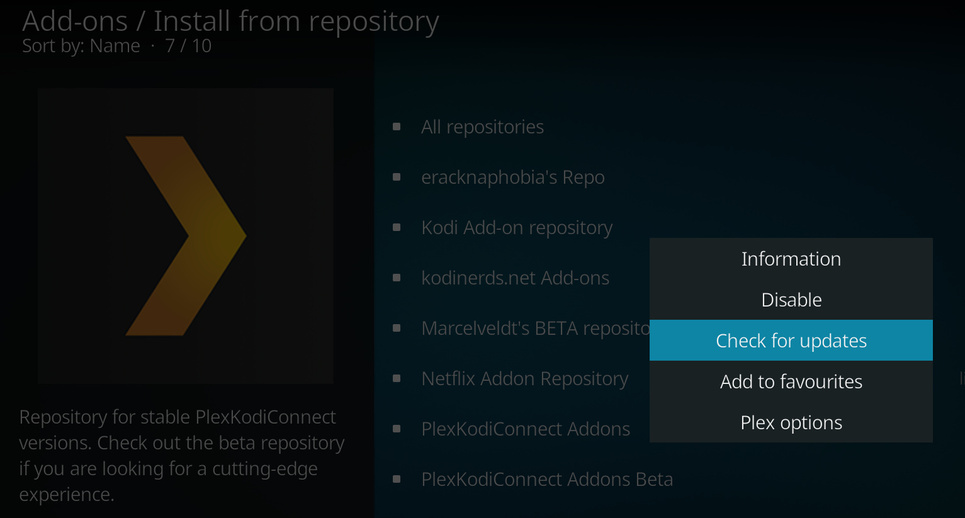
Hmm… version 2.4.11 is still the newest offered stable version via repository. 
Uninstall the repo and reinstall it.
This always happens for some reason.
Thanks! Now it works.
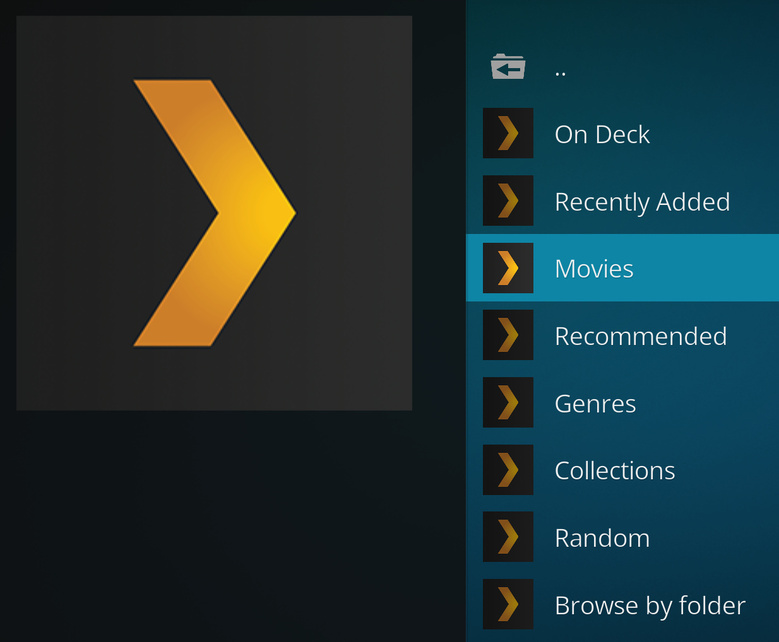
Anyone else having issues browsing movies since the update of Kodi to 18.0 and this addon to 2.6.0? If I click the shortcut for my movies library it does nothing or takes me back home. If I browse by genre, year, actor, etc. it works fine. But for some reason browsing by title does nothing.
Same issues on FireTv stick
Hi Croneter,
actually I think there may be an issue with the plex login user.
First, some background:
I have 2 plex users: cyriltra (plex admin), Public User.
cyriltra : has access to all libraries
Public User : has access to 3 libraries: Movies, TV Shows, Music
With Kodi & PKC, im using Public User
The issue
After the auto upgrade of PKC from 2.5.23 to 2.6 => I realize Kodi is now displaying all libraries.
I checked the settings and the logged in user was now cyriltra, instead of Public User
- I then manually log out cyriltra (via PKC settings) and decided to log in again.
- Here, PKC gave me the plex link code to input in plex.tv/link, which i did
- once the account is linked, PKC asked me to select my plex user: cyriltra or public user
- i select public user and PKC provided me another plex link code.
- I input as well this new code in plex.tv/link
- Once the account is linked again, PKC does not asked me to select a plex user again.
- when I go to PKC settings, the plex user used is cyriltra and not public user
For the moment, I dont have any debug log, but I will try to provide you asap. Meanwhile, you can maybe try to reproduce these steps and see if it’s really a bug or not.
I wrote in this forum 16 days ago about this issue. I was away from home the entire December and until November i never encountered this issue.
early Jan, I fixed this issue by logging out and login in several time, which at some point PKC starts using Public User
I then updated PKC (beta) from 2.5.17 to 2.5.23 without any further issue. Then yesterday it automatically upgraded to 2.6 and the issue came back 
Thank you
@cyriltra Thanks for the detailed bug report. Let’s take the discussion to Github: https://github.com/croneter/PlexKodiConnect/issues/646
I’m having an issue after Kodi updated on a Shield TV - using multiple profiles, only one profile is showing the artwork.
I logged in using the “Adults” profile and was able to update PlexKodiConnect to the latest version. PKC went through and updated the library, restarted Kodi, and everything was good, correct libraries displayed, media played back and images displayed. When I logged into the “Kids” account, PKC correctly identified that I was logged in as the “Kids” user for Plex, the appropriate libraries displayed, and updated the library, media plays back – however the images are missing.
My other Sheild TV updated, and the profile missing the artwork is reversed - the “Kids” profile (user) updated and the artwork shows, the “Adults” profile (user) is missing the artwork. In this case, the libraries are displaying properly and media plays back, but the art for one profile is still missing.
I used the option to in the settings to redo the scan (I kept my settings in place so I didn’t have to retype all my paths) - it does correctly scan the appropriate libraries but the artwork still does not display.
Is anyone else using profiles seeing this also?
Yes, there’s definitely a bug concerning profiles - working on it right now: Fix TV sections not being deleted e.g. after user switch by croneter · Pull Request #648 · croneter/PlexKodiConnect · GitHub
@croneter You are correct that I had a widget pointing to the PKC menu point for Movies and that broke, but even manually navigating to the “Movie” menu point in PKC is broken/does nothing.
It works fine here. Please open an issue on Github and share your log file: How to Report A Bug · croneter/PlexKodiConnect Wiki · GitHub
Edit - be aware that you need to navigate e.g. via Add-ons → VIDEO Add-ons → PlexKodiConnect for movies and tv shows (Kodi limitation)
Darn, I thought I had all the bases covered  . Sorry for the enforced database reset (again).
Known issue: PKC signs out (or seems to sign out) when changing Plex users AND fanart has not yet been synced in the background
Changelog
version 2.6.1:
- WARNING: You will need to reset the Kodi database!
- Fix TV sections not being deleted e.g. after user switch
- Don’t show a library sync error pop-up when full sync is interrupted
- Fix to correctly escape paths
- Update translations
Blockquote
It works fine here. Please open an issue on Github and share your log file: How to Report A Bug · croneter/PlexKodiConnect Wiki · GitHub
Blockquote
Edit - be aware that you need to navigate e.g. via Add-ons -> VIDEO Add-ons -> PlexKodiConnect for movies and tv shows (Kodi limitation)
It could be that I was navigating incorrectly. I will try what you suggested, but if that doesn’t work I may reset Kodi and PKC completely as it seems to be long overdue on my end.
Should not even be possible since I did everything to hide non-functional nodes 
@croneter. Update for you Kodi 17.6 No issues 2.5.23, Upgrade 2.6 No issues, Upgrade 2.6.1 Again No issues. Many Thanks
Thanks for the great work @croneter.!!!
Is “PlexKodiConnect” add-on support the QNAP version KODI(v18 a1.1). After I installing the add-on and error message was shown which not support 
