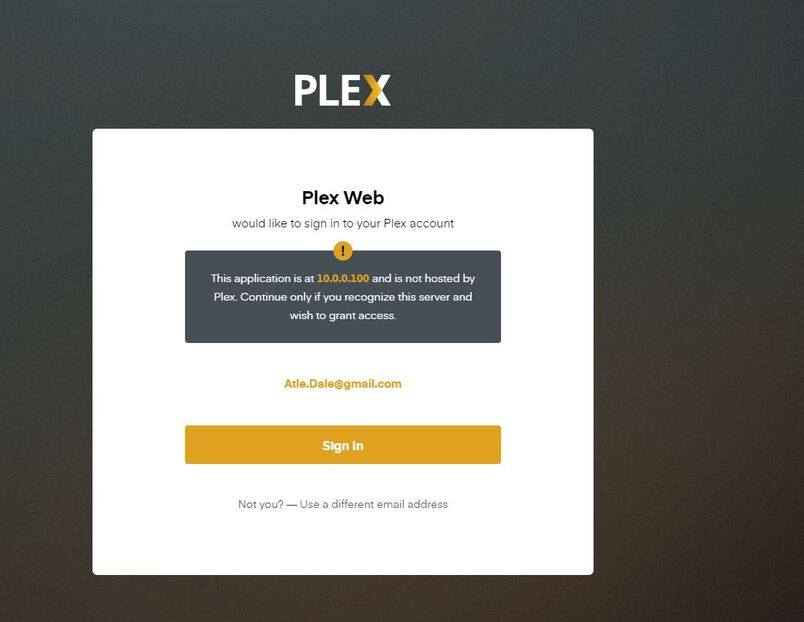
Let’s continue here, since you created this first.
We’ll ignore the other thread.
If you want to do two things:
QNAP Control Panel - Shared Folders - Create a “PlexData” shared folder on your DataVol1 (or default volume). Grant appropriate permissions for you to access it as admin / your username.
Install 1.20.0 - it may complain. If it does, dismiss/delete the errors
start Plex - it will create direct access links to where your logs are (what we’re after)
When startup fails, Open FileStation
Navigate: PlexData/Plex Media Server
Right-click Logs and then Compress to Logs.zip
when complete, download them to your computer then upload here.
Actually, it worked when I was logged in. I clicked Dashboard and I can play movies. I wonder what happened. Additional question: Sometimes it pauses to decode 1-2 seconds. Are there optimal settings to prevent this, and do I do this on the client (Samsung TV) or the server (Qnap)? My router has disabled IPv6. Is it safe to turn this off in Advanced Settings on the server? I see that the 1.19.5 update is available to install. I downloaded it. Can I install it or will I get Datashare problems? Install 1.20?