Hello all. I could use some help/advice on my setup. I’m running the latest PMS on an m1 Mac mini connected via Ethernet to a Nighthawk XR500. Utilizing 2 external USB drives formatted exFAT (I did this for compatibility once upon a time, for plugging these in directly to my TV; but if this is a problem please tell!). I don’t notice any problems when I just use Plex on that Mac, but I’m having issue when using the Plex app on my Samsung TV connected to the same network via WiFi. Some videos in the app are randomly stuttering/buffering. I say random because there is literally no rhyme or reason; also no errors are given. The console doesn’t show anything concerning but I’ll send that if you like. I’ve gone through all kinds of settings research for the PMS and I think I’ve got it setup pretty well. I just don’t understand why the app via the TV has problems but I don’t experience anything negative when just using the Mac setup. The reason I would like to use this TV app though is because video looks better. The colors are a little dulled when playing back on the Mac vs the TV app. Any help would be greatly appreciated!!
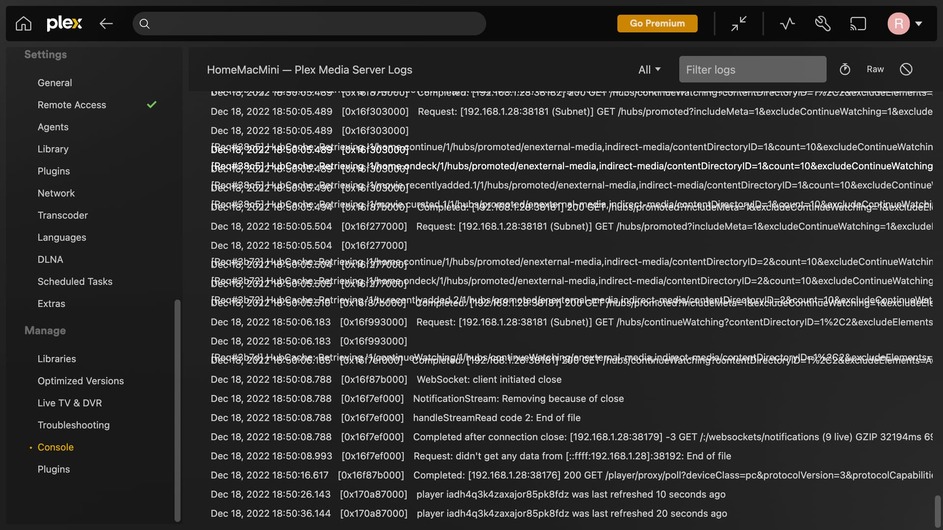
And the debug Output:
All
[
{
“type”: “info”,
“host”: “”,
“userAgent”: “Plex; 1.59.1.3398-dab42972; macOS 12.6”,
“browser”: {
“platformVersion”: “0”,
“id”: “unknown”,
“name”: “Unknown Browser”,
“version”: “0”,
“platformID”: “unknown”,
“platform”: “Unknown Platform”,
“platformModifierKey”: “ctrl”
},
“version”: “4.96.2”,
“primaryServerUrl”: “http://127.0.0.1:32400/”,
“primaryServerAuthToken”: true,
“username”: “rothnd”,
“cloudUrl”: [
{
“scheme”: “https”,
“address”: “plex.tv”,
“uri”: “https://plex.tv”,
“testState”: “connected”,
“isBundled”: false,
“isFallback”: false,
“relay”: false,
“isUntested”: false,
“isPending”: false,
“isConnected”: true,
“isUnauthorized”: false,
“isUnavailable”: false,
“isFailed”: false,
“isAborted”: false,
“isLoopback”: false,
“isPrivate”: false,
“isHttps”: true,
“isSecure”: true,
“isPlexDirect”: false,
“currentTest”: null,
“sources”: [
{
“id”: “internal”
}
]
}
]
}
]
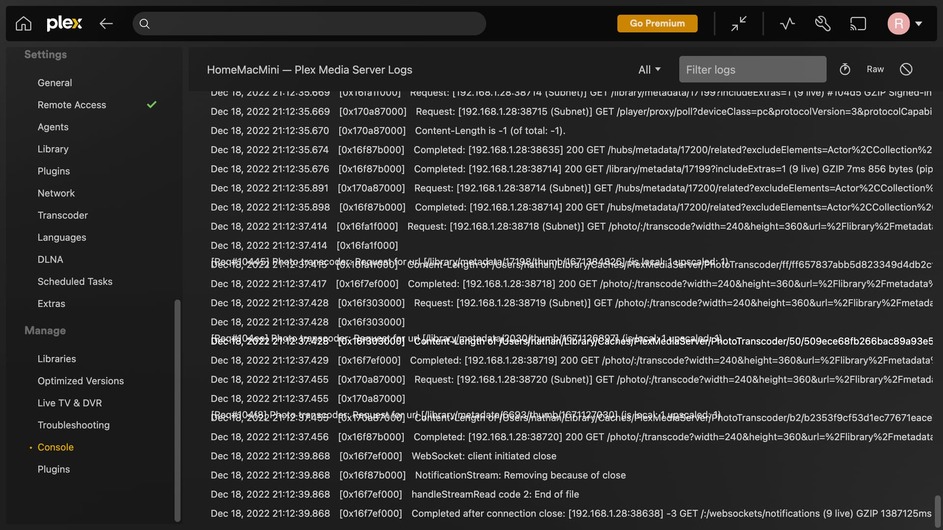
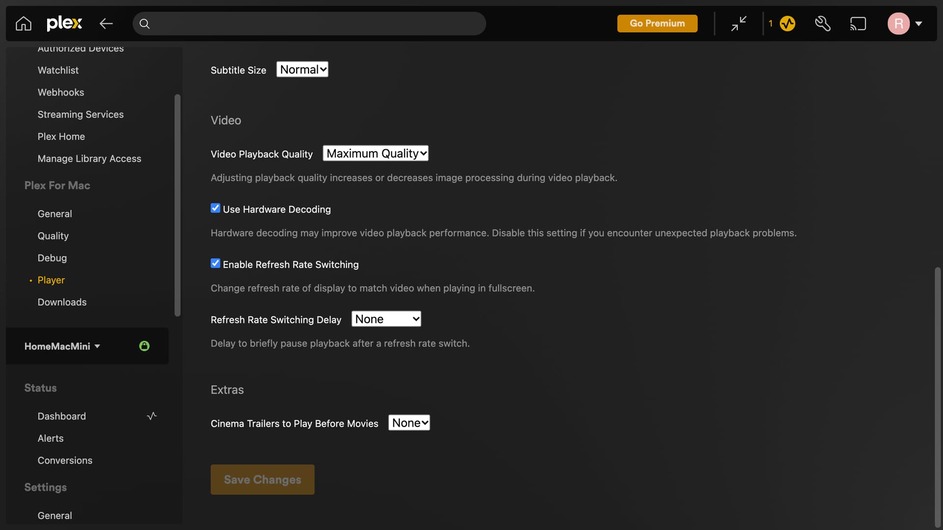
Sorry about the multiple replies. Just looking into things and have several screenshots for your review. I’m noticing a lag in the mini overall, so I was looking through Activity Monitor and seeing that my memory is being about run to capacity while watching the example here (1923 episode):


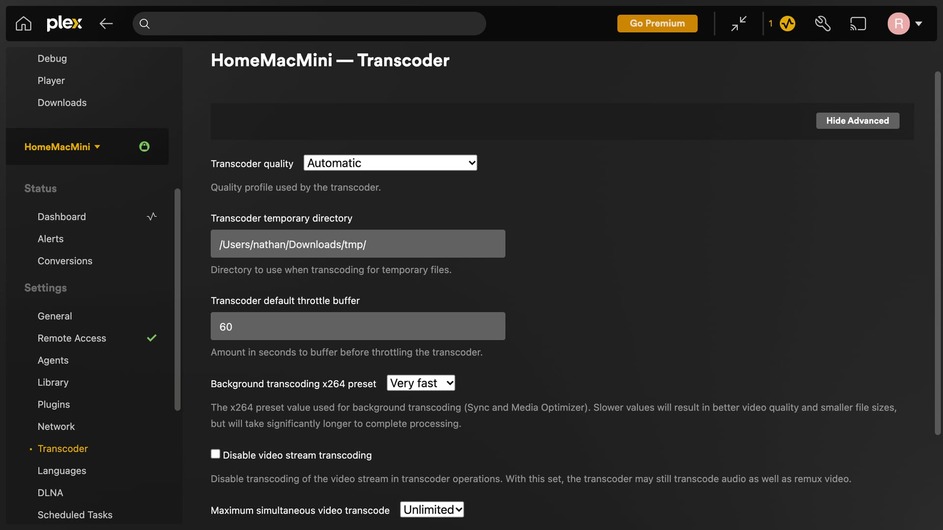
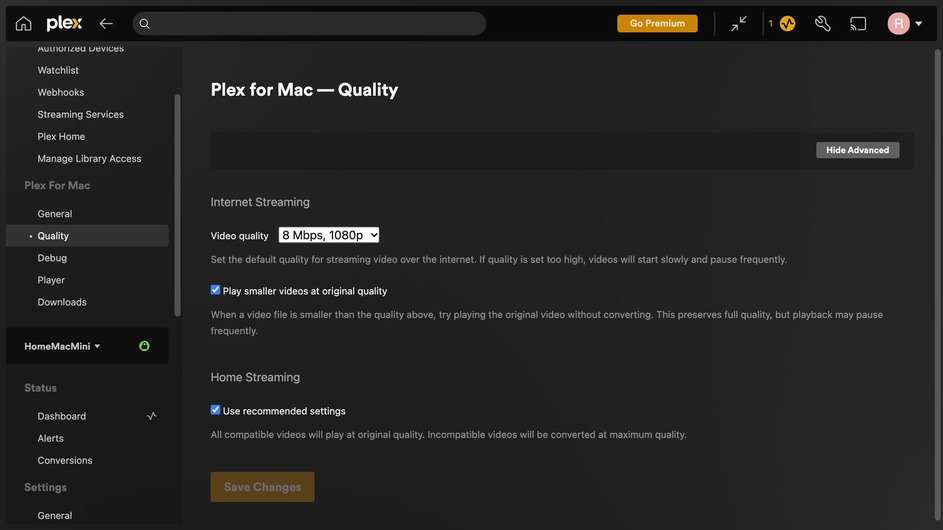
This is getting to the problem I think. One video requires a transcode and the other doesn’t. Yet, they have the same starting details .. 1080p HEVC Main 10
???
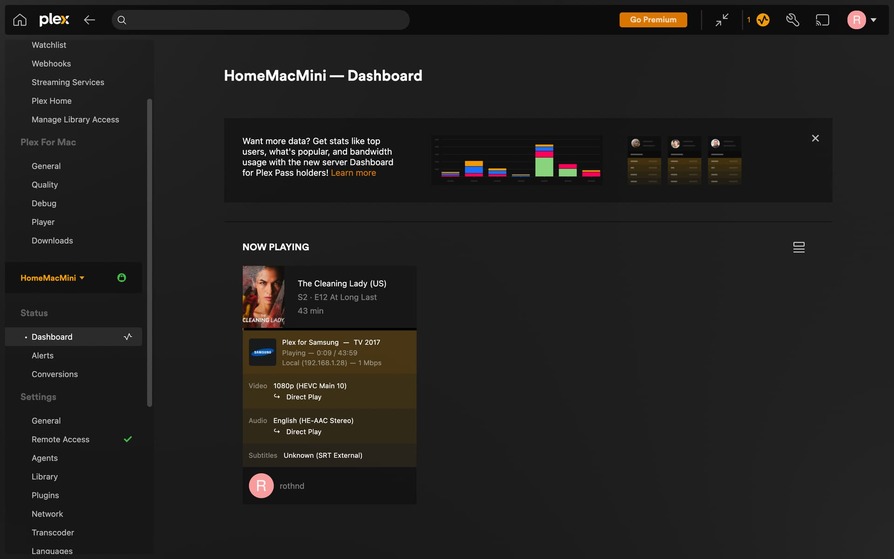

My money is on your subtitles. As far as I know ASS forces transcode and SRT does not. I always use SRT myself to get away from it. From your screenshots of now playing it seems my theory is correct.
Someone else might know better than me. 
Thanks. Yep, that makes sense after playing with it all day yesterday. New problem that cropped up, after finally getting a video to play as Direct Stream from that player, I check my server and there’s a transcode in the system. The Dashboard said Direct Play Video, Direct Play Audio, but yet there was an active transcode. Worse yet, after stopping that video and exiting the player, the transcode was still hanging on my system…
This topic was automatically closed 90 days after the last reply. New replies are no longer allowed.
