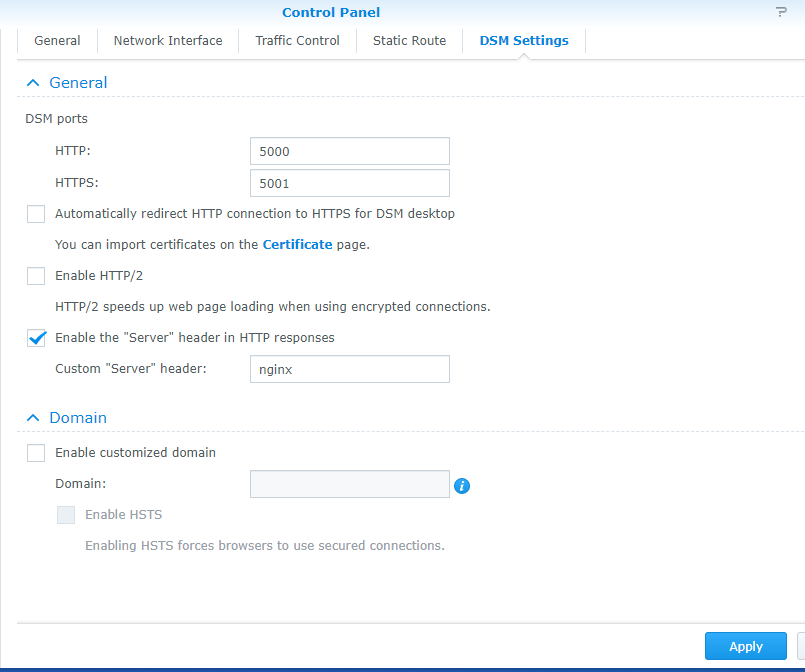
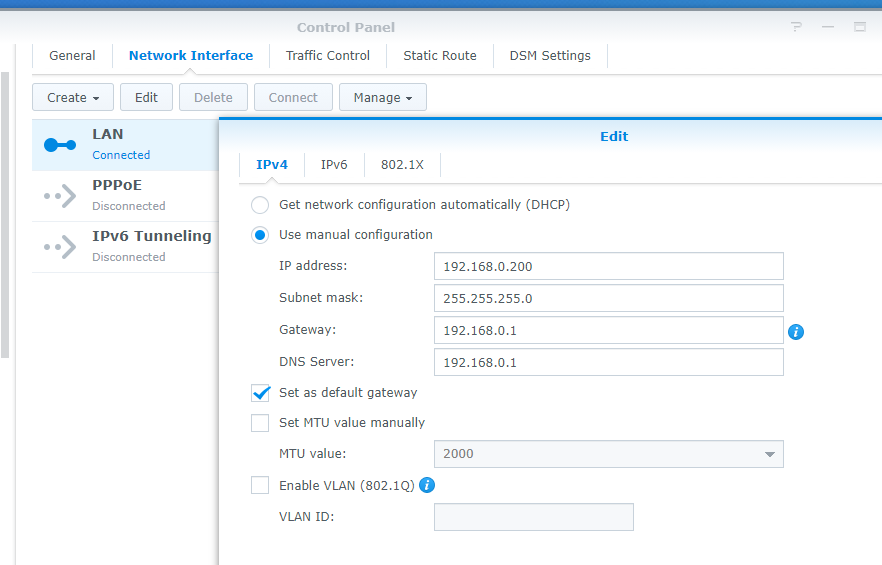
I installed PMS via the Plex Website (ARMv8 [x18 Series] and installed the Plex Key Certificate as indicated on online guides. When i went to open plex (http://192.168.0.200:32400/web), i could not access it.I tried uninstalling and downloading the Plex App from Package Manager on the DMS (yes the URL on Package Manager is the same as what was tried). Still the same problem.
Below are my Router configurations, where i set up a Port Forwarding rule for the NAS’s 32400 TCP & a Static IP address of 192.168.0.200.
Hi, so i tried that and i still can’t open http://192.168.0.200:32400/web at all. Deactivated QuickConnect & Firewall, redid the Preferences and closed my existing desktop server and signed out of https://plex.tv. Still nothing. Any other suggestions?
ok i just checked. 192.168.0.200:32400/web DOES load Plex when i try it on my phone and another laptop (same LAN). So the problem must be just my Desktop that its not loading up on.
NAS IP:192.168.0.200 255.255.255.0
Desktop: 192.168.0.10 255.255.255.0
Isn’t that the same subnet?
In my firewall, i have an inbound rule for plex (32400) and the IP of my desktop is static (router - IP Reserved).
Should i just switch to DHCP for Desktop?